Customers
This section enables you to:
-
View
-
Edit or Add (if set in Organization settings)
-
Export
The ability to Add or Edit is determined by the settings (customization ) for your Organization. This is useful when Customer data is primarily managed in another source -- in your ERP for example. This prevents users from adding or editing records that would be overwritten on the next refresh (import or via Velosity API).
List
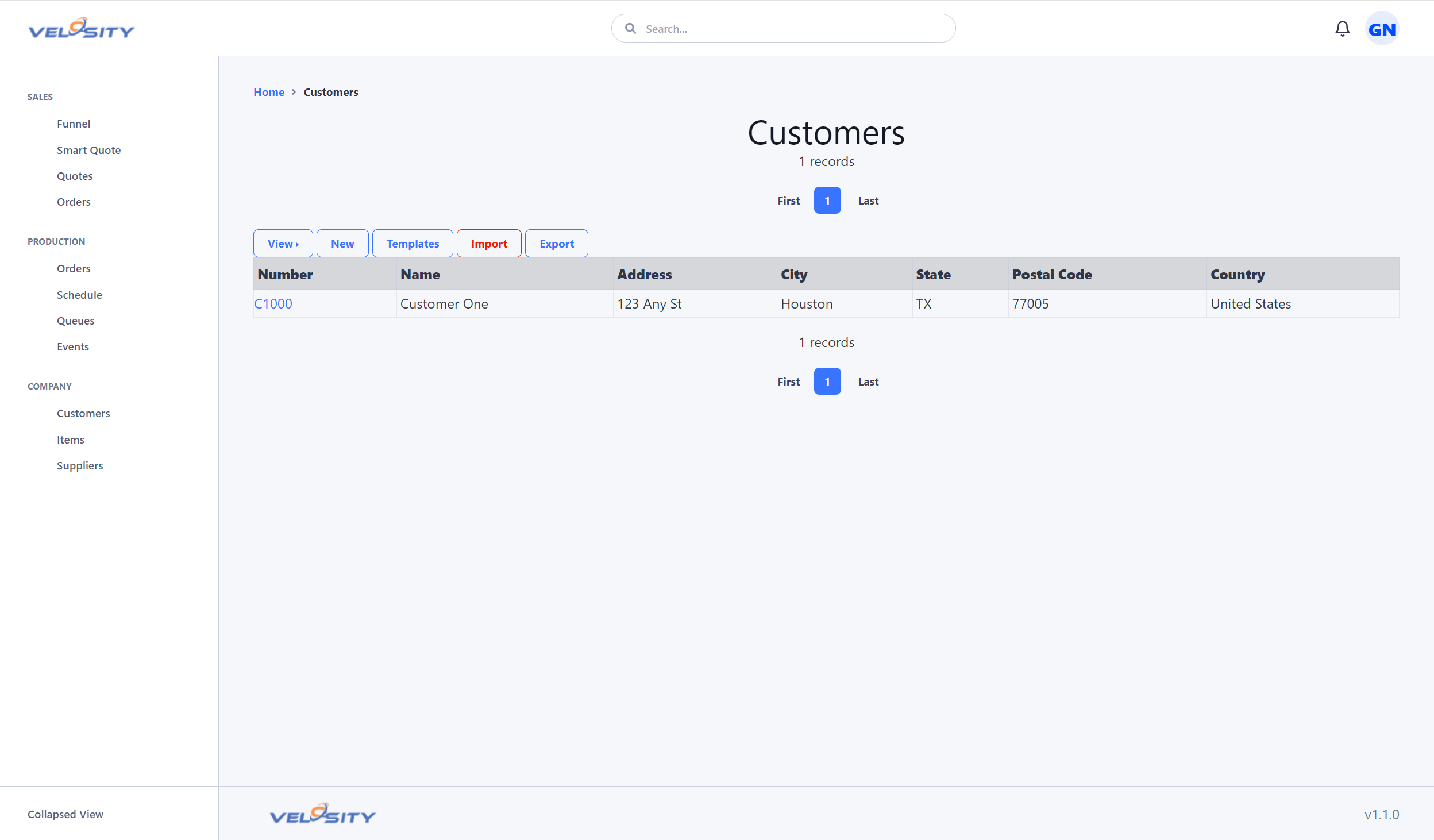
Detail
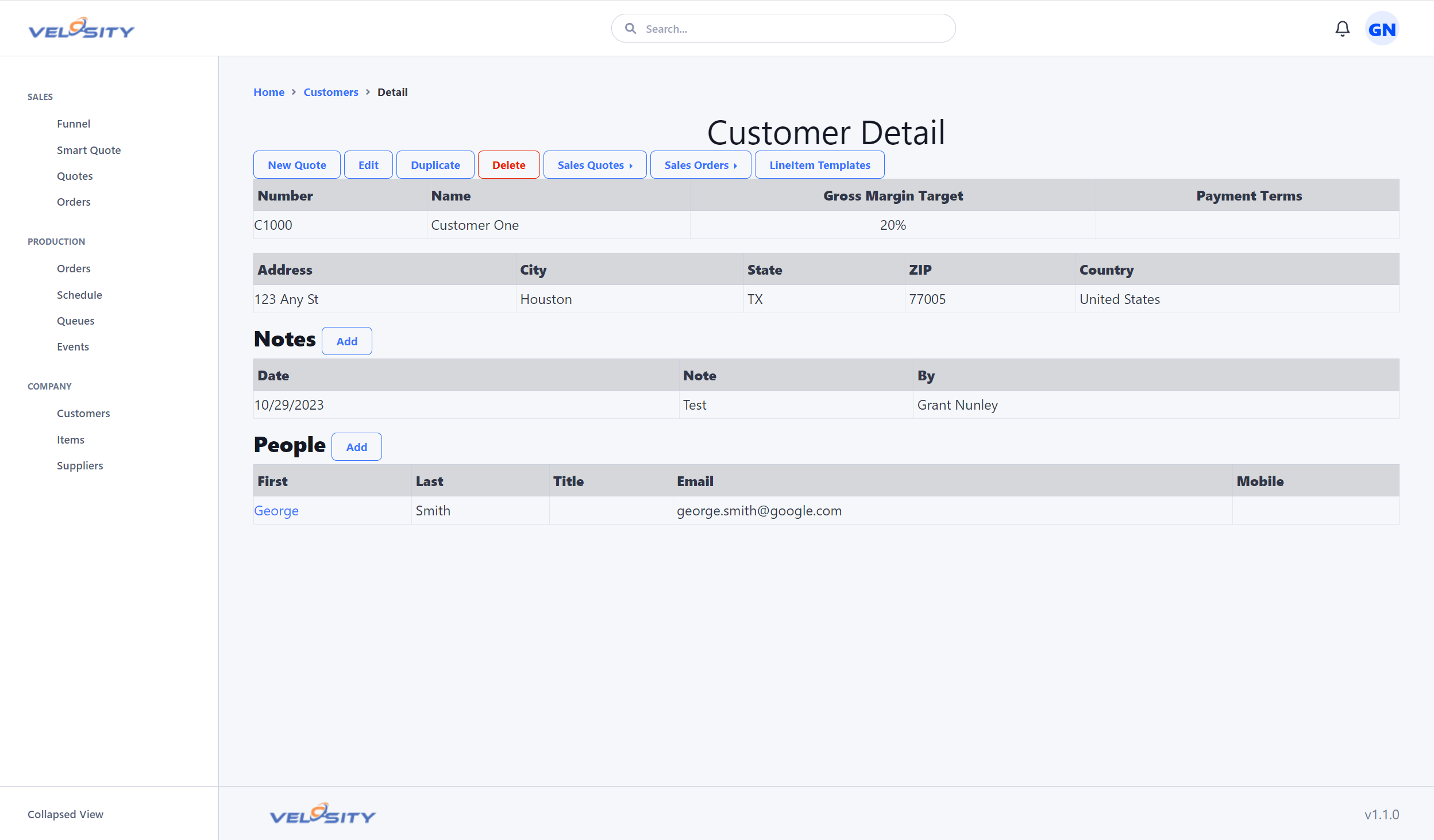
- Manage Ship To addresses
- Manage Price Breaks
- Manage Attributes
- Manage People & Contacts
- Manage Line Item Templates
- Advanced filtering via Slicers
Record History & Audit
Each customer record maintains a detailed audit trail. - Basics: Tracks "Created By", "Last Updated By", and associated timestamps. - Change Log: Provides a historical view of specific changes made to the record. - Pinned Status: Important customers can be "Pinned" for quick access or to highlight them in various dashboard views.
Administrative Settings
Several fields on the customer record are used for administrative and financial control: - Inco Terms: Default International Commercial Terms for shipping (e.g., EXW, FOB). These are selected from the Organization's catalog and serve as the default for new quotes. - Gross Margin Target: Default profit margin expectations for quotes associated with this customer. - Max Days Allowed: A configurable threshold used for turnaround time (TAT) tracking and inactivity warnings. In the Production Schedule, this value serves as a fallback threshold for the TAT flag if no product-level lead times are defined.
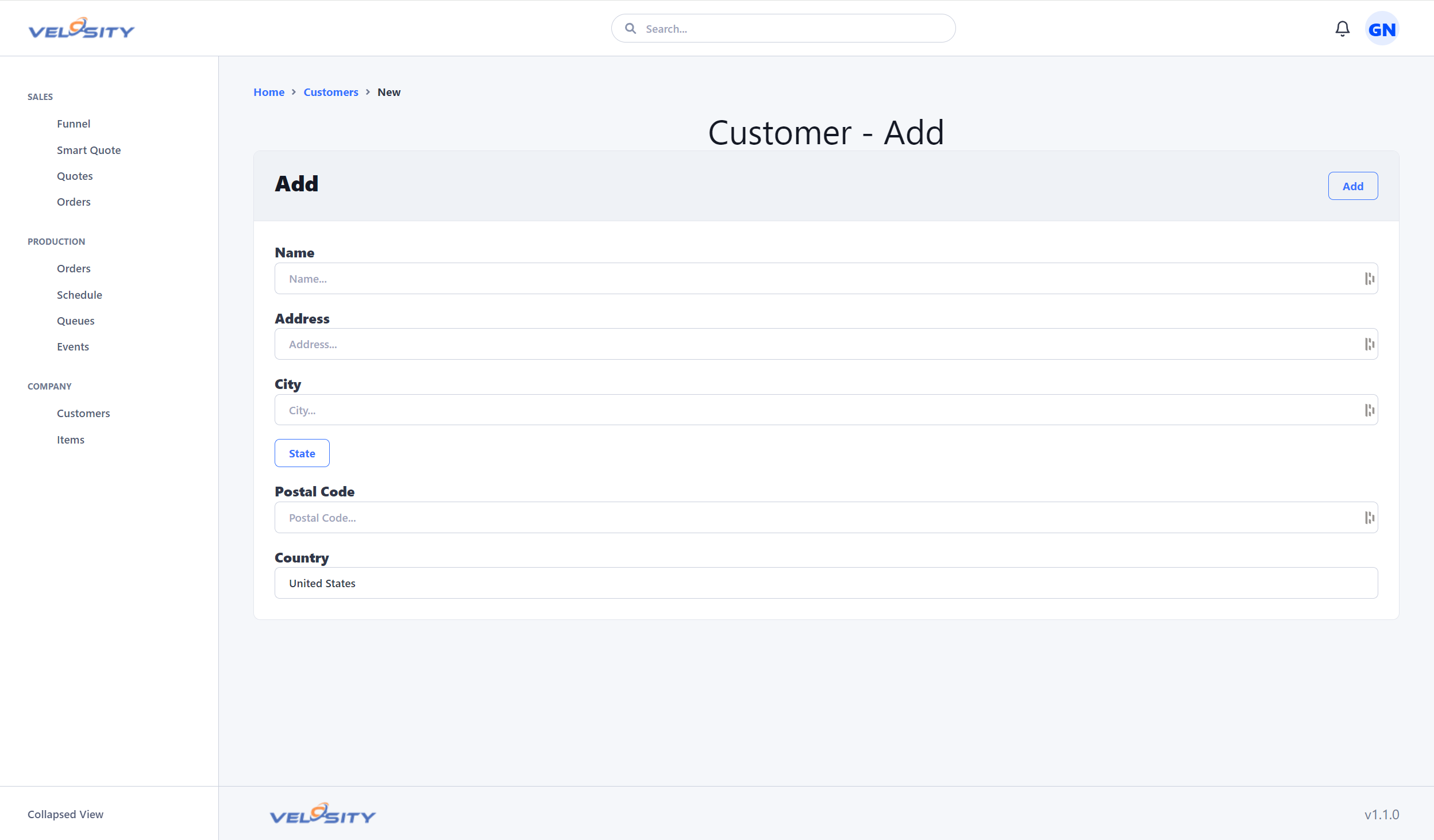
Add
Adding a customer may be disabled by your administrator if customer data is synced from another source (import or via API)
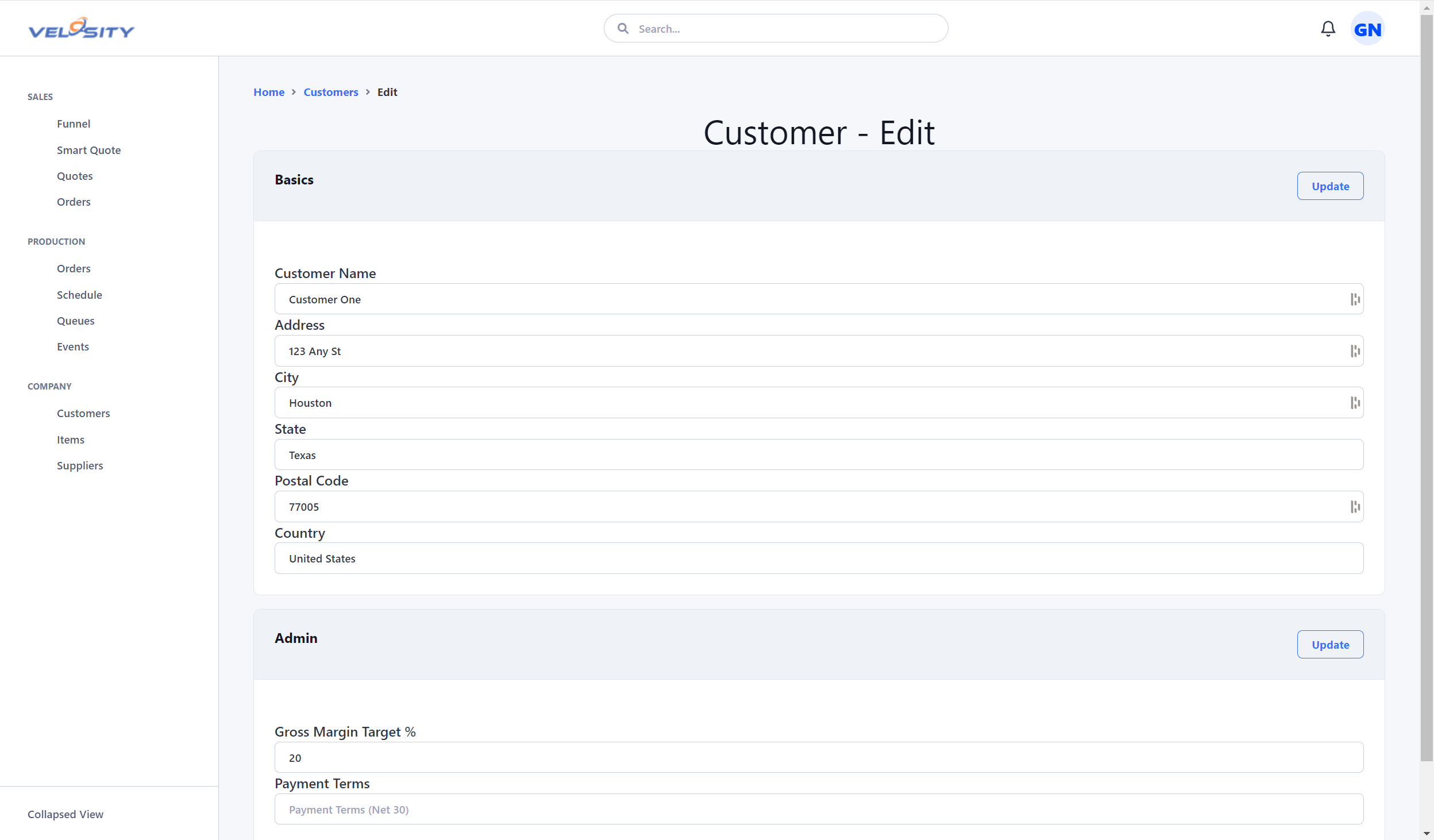
Edit
Editing a customer may be disabled by your administrator if customer data is synced from another source (import or via API)
Import
Importing of customer data from another source is possible via CSV files. Sample format here: - Customer Import Format. You can export the current data (sample or yours) to get the currently support format.
Search
You can search for a Customer using the search bar at the top of the Velosity window. A few characters of the Customer name will return search results across all entities. You can restrict the search to just Customers by using this syntax (case insensitive):
- cu:searchtext
- CU:searchtext