Hub
The Velosity Hub is your central dashboard for managing your account, communication, and launching Velosity applications. See Application Navigation for details on how to use the launcher to switch between modules.
Account Management
Profile
You can update your account details, including your profile picture and contact information, from the Me menu (initials icon at the top right).
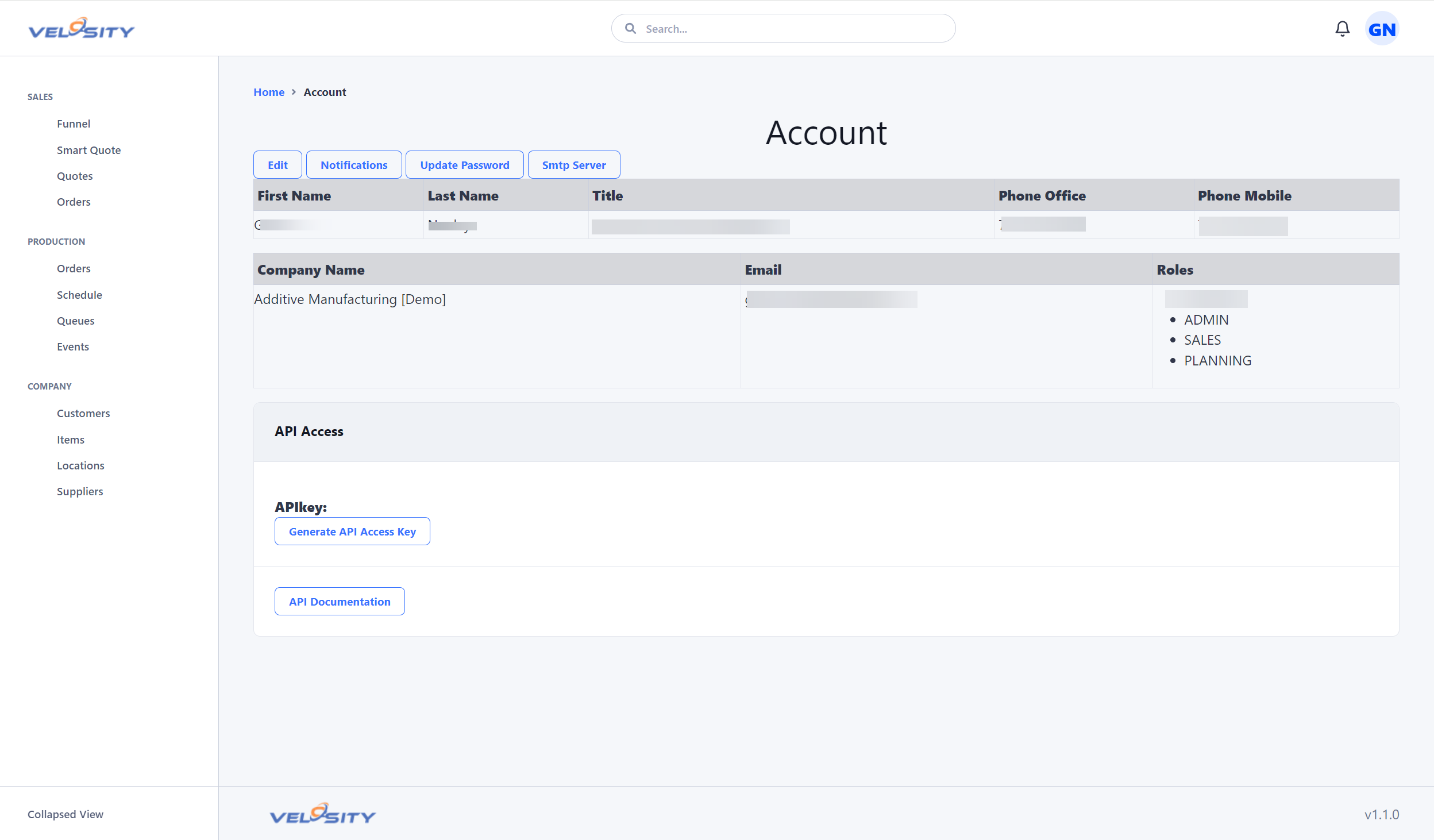
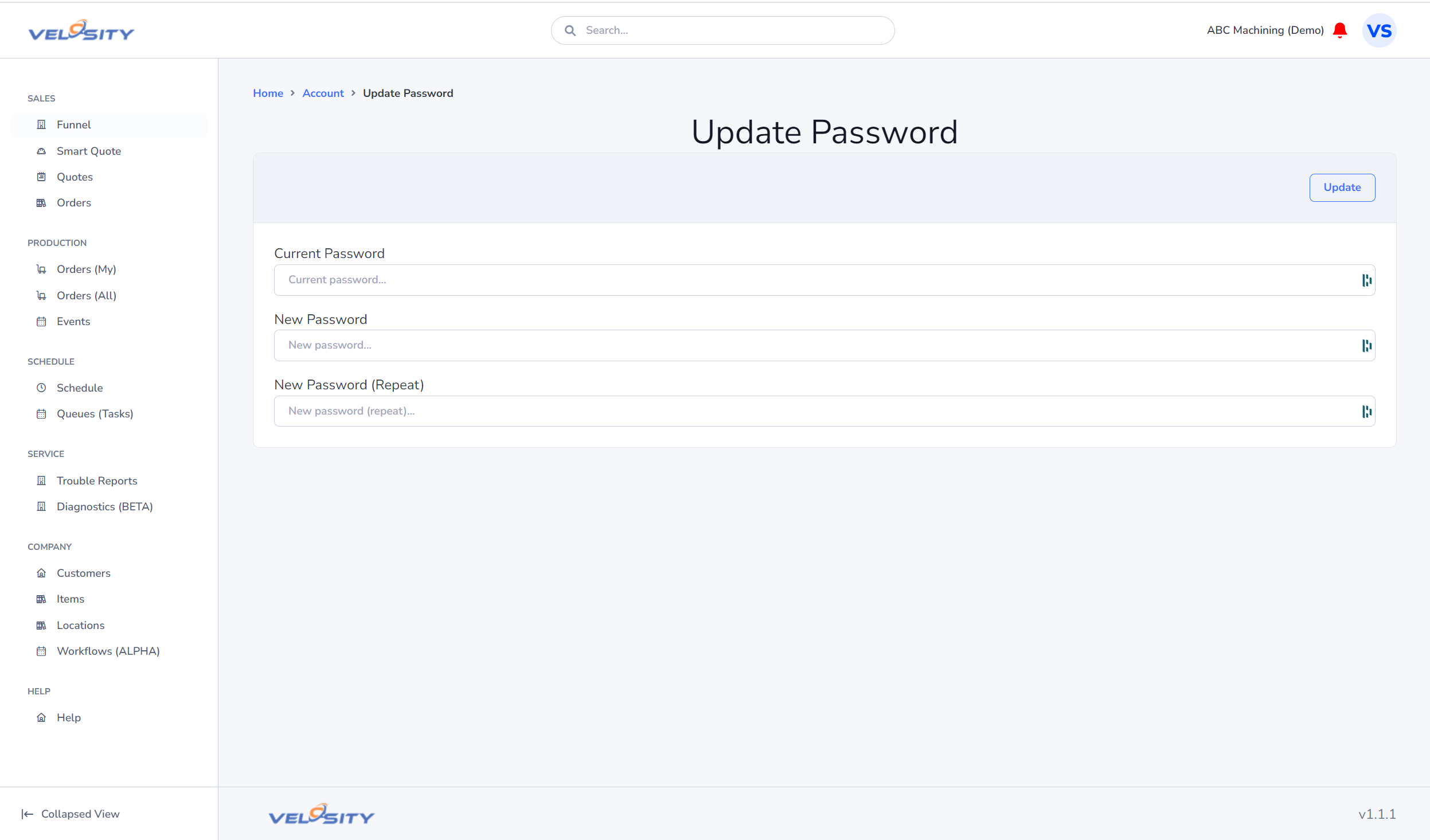
Password
To change your password, navigate to the Profile section under the Me menu.
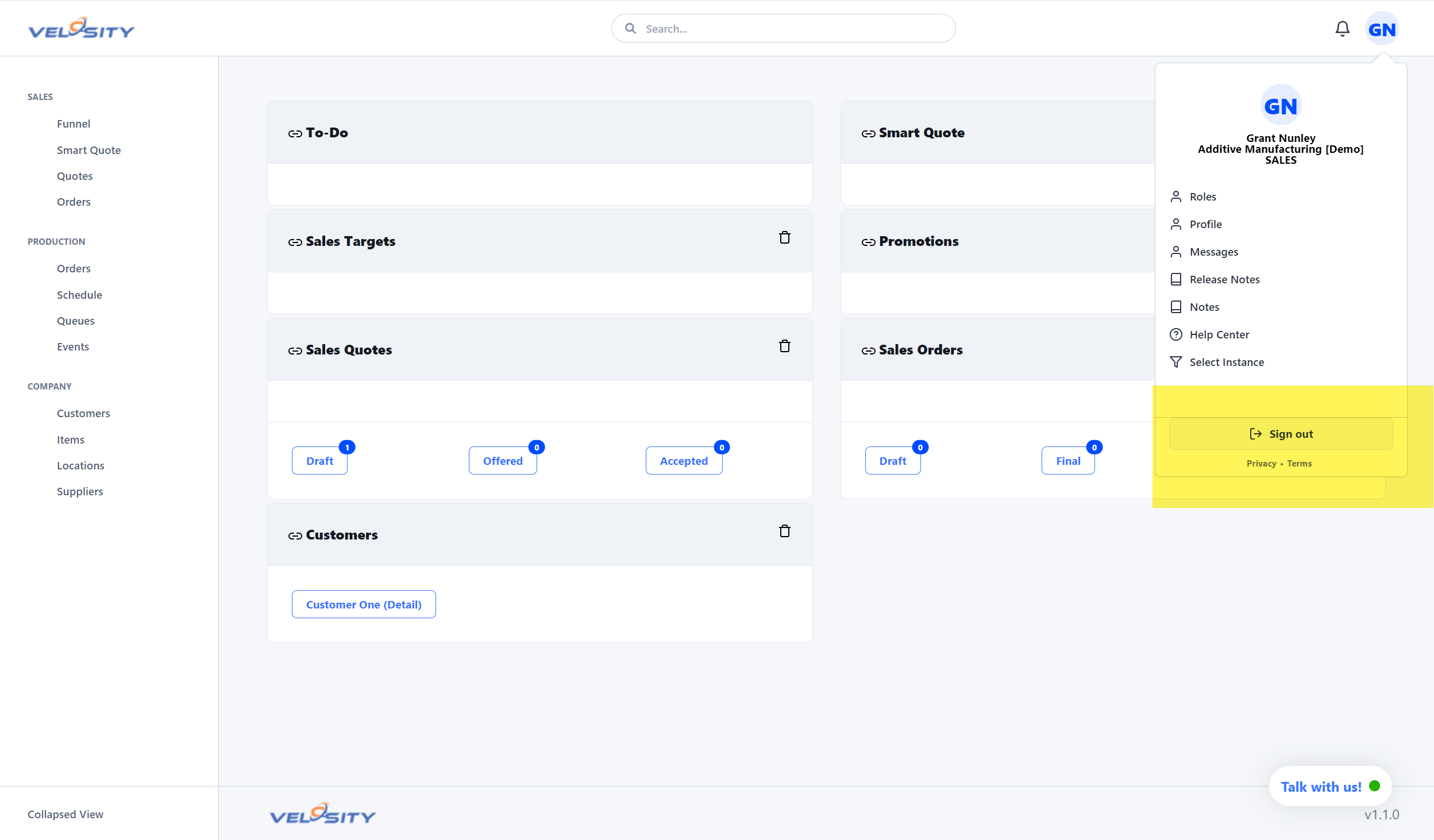
Logout
Securely sign out of your session using the Logout option in the user menu.
Communication
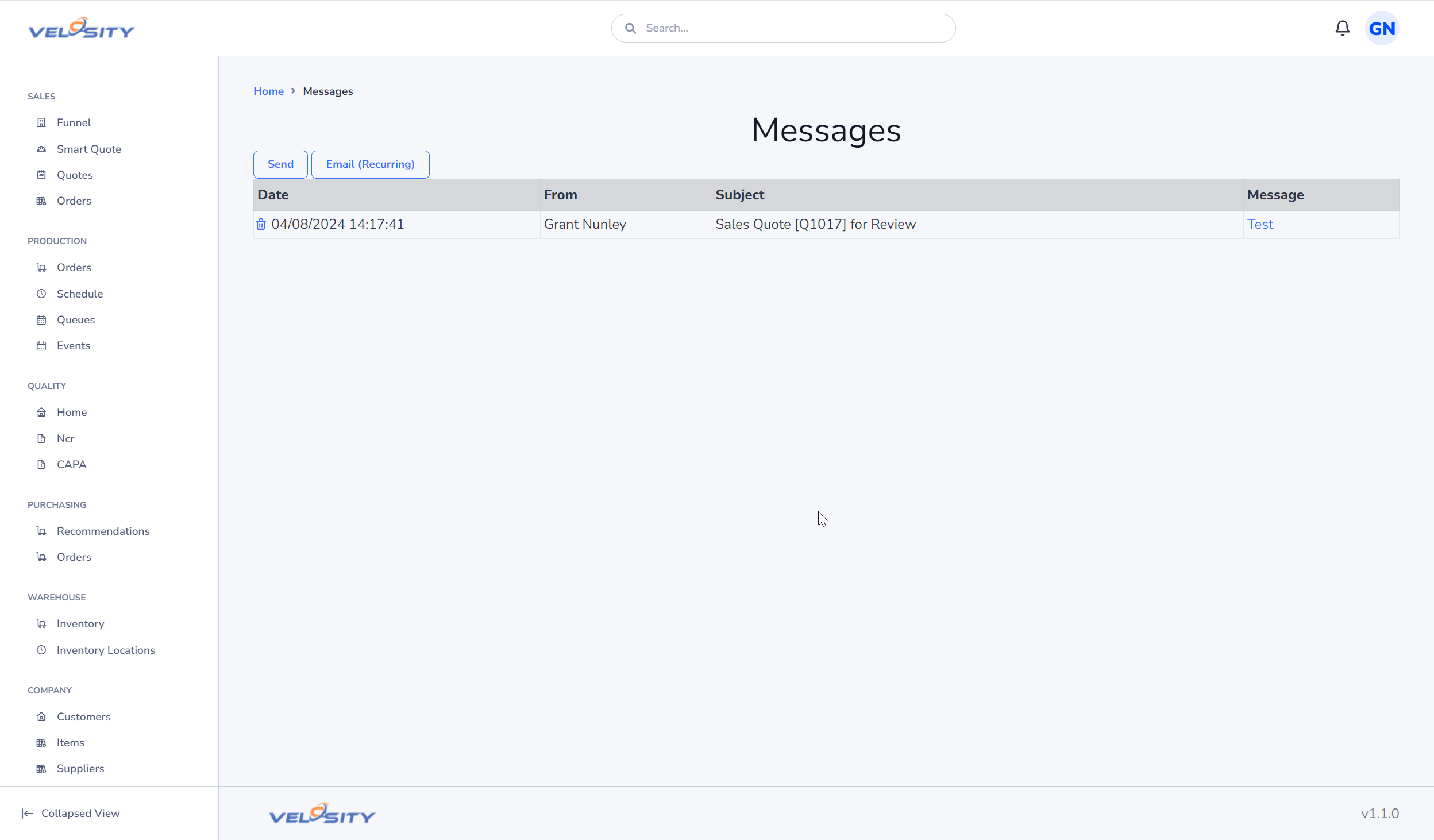
Messages
The Messages view allows you to communicate with other users and teams within Velosity.
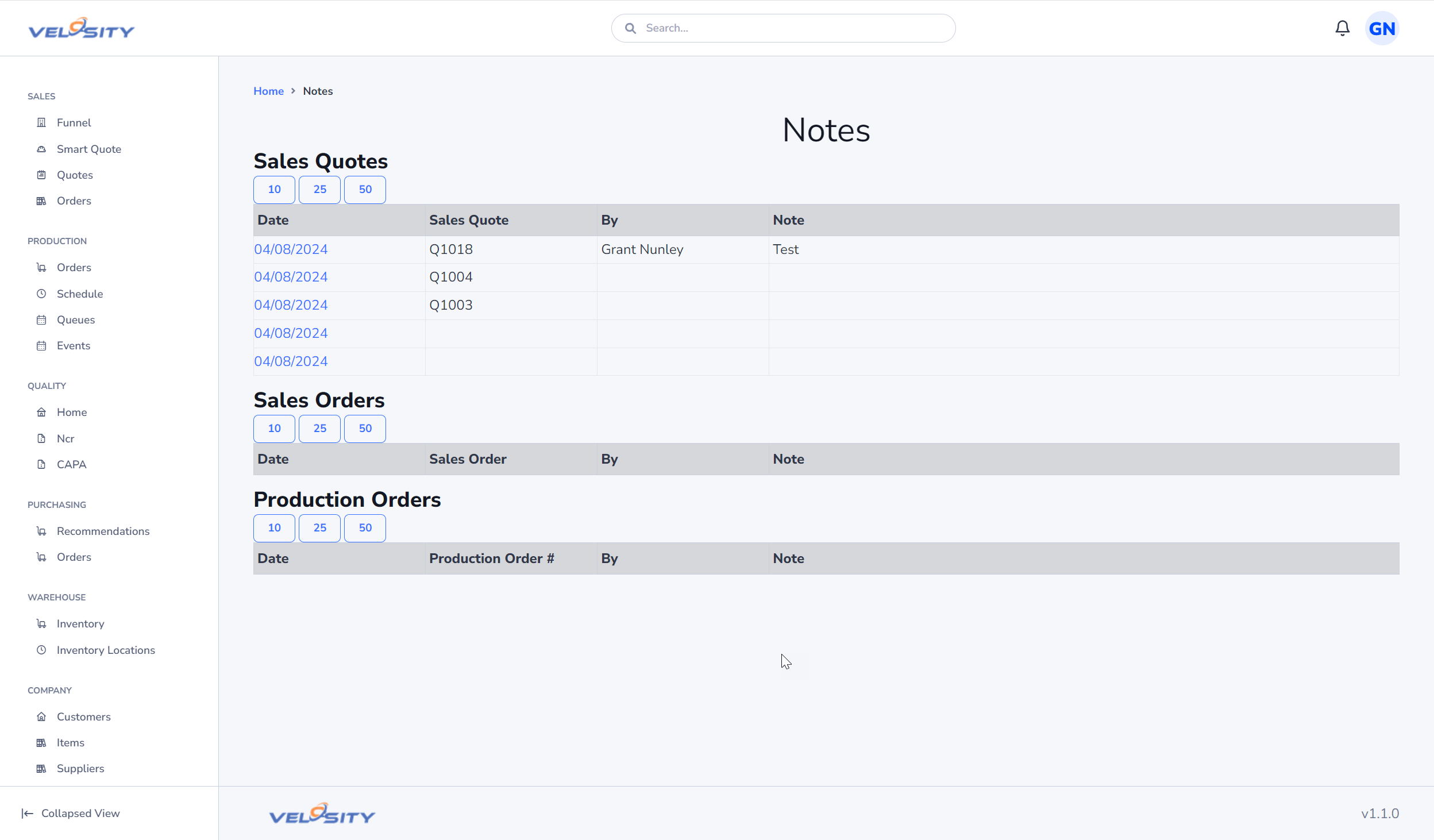
Notes
The Notes view provides a consolidated list of recent notes across various entities like Sales Quotes, Sales Orders, and Production Orders.
Roles & Permissions
Velosity uses a role-based access control system. Your navigation and available actions depend on the roles assigned to your account.
Switching Roles
If you have multiple roles, you can switch between them using the selector in the user menu.