Account Profile
Your Account Profile is where you manage your personal settings, security, and availability within Velosity.
Personal Information
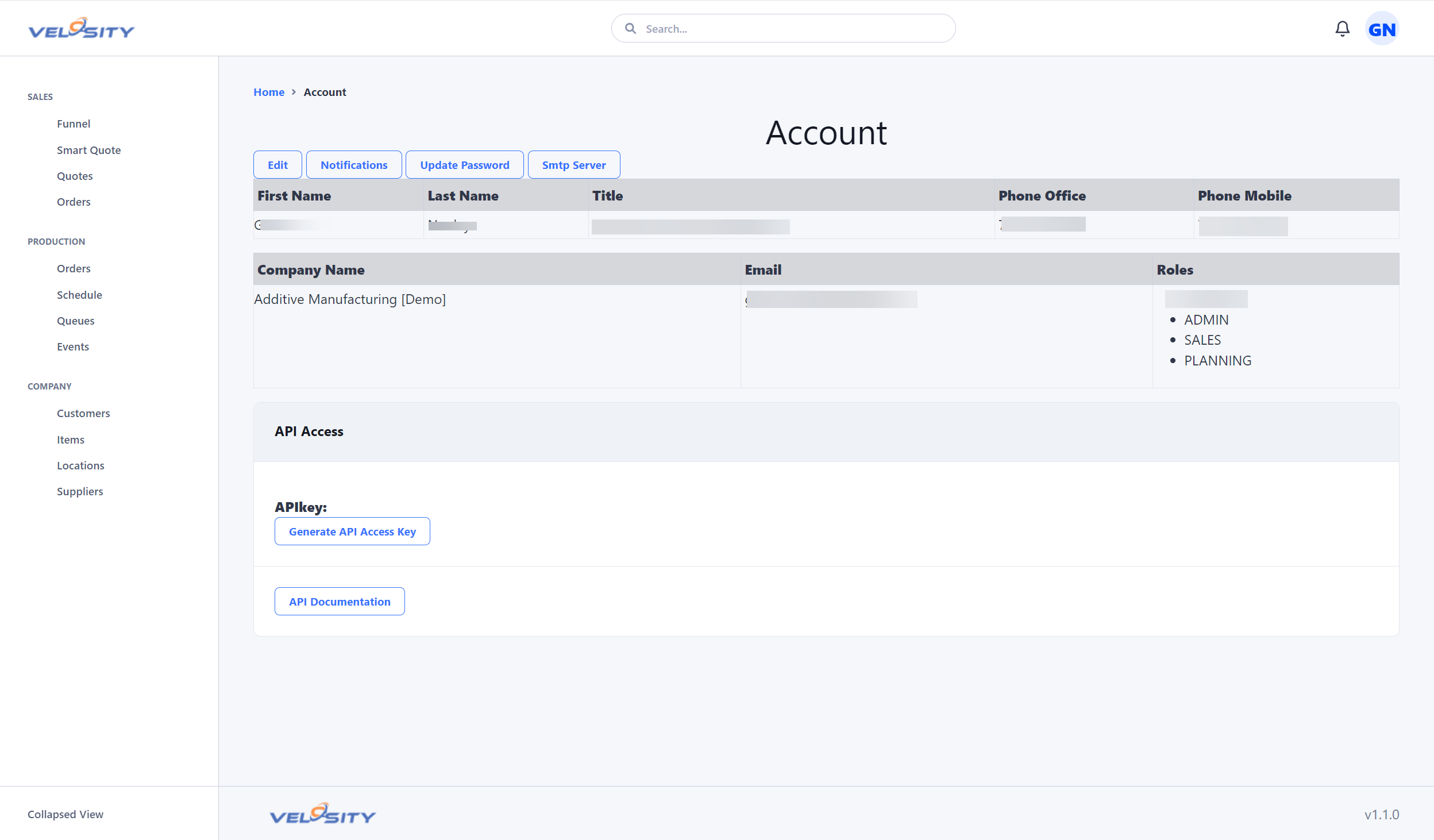
From the Profile tab, you can update your contact details, including: - Display Name: How your name appears to other users in the Message Center. - Email Address: The destination for your Notifications. - Language/Locale: Adjust the interface language and date/number formatting to match your region.
Roles and Permissions
While you cannot change your own roles, the profile view displays your current level of access (e.g., ADMIN, SALES, SHOP, TECH). These roles determine: - Which modules are visible in your navigation menu. - Whether you can edit or only view specific records. - How the system clocks your time on the shop floor.
Availability and Non-Working Days
If your user account is linked to a specific Resource (such as a Senior Technician or specialized welder), your availability directly impacts the Master Schedule.
To ensure the production schedule remains accurate: 1. Navigate to the Non-Working Days section of your profile. 2. Log planned absences, such as vacations or personal time off. 3. The Scheduler will automatically account for these gaps, shifting estimated completion dates for any tasks assigned to you.
Security
Ensure your account remains secure by regularly updating your password. If your organization uses Single Sign-On (SSO), these settings may be managed by your internal IT department.