Supplier Management
The Suppliers module in Velosity enables you to maintain a centralized database of your vendors and service providers. While this module is optional, it is highly recommended for organizations using the Purchasing or Inventory modules, as it allows you to link materials and purchase orders to specific vendors.
Managing Suppliers
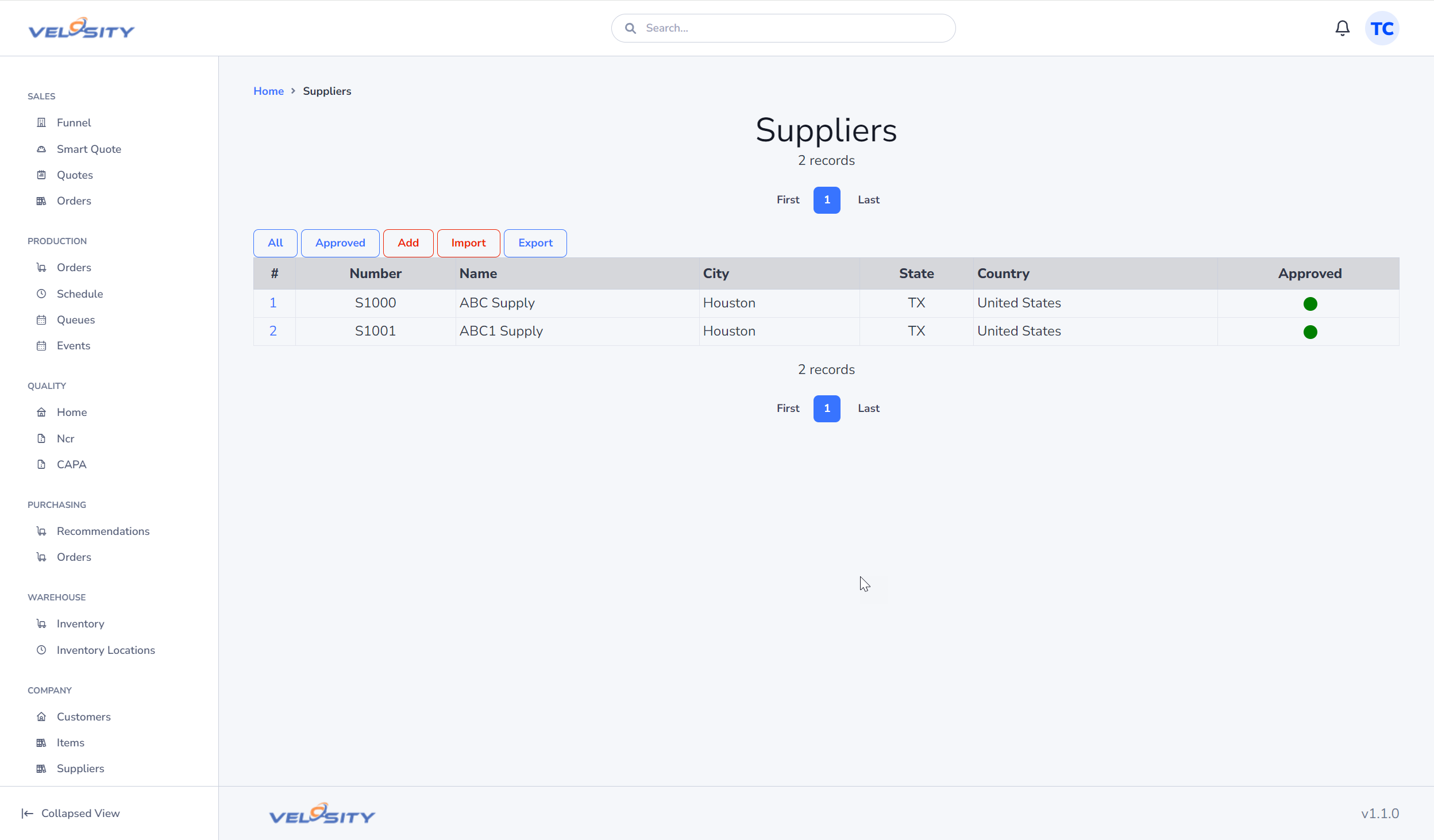
Supplier List
The List view provides a searchable directory of all your approved vendors. You can see their primary contact information and the "Category" of goods or services they provide (e.g., Raw Materials, Plating, Logistics).
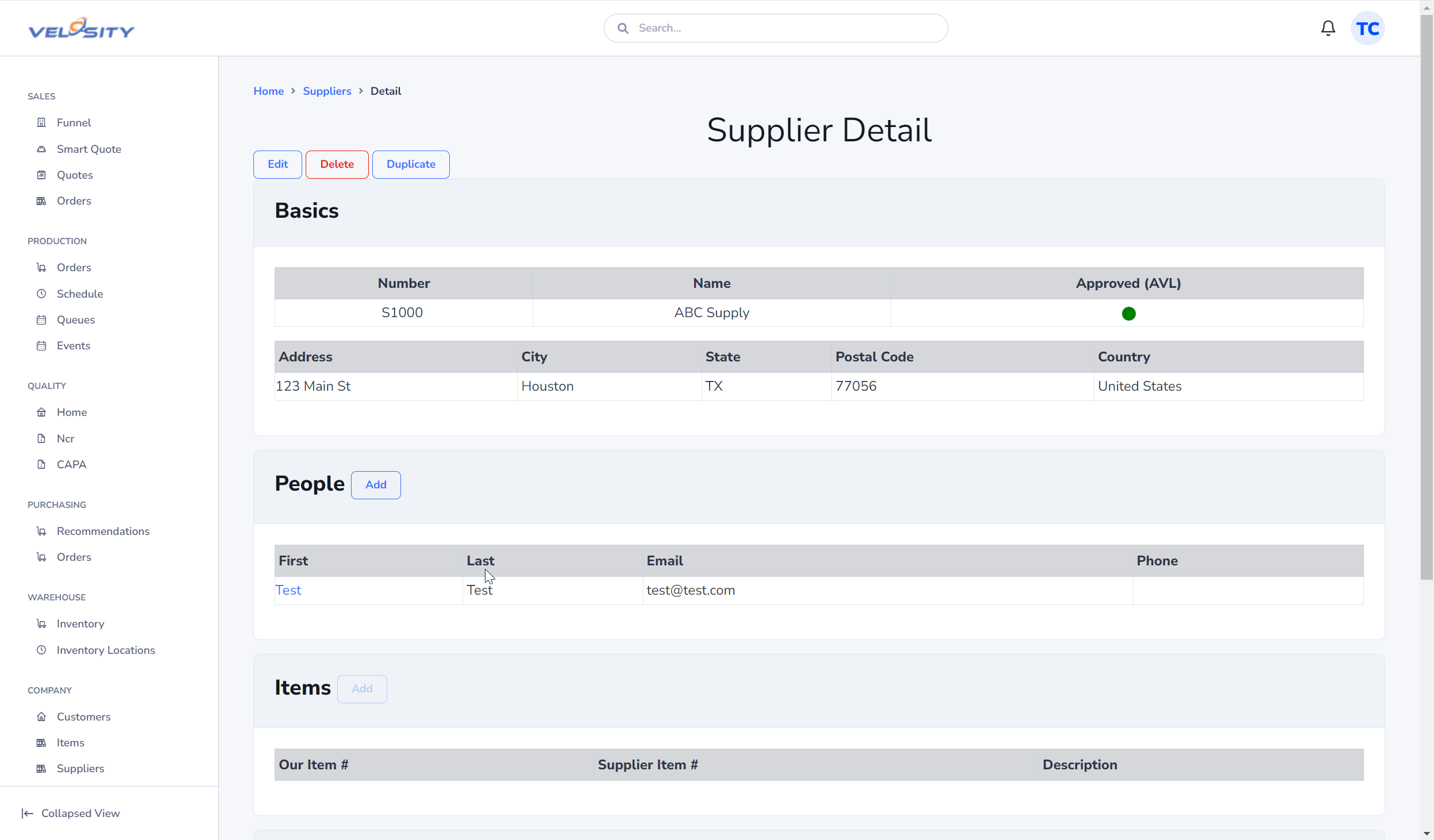
Supplier Detail
The Detail view acts as the master record for a vendor. Beyond basic contact info, it allows you to track: - Performance: Review linked Purchase Orders to understand on-time delivery trends. - Documents: Store vendor-specific documents such as W-9s, ISO certifications, or negotiated price lists in the Documents tab. - Related Items: See which Items from your catalog are primarily sourced from this supplier.
Data Entry and Updates
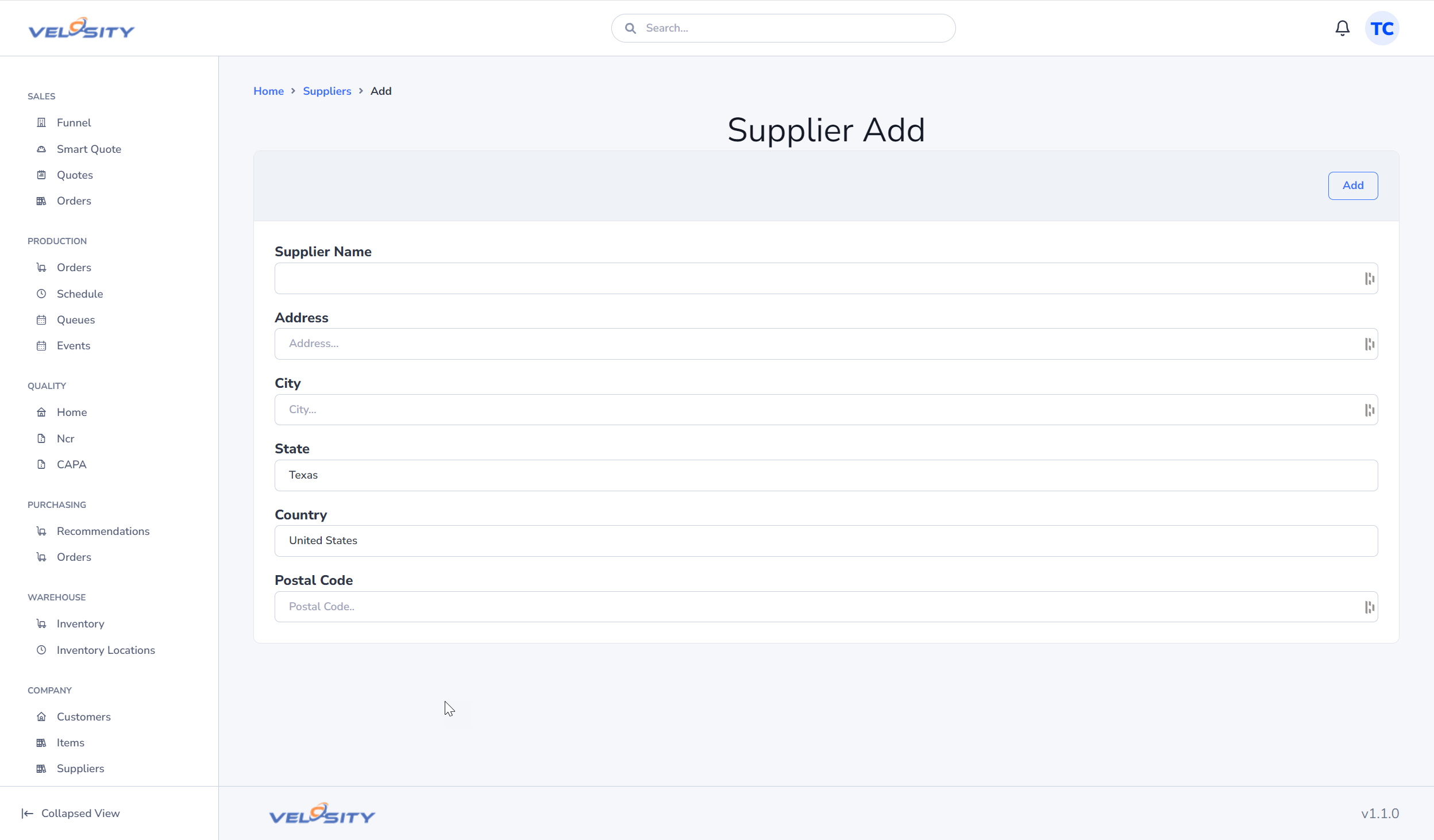
Adding a Supplier
When adding a new supplier, ensure you provide a unique Supplier Number. This number is often used as a key when syncing data with external accounting or ERP systems.
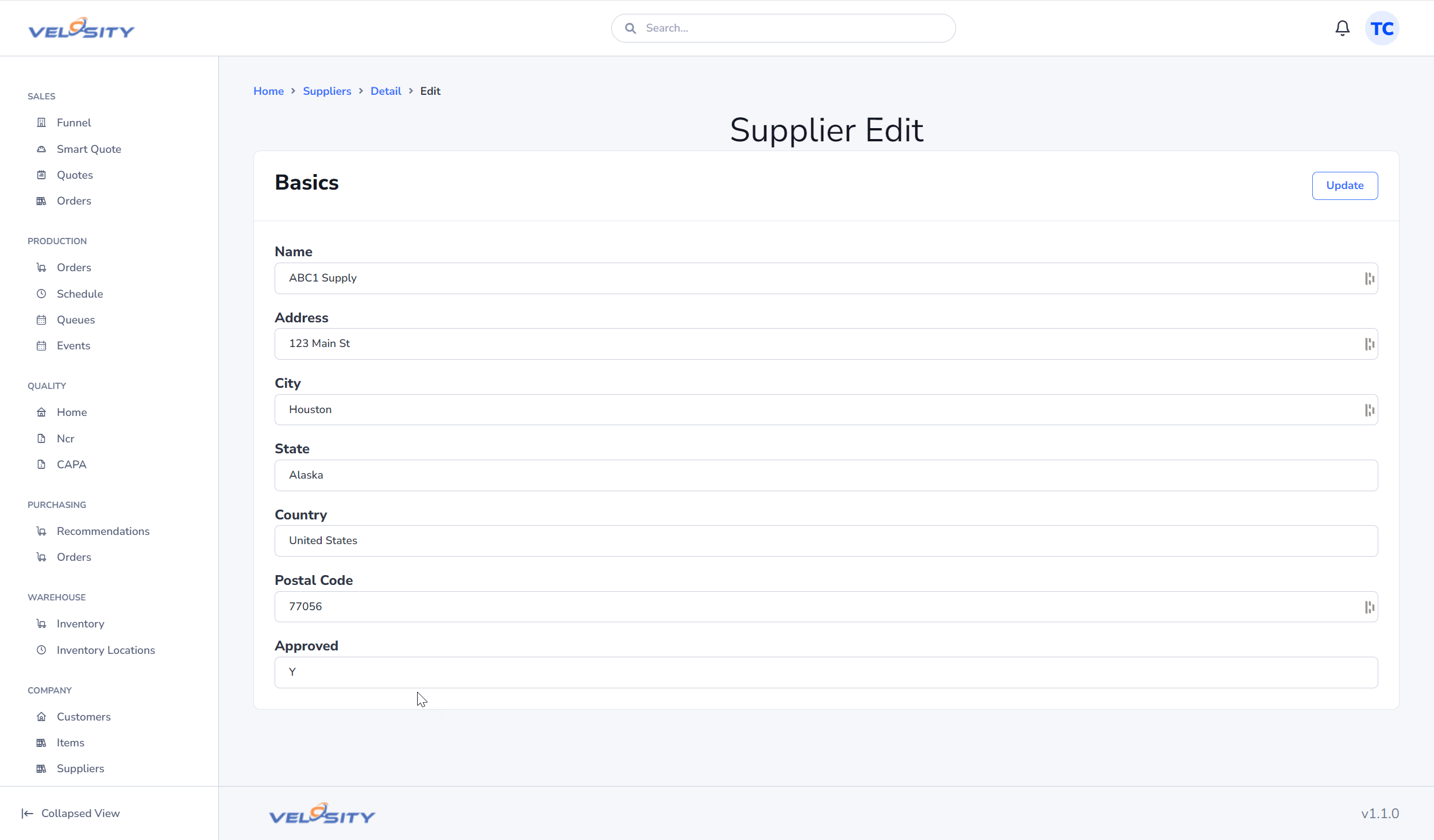
Editing a Supplier
Administrators can update supplier records as contact information or terms change.
Searching for Suppliers
The fastest way to find a vendor is using the global search bar at the top of any Velosity page. To restrict your results only to suppliers, use the following syntax (case-insensitive):
su:VendorNameSU:VendorName