Communication and Productivity
Velosity includes built-in tools to help you collaborate with your team and find information rapidly without leaving the application.
Message Center
The Message Center allows for direct communication between users, keeping discussions organized and contextual.
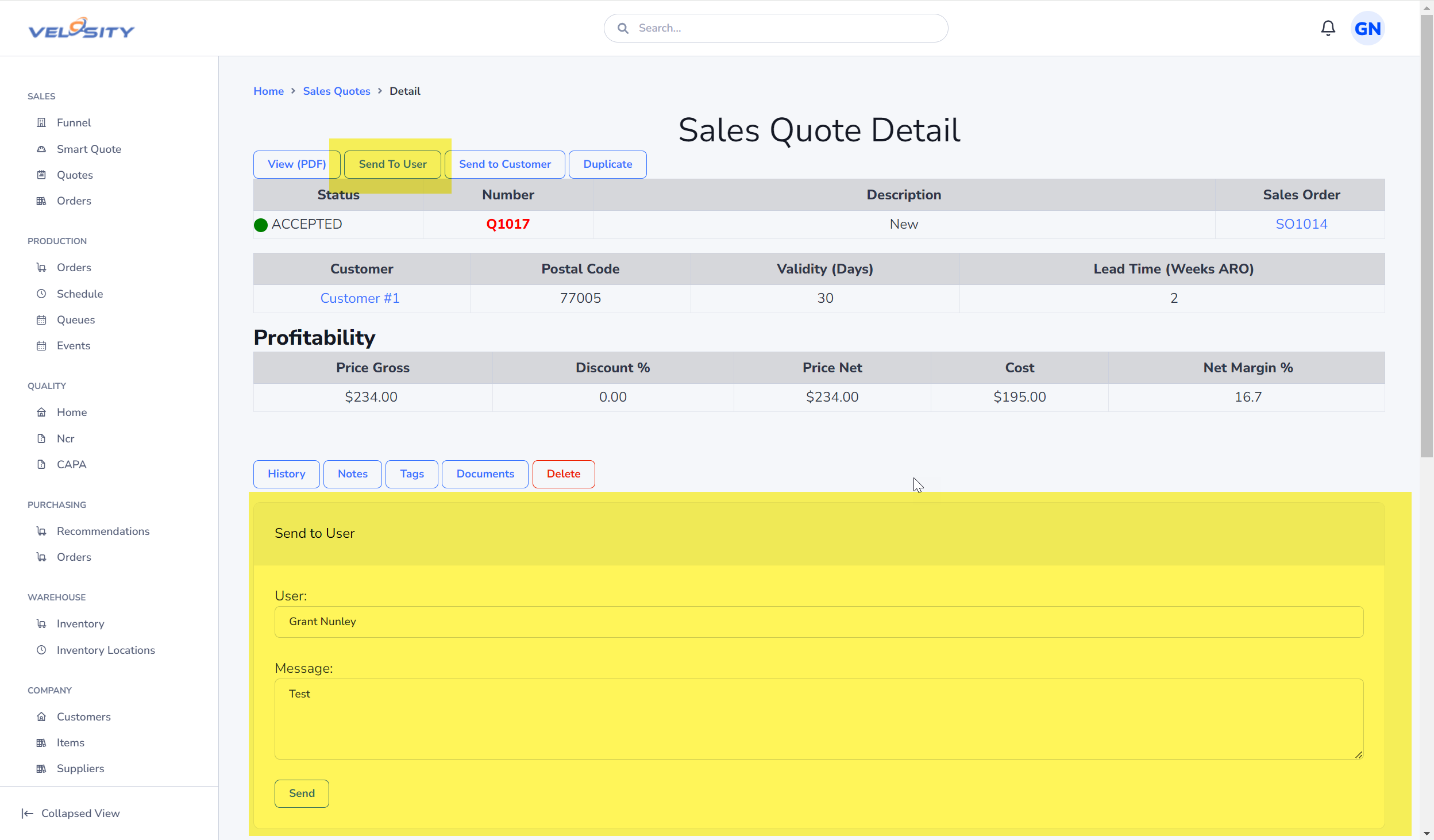
- Contextual Messaging: You can send messages directly from a Quote, Order, or Task. This keeps the conversation linked to the specific piece of work, providing a historical record of decisions.
- @Mentions: Use @mentions to notify a specific user. They will receive a notification immediately.
- Notifications: When you receive a message, a red notification bell will appear at the top right of the screen.
Managing Your Profile and Alerts
To ensure you never miss an important update, configure your Account Profile and Notification Settings.
- Delivery Preferences: Choose whether you want to receive alerts via the web interface, email, or both.
- Common Triggers: Set up notifications for events like:
- "Quote Assigned to Me"
- "Task Completed" (helpful for shop leads)
- "Customer Order Received"
Global Search Tips
The search bar at the top of the screen is the fastest way to navigate Velosity.
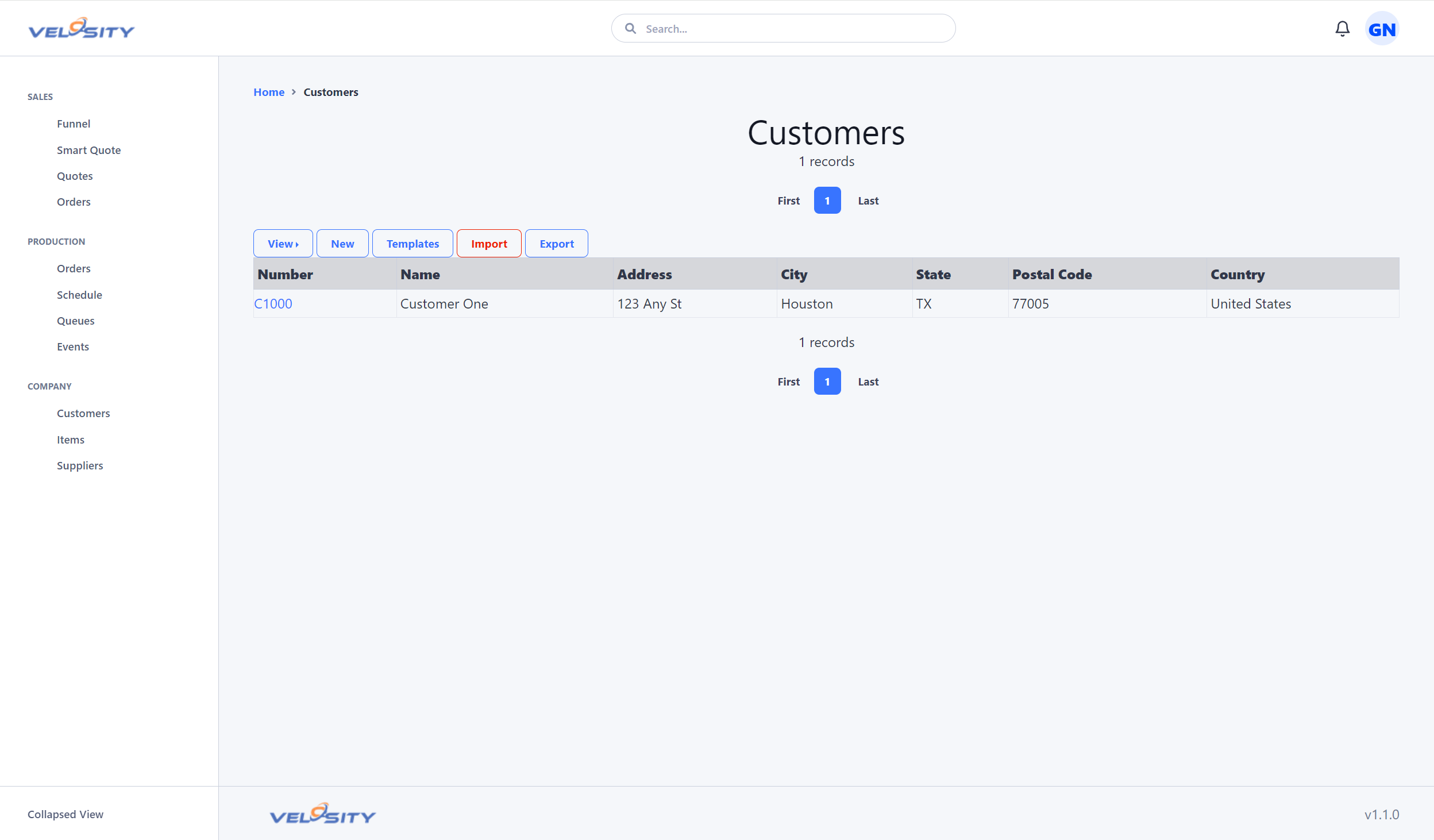 (The search bar is located at the top of every page)
- Quick Entity Search: Type a Quote Number (e.g.,
SQ-1234) or Order Number to jump directly to it. - Advanced Syntax: You can restrict your search to specific areas:
cu:CustomerName— Search only Customersit:PartNumber— Search only Itemssq:QuoteNumber— Search only Sales Quotes
- Customer Lookups: Type a customer name to see all their active quotes, orders, and historical data.
Mobile and Tablet Usage
Velosity is a fully responsive web application, making it ideal for use on the shop floor or in the warehouse.
- Scanning: Use your tablet's camera to scan barcodes on Travelers for instant access to production details.
- Visual Documentation: Take photos of completed parts or quality issues and upload them directly as Documents to a Task.
- Real-Time Updates: Update task statuses and log events as you move between stations, ensuring the schedule is always accurate.