Resources
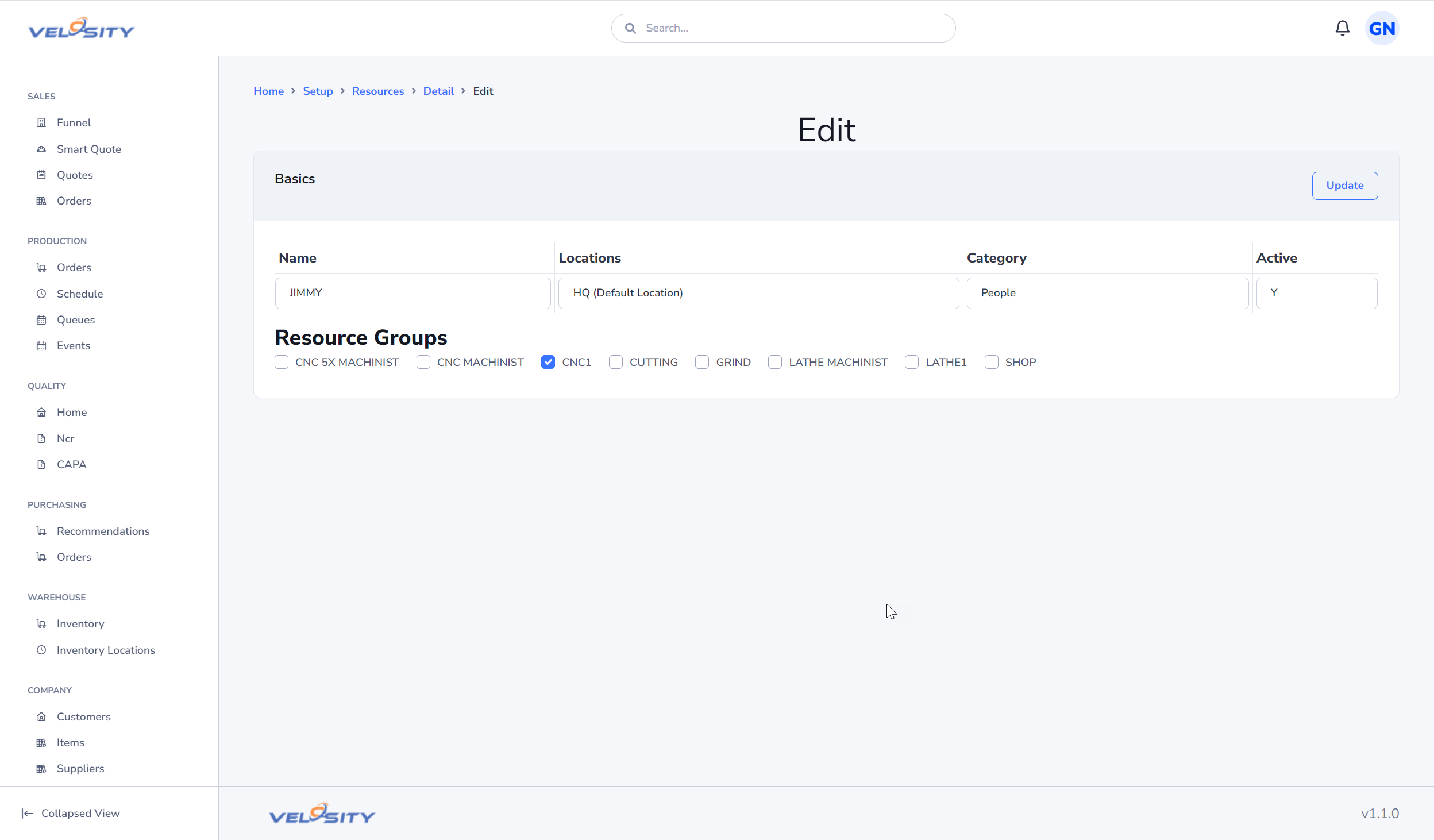
Resources are the individual assets that perform work within Velosity. A resource can represent a machine (e.g., CNC Lathe), a work center (e.g., Paint Booth), or a specific person (e.g., Senior Technician).
Managing Resources
List View
The List view shows all active resources. From here, you can see their current status, the Resource Group they belong to, and their primary location.
Detail View
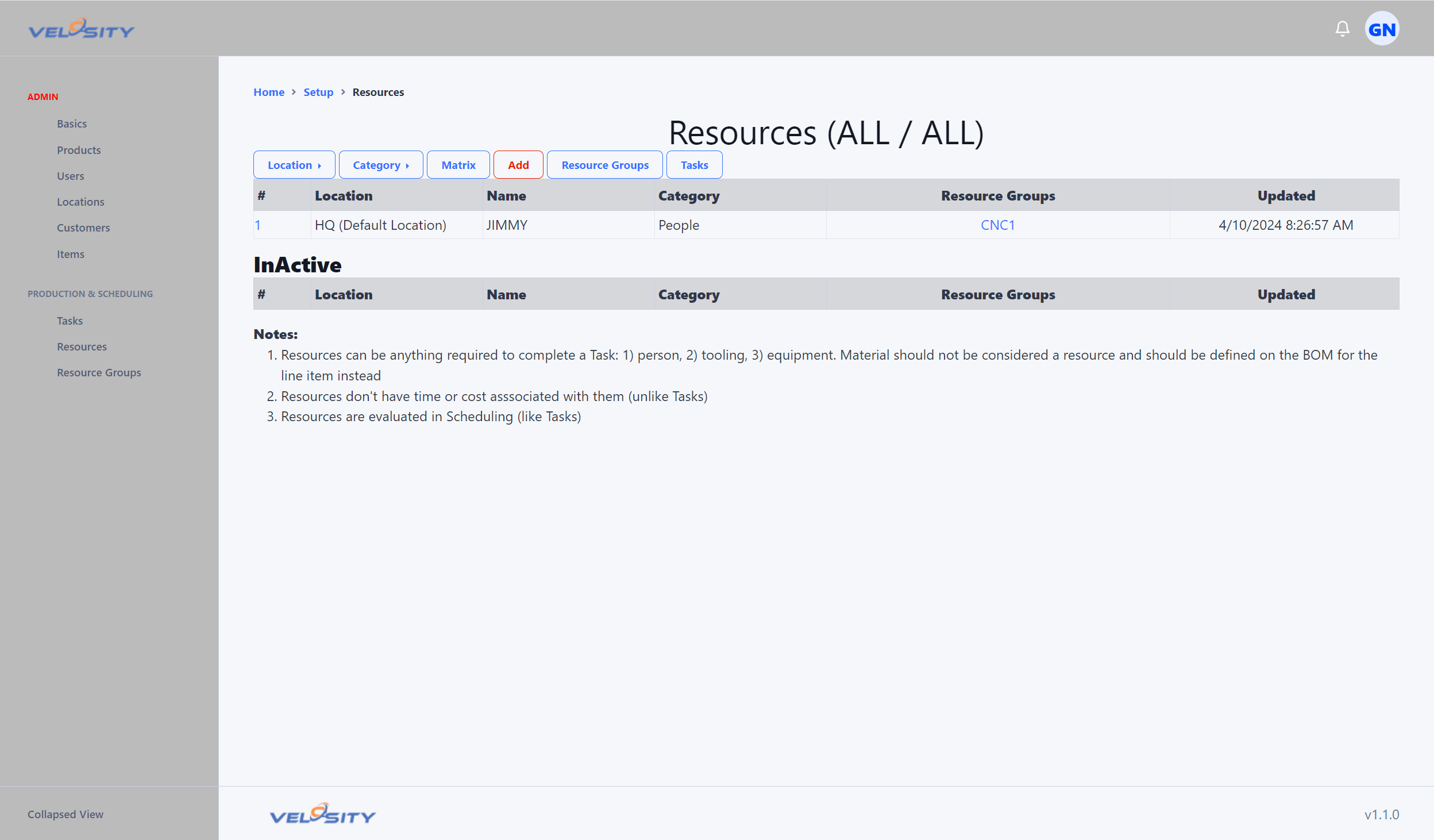
Each Resource has several key properties that influence how it is used in the system:
- Resource Name: The unique identifier referenced by Smart Quote Rules and the Scheduler.
- Alias: A user-friendly name, often used for the person's name associated with the resource.
- Location: The physical site where the resource is situated.
- Availability: Defines the hours and shifts when the resource is available for work.
Strategic Use of Resources
To maximize the efficiency of your production schedule, consider the following best practices:
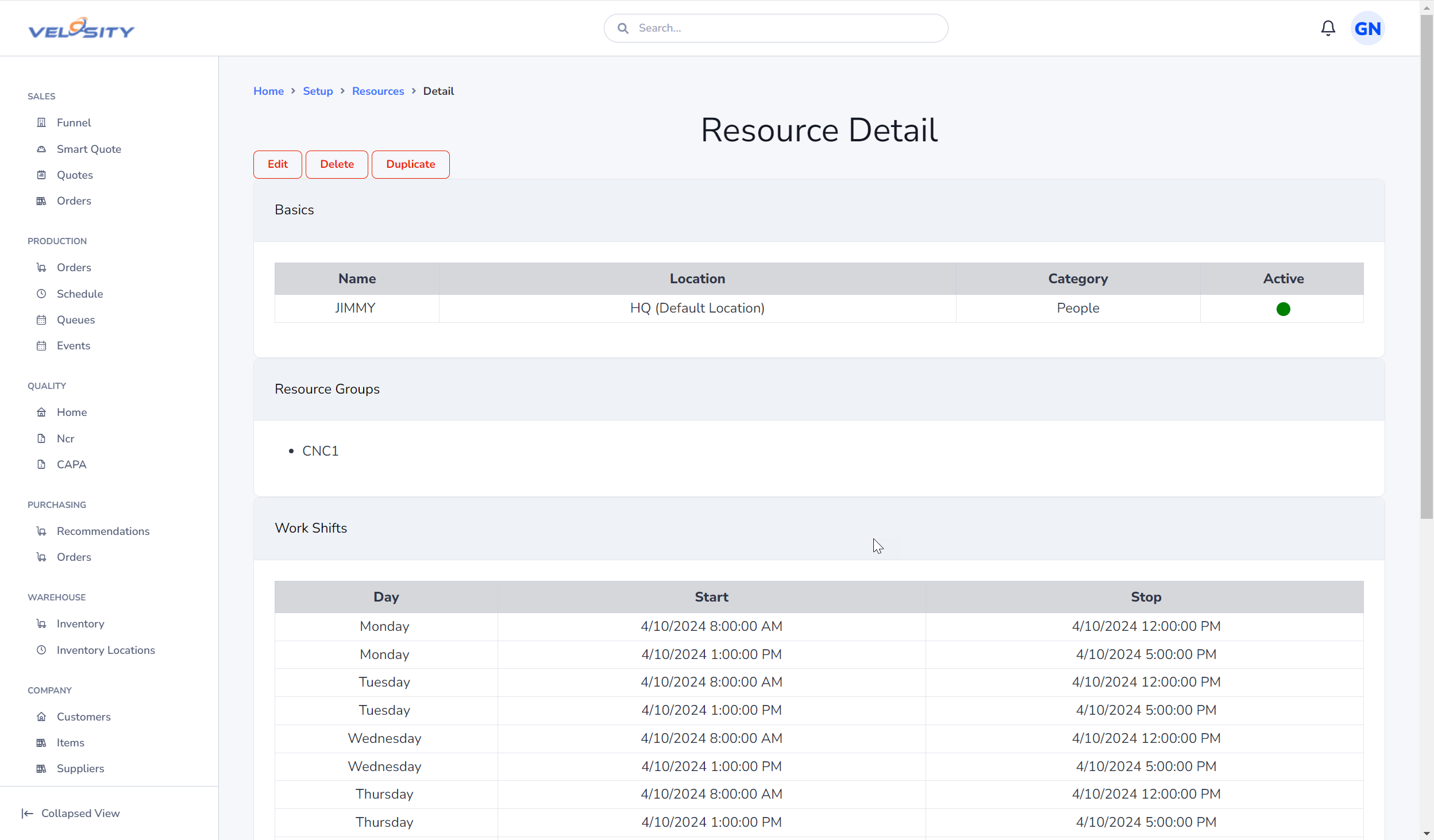
- Group Resources by Capability: Use Resource Groups to group similar machines or personnel. This enables the Scheduler to automatically assign tasks to the first available resource within that group.
- Accurate Naming: Use a naming convention that makes it easy to identify the resource type and location (e.g.,
CNC_LATHE_SITE1). - Cross-Linking: Ensure that each resource is linked to the correct Location and Resource Group to ensure accurate reporting and scheduling.
Adding a Resource
When adding a new resource, ensure all required fields are completed to avoid scheduling errors.
Editing a Resource
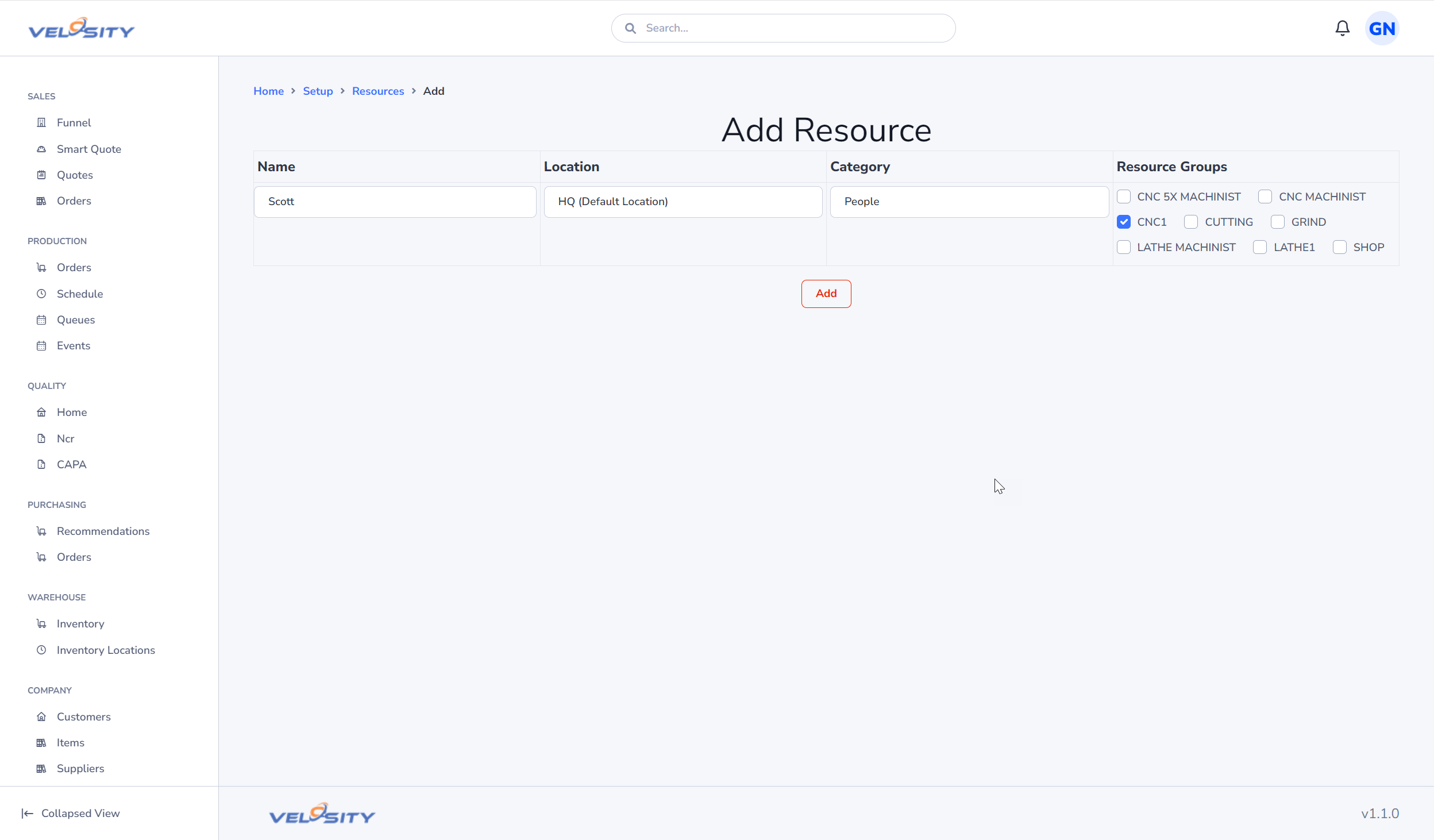
Administrators can update resource details, such as changing its alias or moving it to a different Resource Group, as your operational needs evolve.