Sales Orders: Customer Purchase Orders
A Customer Purchase Order (PO) is the formal authorization from your customer to proceed with a Sales Order. In Velosity, you can link one or more Customer POs directly to a Sales Order to ensure full traceability from the customer's procurement system through your production process.
Linking a Purchase Order
When a Sales Order is in DRAFT status, you can manage the associated Customer PO details. This is typically done by the Sales Rep or Account Manager once the formal PO document is received from the customer.
View Purchase Order Details
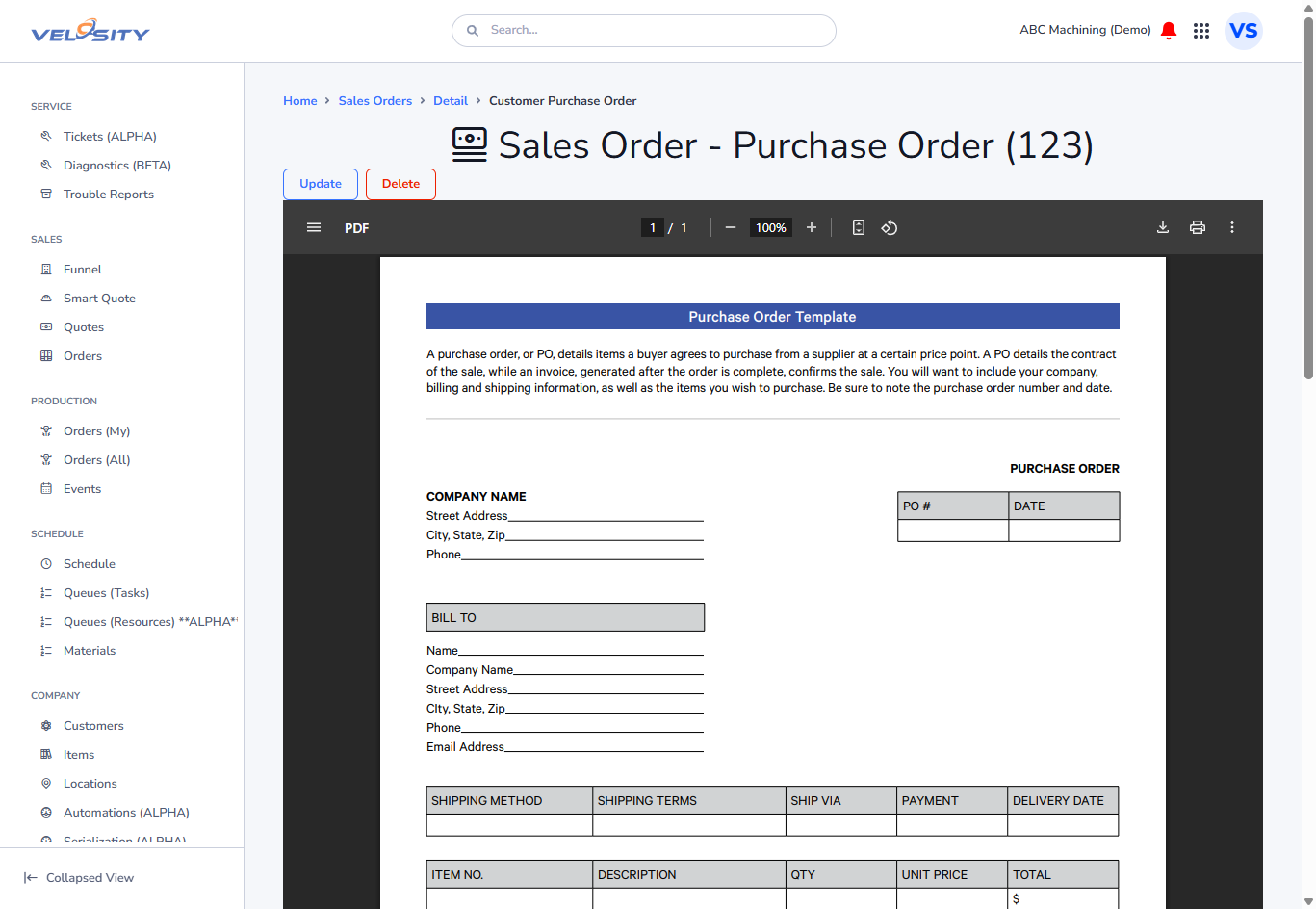
The PO section on the Sales Order page displays the PO Number, Date, and any specific terms or reference numbers provided by the customer.
Updating PO Information
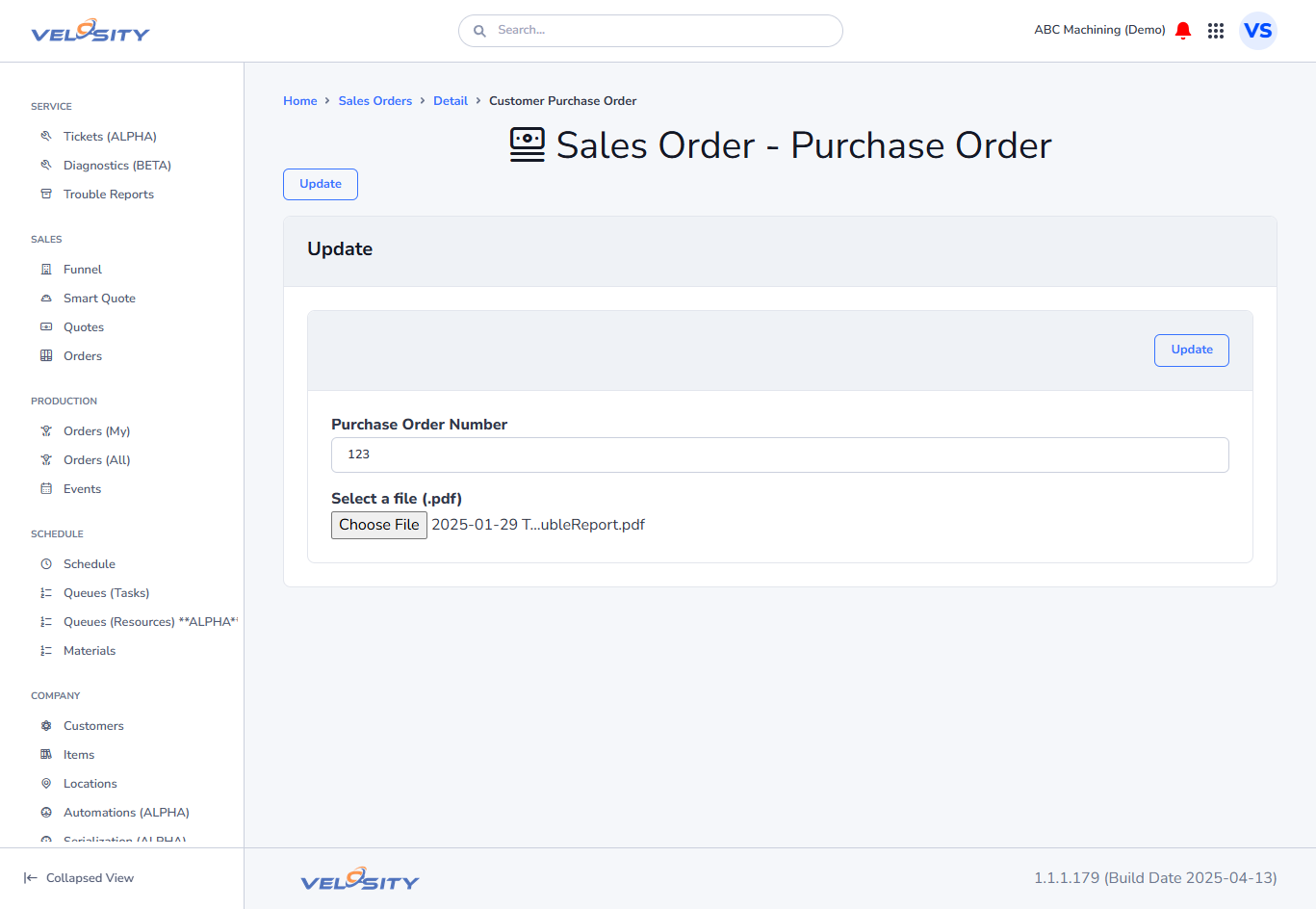
If the customer issues a revised PO or if data was entered incorrectly during the initial setup, you can update the record. This ensures that the correct PO number appears on all outgoing documents, such as Invoices or Shipping Manifests.
Managing Multiple POs
In some cases, a single large Sales Order might be funded by multiple customer POs. Velosity allows you to add and track these individually, ensuring that finance and shipping teams know exactly which PO to reference for different line items.
Document Storage
It is highly recommended to upload the actual PDF of the customer's Purchase Order to the Documents tab of the Sales Order. This provides a "single source of truth" that internal teams can reference if there is a discrepancy in terms or specifications.
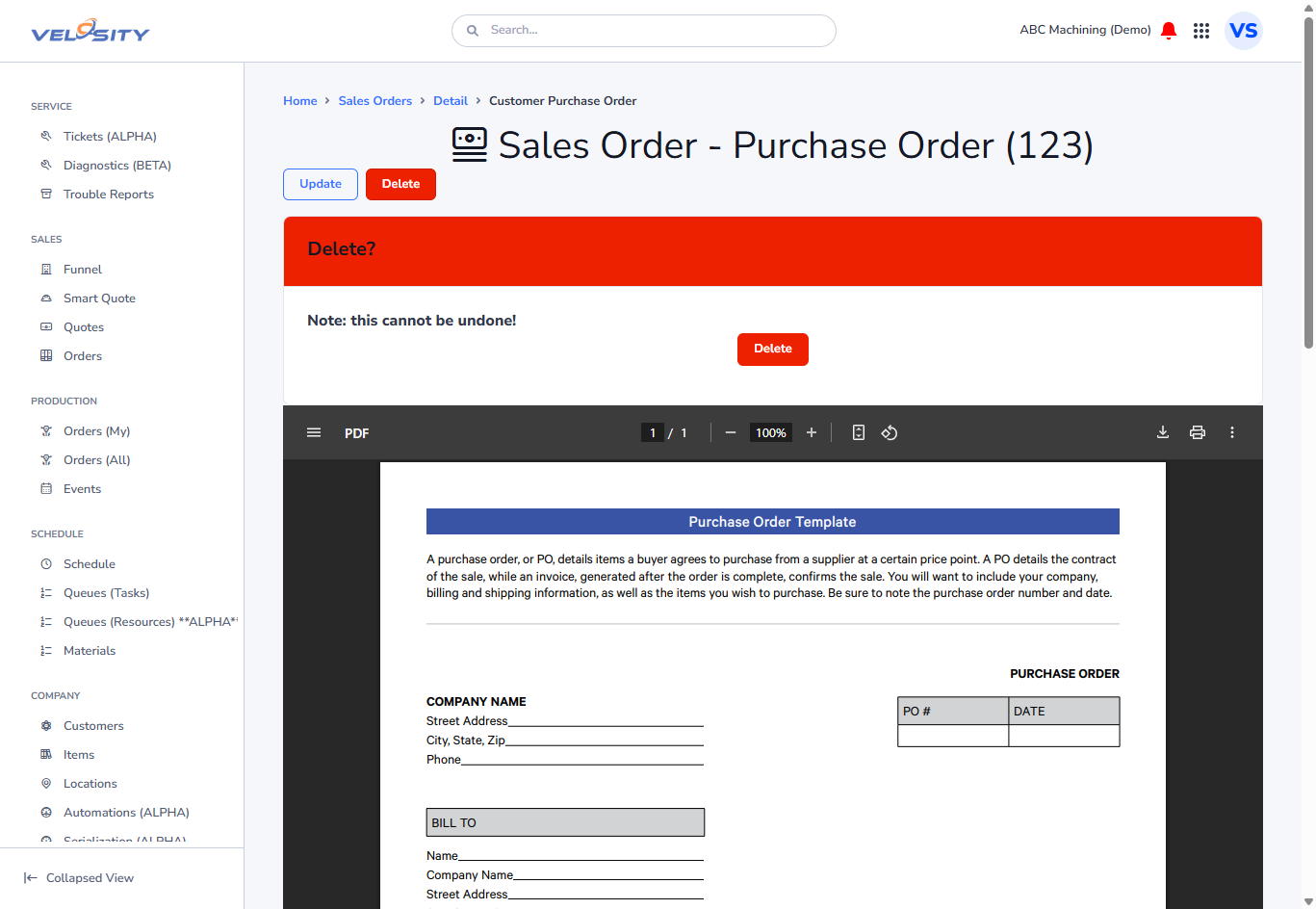 (Note: PO records can only be deleted if the Sales Order has not yet been finalized or if permitted by your administrative role.)