Quality Management: Asset Tracking
In high-precision manufacturing, the quality of your output is directly linked to the condition of your tools and gauges. Velosity's Assets module provides a centralized system for tracking the lifecycle, maintenance, and calibration of these critical resources.
What is an Asset?
While a Resource represents a machine or person on the schedule, an Asset typically refers to: - Gauges & Measuring Tools: Calipers, micrometers, and multi-meters. - Fixtures & Tooling: Custom molds, jigs, or cutting heads. - Safety Equipment: Specialized gear that requires regular inspection.
Strategic Value of Asset Tracking
1. Calibration Compliance
Many quality standards (like ISO 9001 or AS9100) require that all measuring equipment be regularly calibrated. The Assets module allows you to document these events and upload certification Documents directly to the asset record.
2. Location and Accountability
Know exactly where your tools are. By assigning assets to a physical Location or a specific work center, you reduce time wasted searching for equipment and improve accountability.
Navigating Assets
Asset List
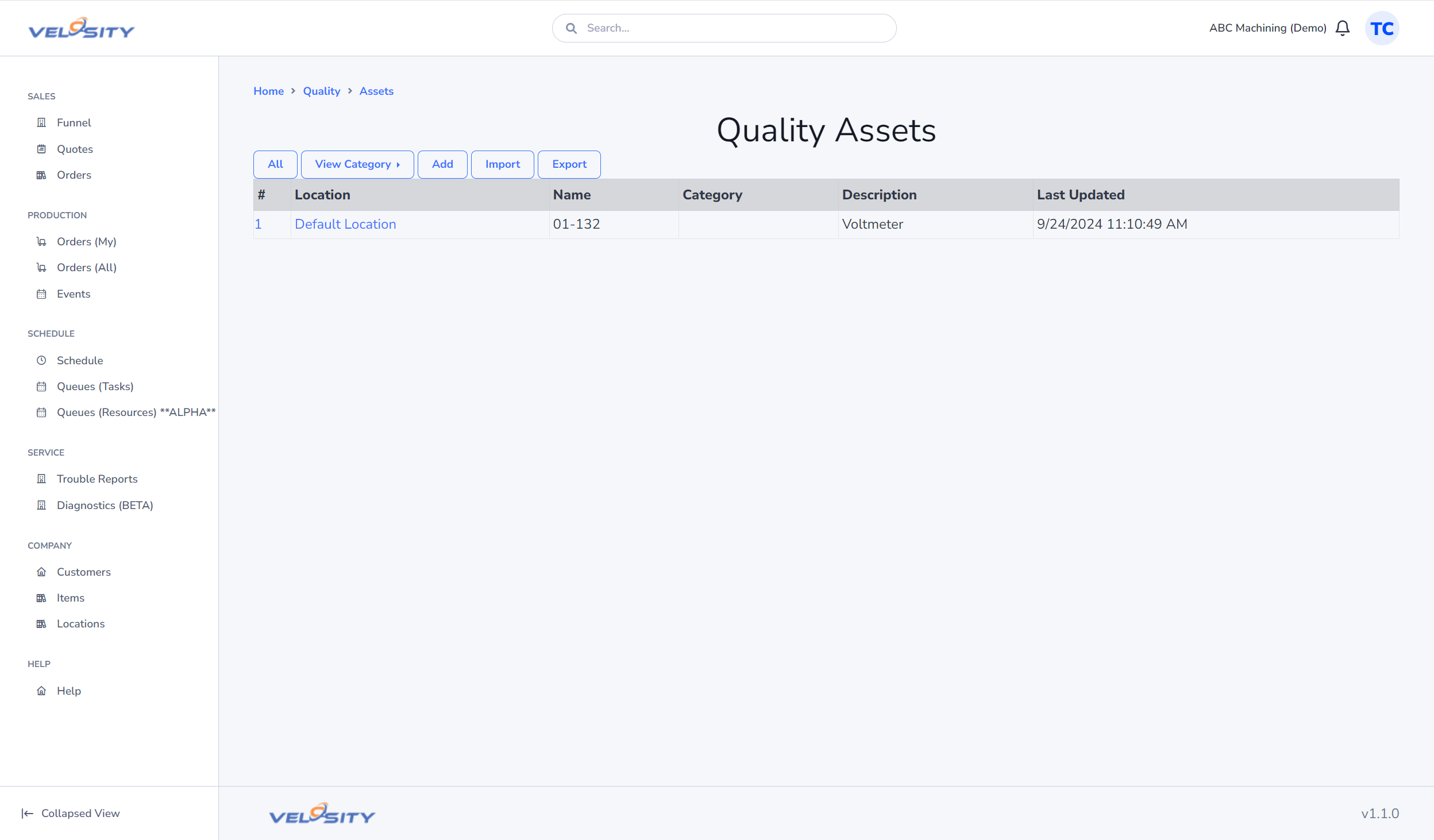
The List view provides a searchable master record of all tools and equipment. You can filter by category, status (e.g., Active, Out for Repair), or location.
Asset Detail
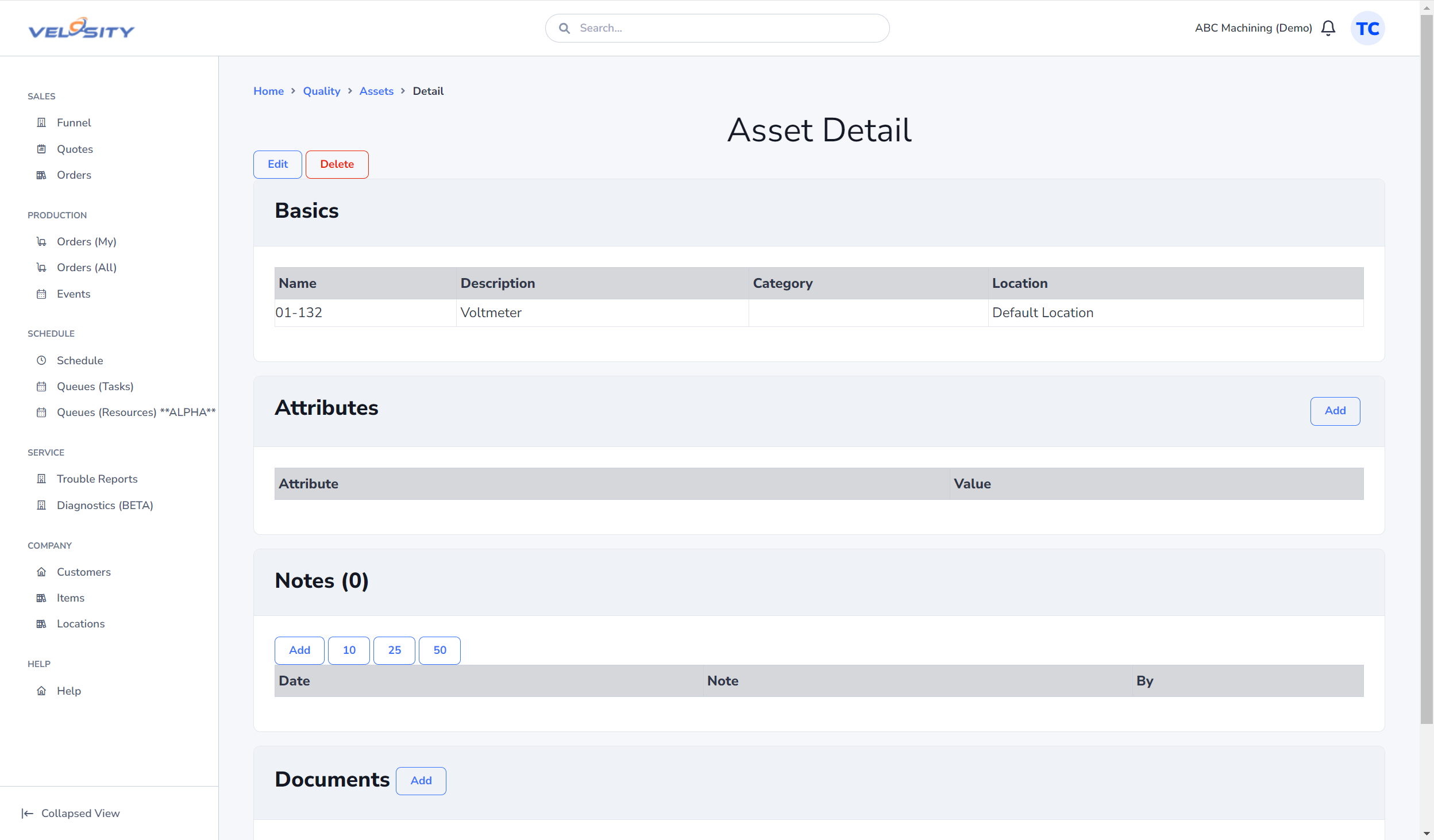
The Detail view serves as the history card for the tool. It includes: - Identity: Unique serial numbers, model information, and vendor data. - Documentation: Manuals, calibration certificates, and maintenance logs. - Notes: A historical record of user comments regarding the tool's performance or condition.
Data Management
Adding and Editing Assets
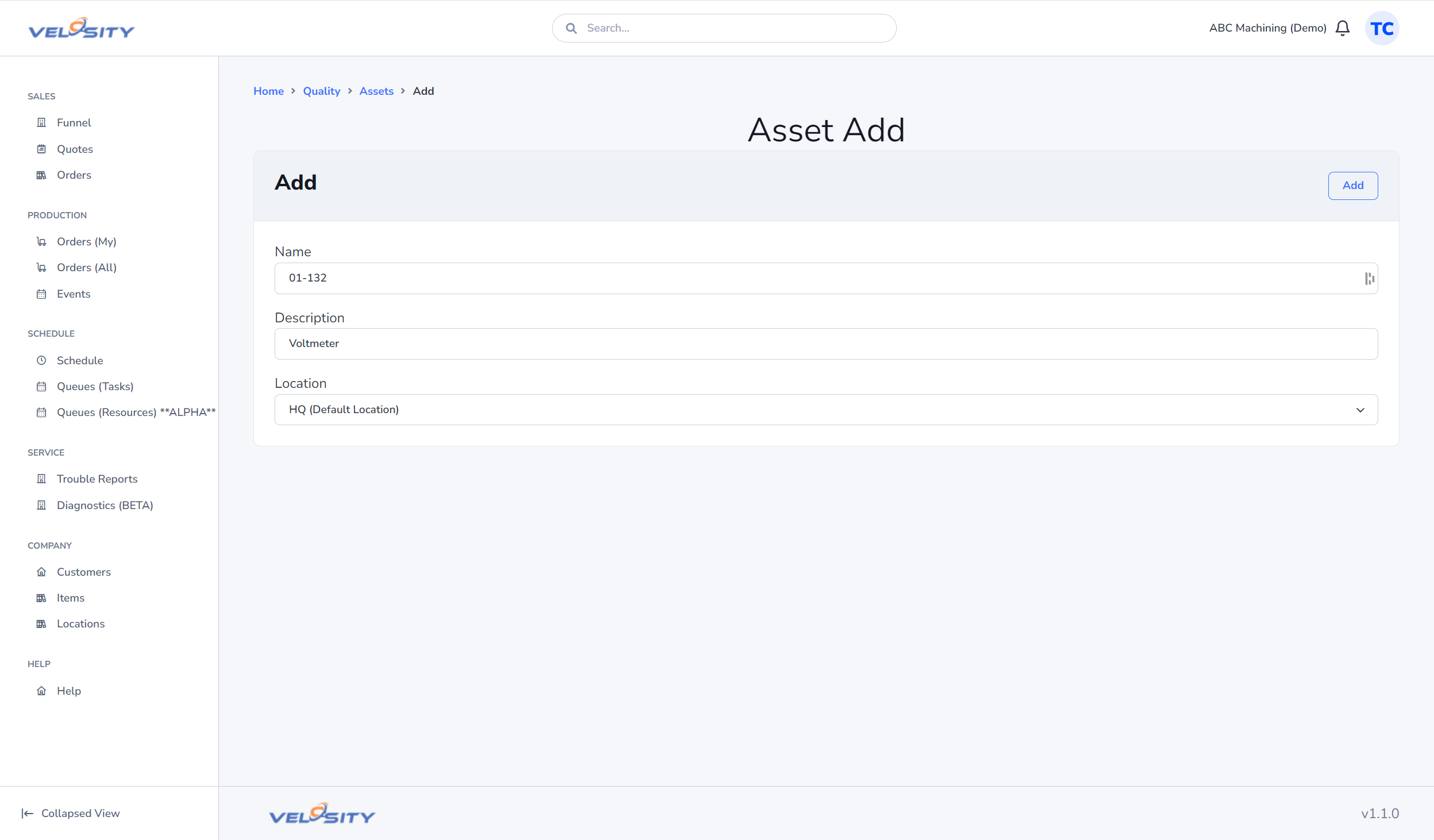
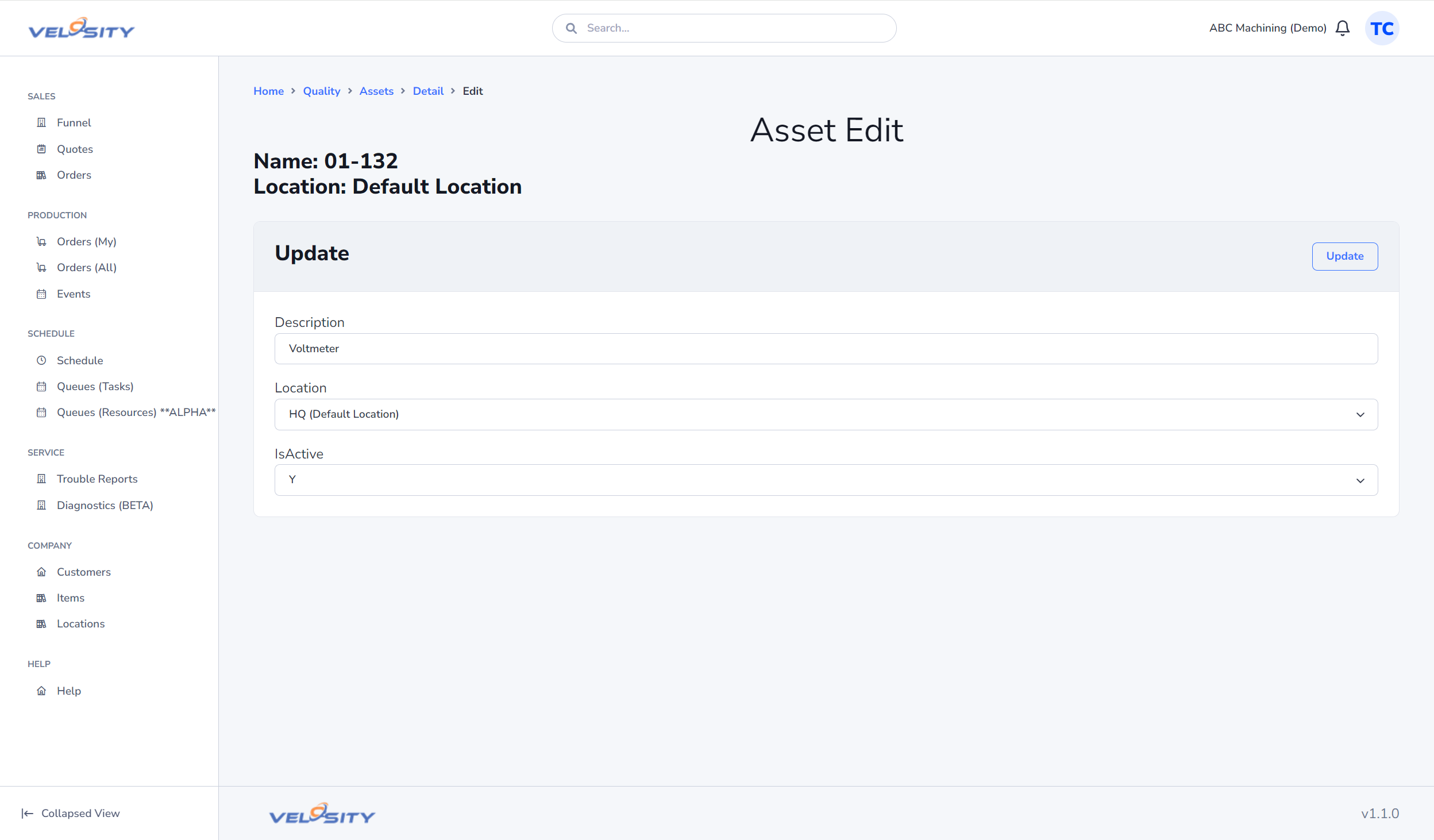
Administrators can manually add new assets or update existing records as tools are serviced or relocated.
Bulk Import
For organizations managing hundreds of tools, Velosity supports a CSV import feature to rapidly populate your asset library from an existing spreadsheet or ERP export.