Internal Documentation Management
Velosity allows organizations to host their own custom documentation directly within the platform. This ensures that your team has instant access to company-specific Standard Operating Procedures (SOPs), safety guidelines, or internal workflow instructions alongside the standard Velosity help guides.
Accessing Documentation
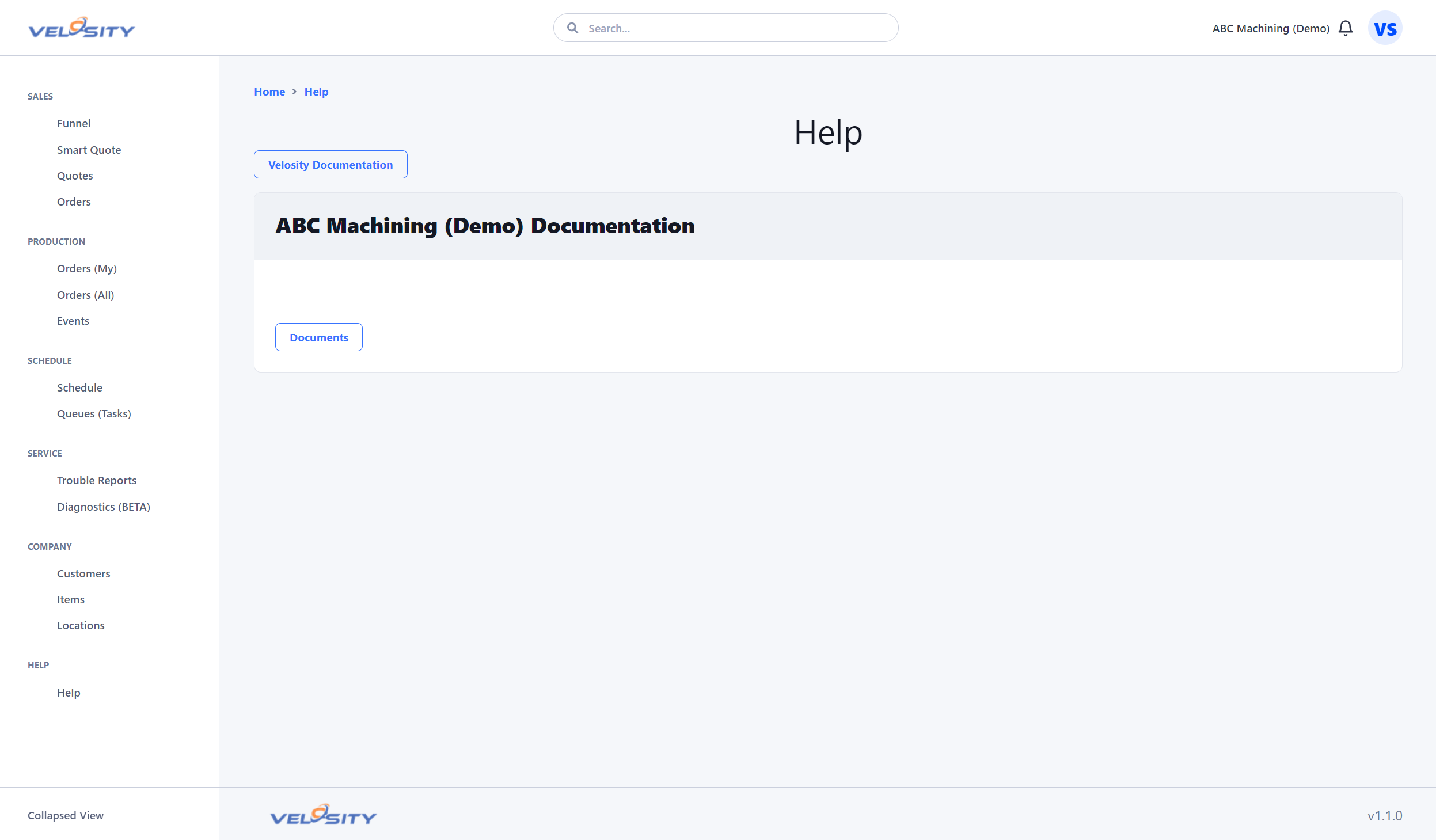
All users can access documentation by clicking the Help icon in the main navigation menu. The help interface is split into two sections: 1. Velosity Documentation: The standard guides for using the platform features. 2. Custom Documentation: Documents uploaded and managed by your organization.
Managing Custom Content (Admin Only)
Administrators can manage the custom documentation library from the Administration view.
Benefits of Integrated Documentation
- Centralized Knowledge: No need for external Wikis or shared network drives.
- Contextual Help: Link directly to specific internal documents from Production Tasks or Smart Quote Rules.
- Version Control: Ensure everyone is looking at the latest approved version of a procedure.
How to Upload
- Navigate to Administration → Customization → Documentation.
- Upload files in supported formats (typically PDF, Markdown, or common image types).
- Assign a display name and category to help users find the information quickly.