Resource Groups
Resource Groups are a critical component of Velosity's scheduling and production engine. They allow you to define equivalence between different Tasks and Resources, providing the system with the flexibility needed to optimize production throughput.
Why Use Resource Groups?
In many manufacturing environments, multiple machines or personnel can perform the same type of work. By grouping these into a single Resource Group, you enable Velosity's Scheduler to make intelligent decisions:
- Task Load Balancing: If a Resource Group contains four identical CNC machines, the Scheduler will automatically assign a task to the machine that becomes available earliest.
- Cross-Training and Redundancy: If multiple employees (Resources) are qualified for a specific operation, grouping them ensures that work can proceed regardless of individual availability.
- Dynamic Routing: Instead of hard-coding a specific machine into a router, you can assign a Resource Group. This keeps the production plan flexible until the moment work begins.
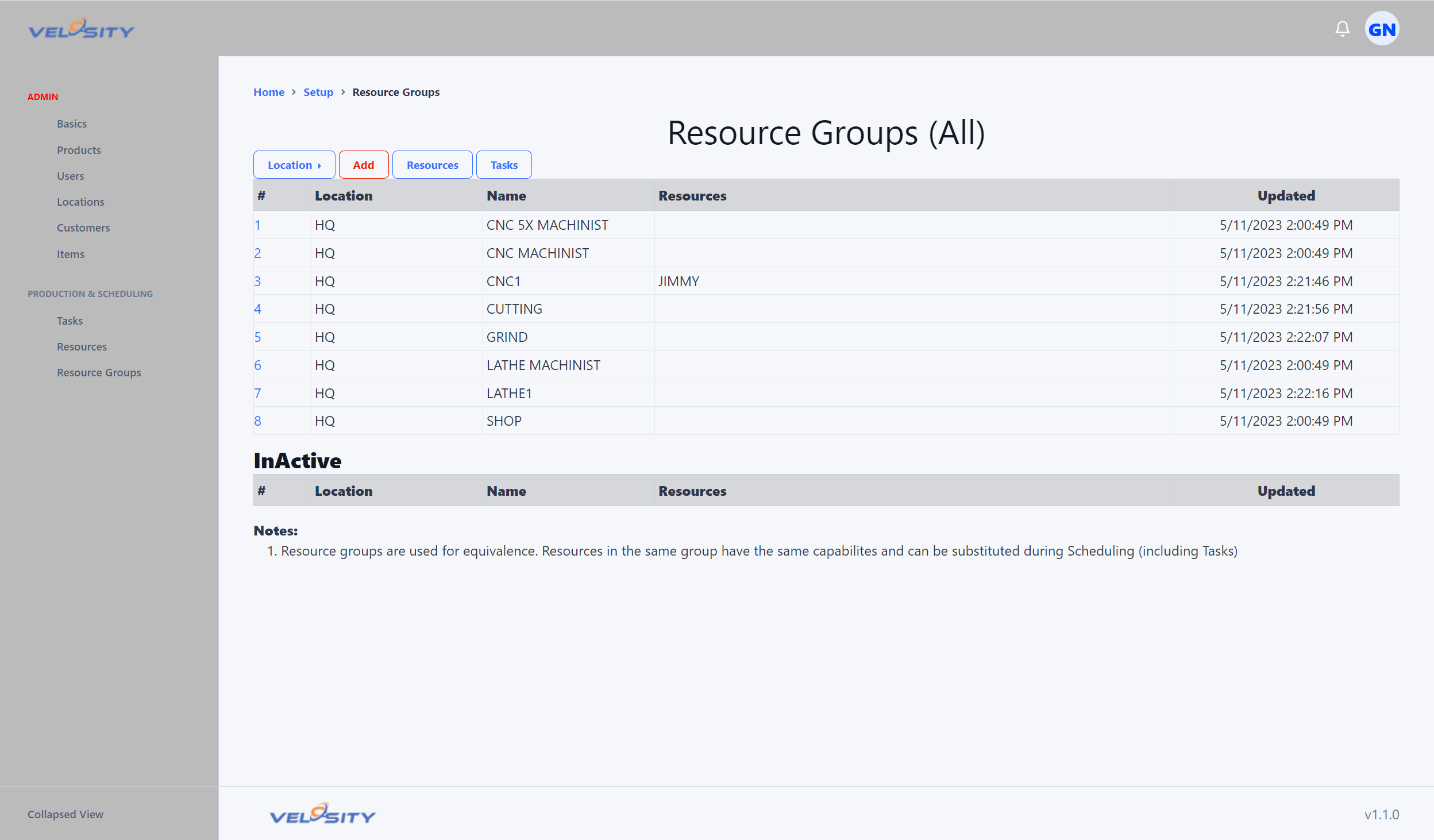
List View
The List view shows all configured Resource Groups and provides a quick count of how many tasks or resources are currently assigned to each.
Detail View
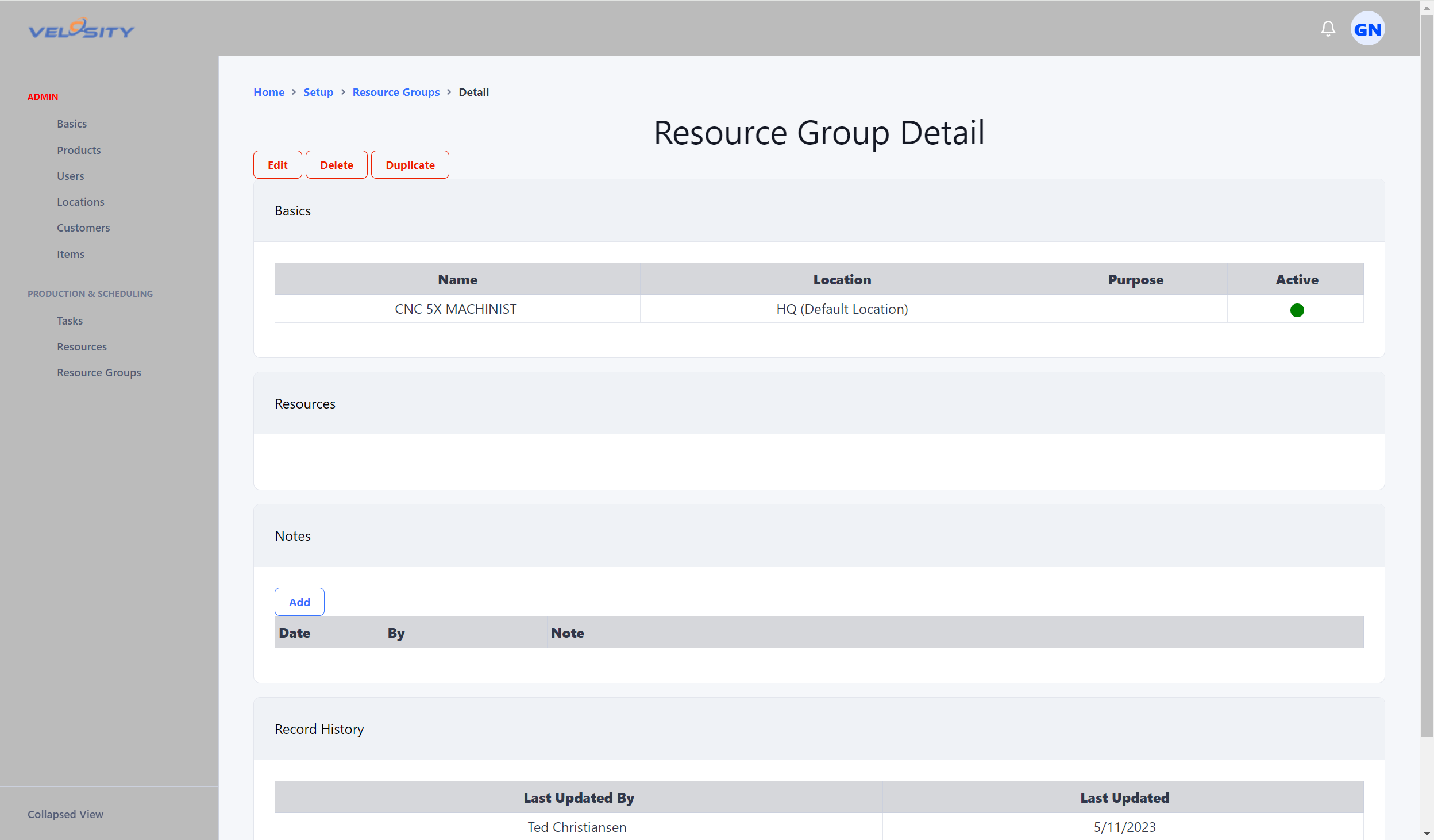
The Detail view allows you to manage the specific members of a group. You can see which Resources are included and which Task definitions this group is authorized to perform.
Configuration
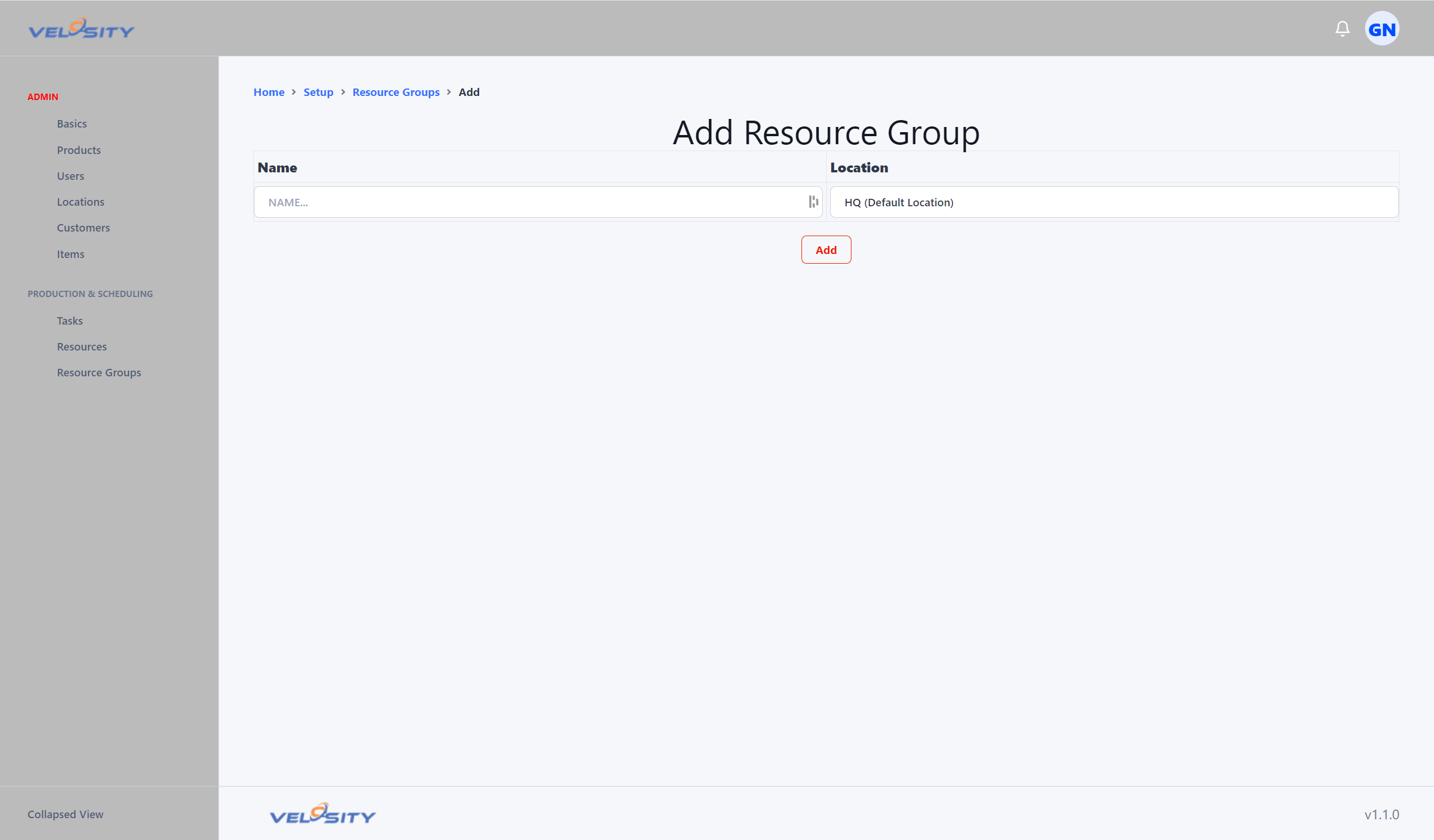
Adding a Resource Group
When creating a group, give it a descriptive name that reflects the capability (e.g., WELDING_PRIMARY or ASSEMBLY_TEAM_A).
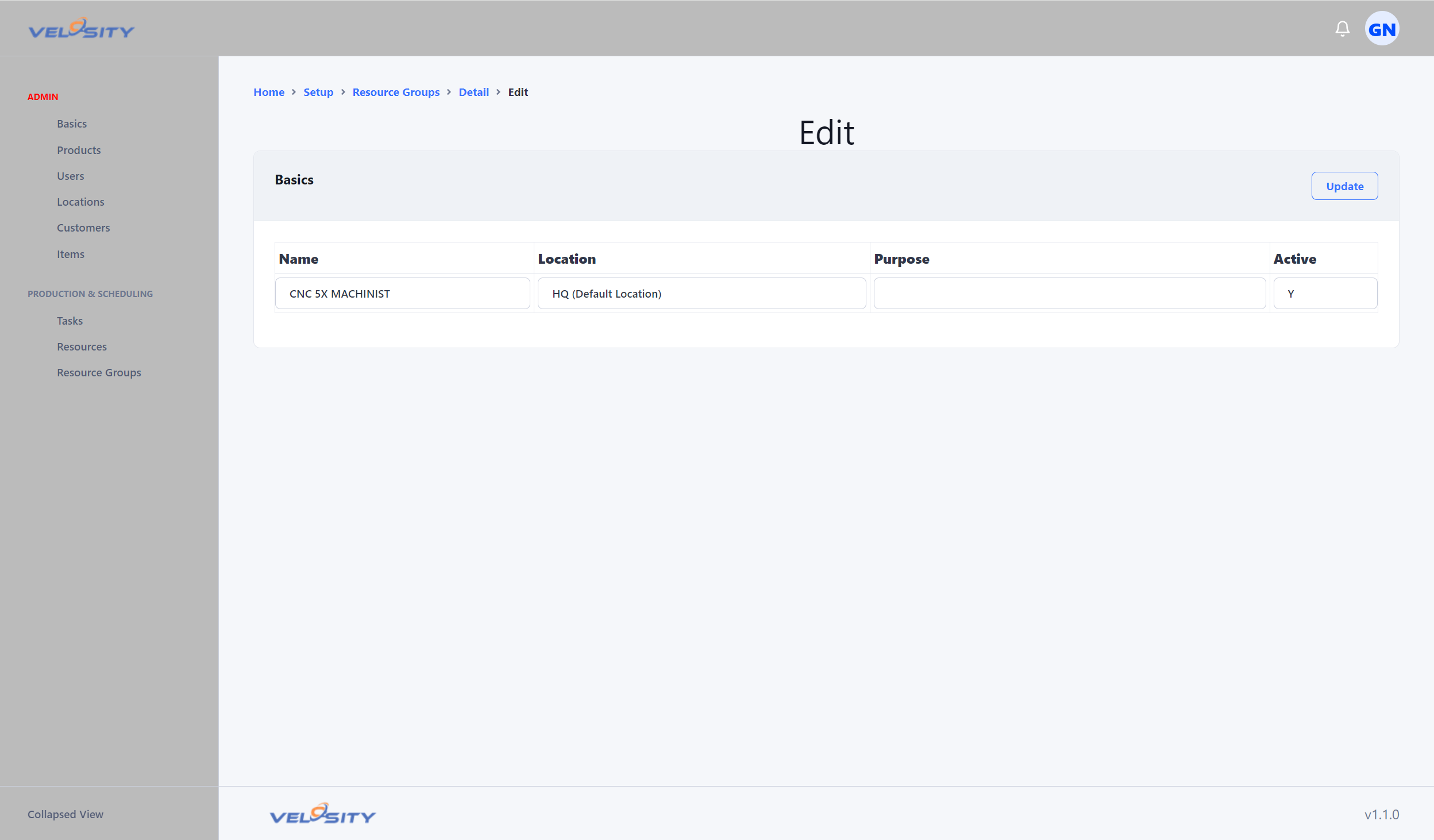
Editing a Resource Group
You can add or remove resources from a group as your shop floor capacity changes. Adding a new machine to a group immediately increases the available capacity for all tasks linked to that group.