Smart Quote Validation
The Smart Quote Validation tool is a critical utility for administrators. It ensures that your configuration logic is sound and that all referenced items, tasks, and rules are correctly linked before a product is made ACTIVE for your sales team.
Why Validate?
As product configurators grow in complexity, it becomes easier for small errors to slip in—such as a rule referencing an item number that was recently changed in the catalog, or a task being assigned to a non-existent Resource Group. Validation catches these "broken links" instantly, preventing errors on the shop floor.
Validation Levels
1. Single Product Validation
When you are working on a specific configurator, you can validate it individually. This is the fastest way to check your work after making changes to rules or attributes.
To validate a single product: 1. Navigate to Administration → Smart Quote. 2. Select your product. 3. Click the Validate button in the product header.
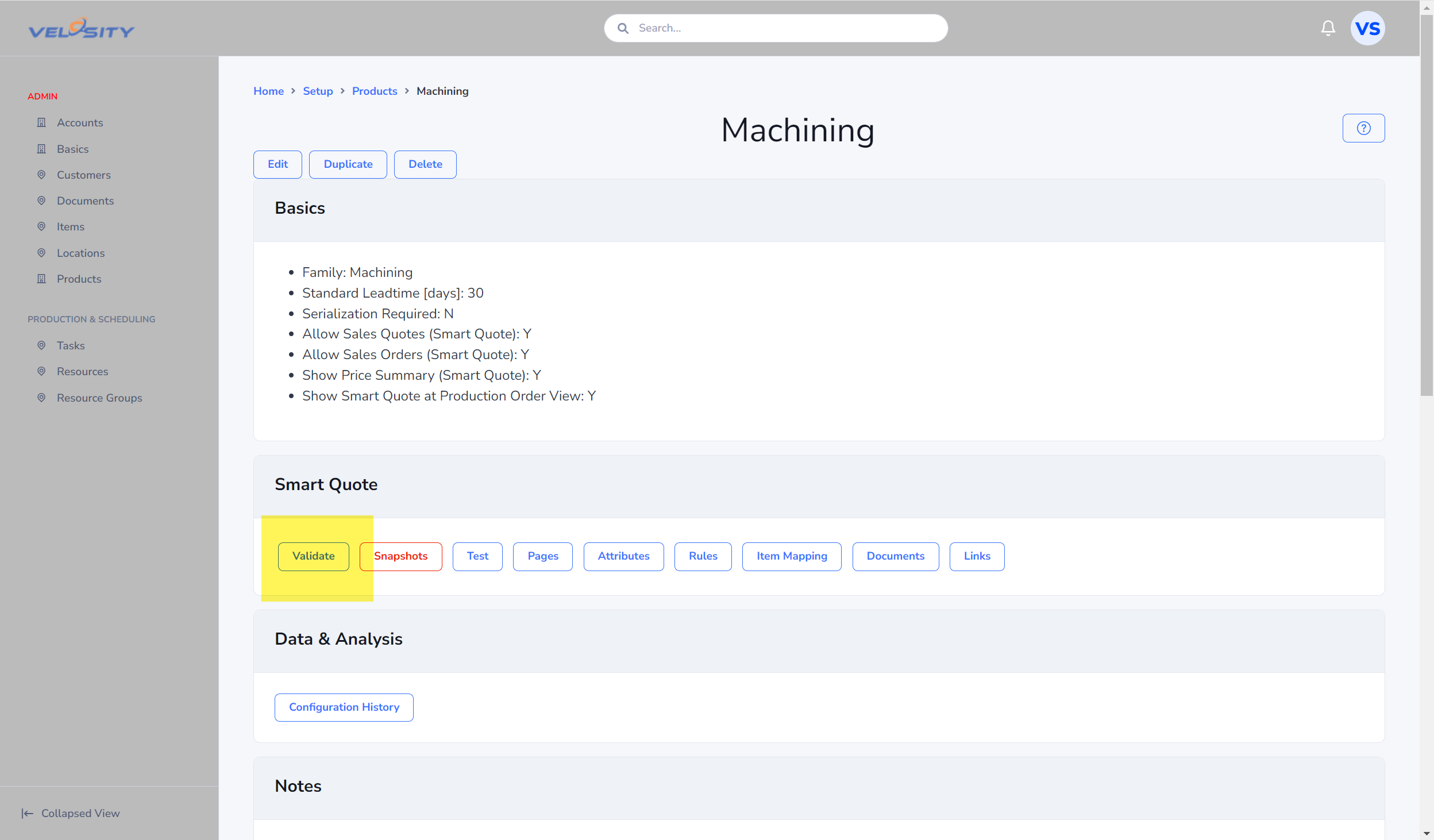
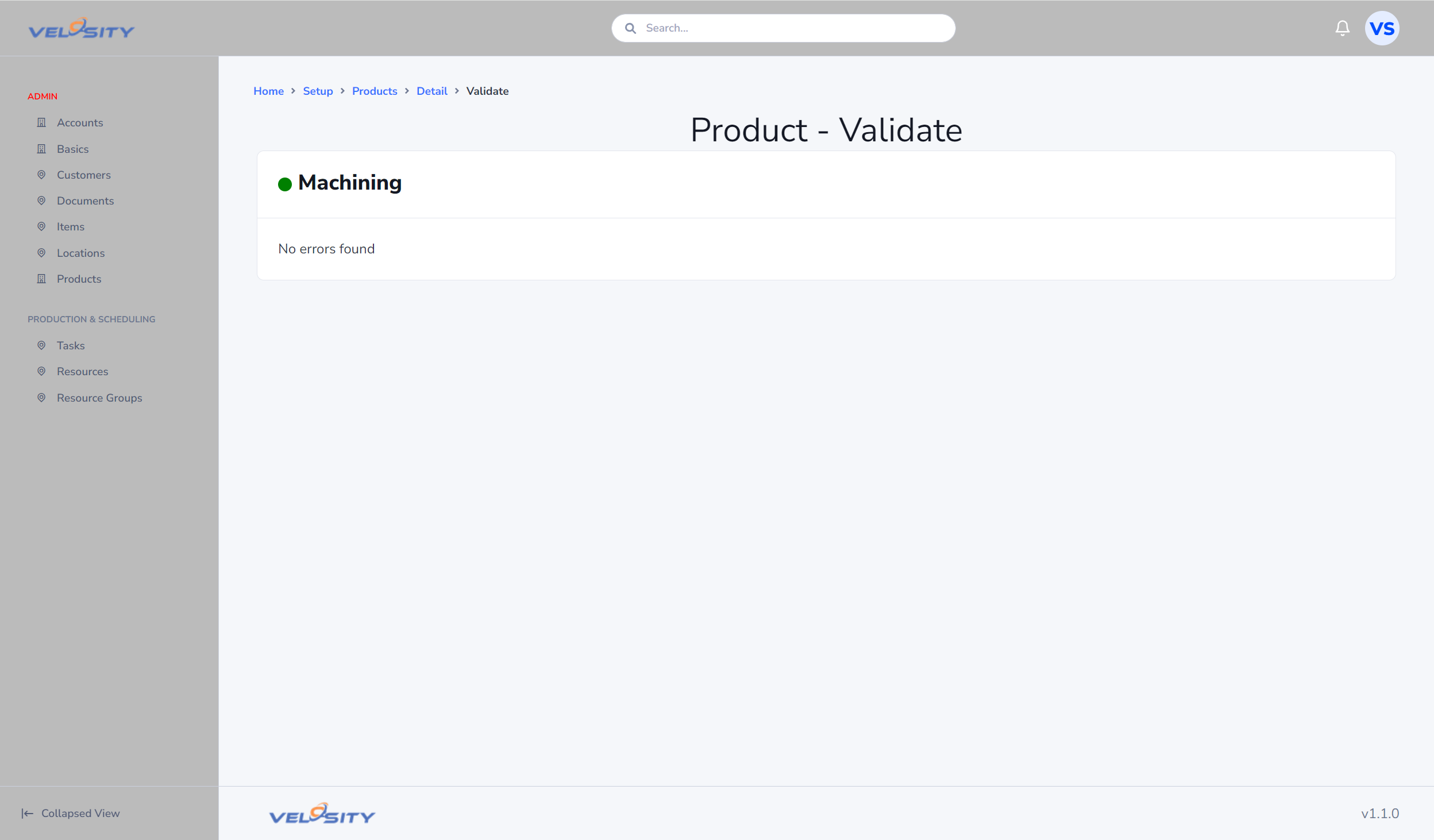
The results will display any errors or warnings specific to that product's attributes, rules, and mappings.
2. Global Validation (All Products)
Before a major release or after importing a large batch of new items into the catalog, it is recommended to run a global validation. This checks every active and draft Smart Quote product in your Organization.
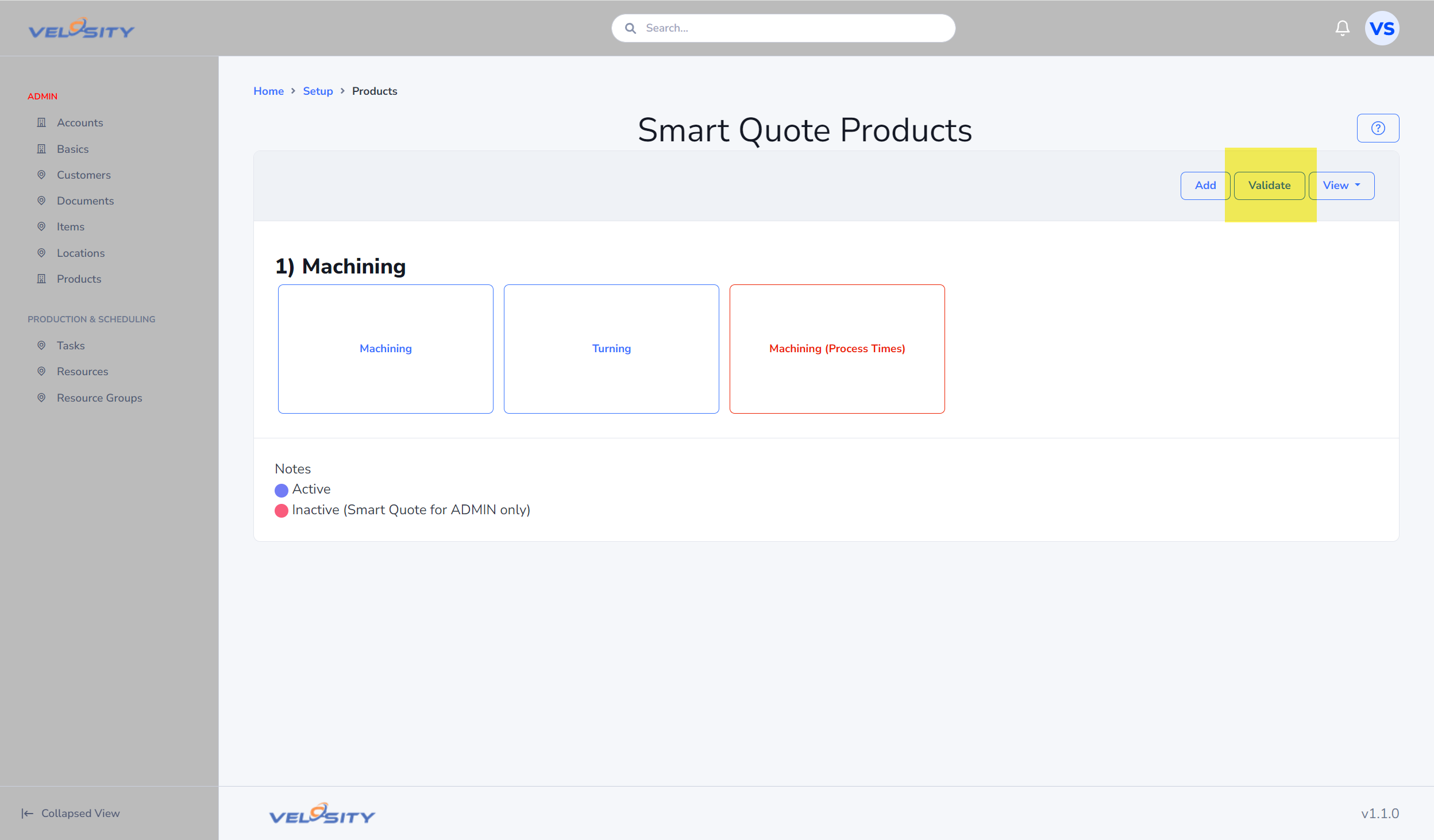
To run a global validation: 1. Navigate to the main Smart Quote administration page. 2. Click the Validate All button at the top of the list.
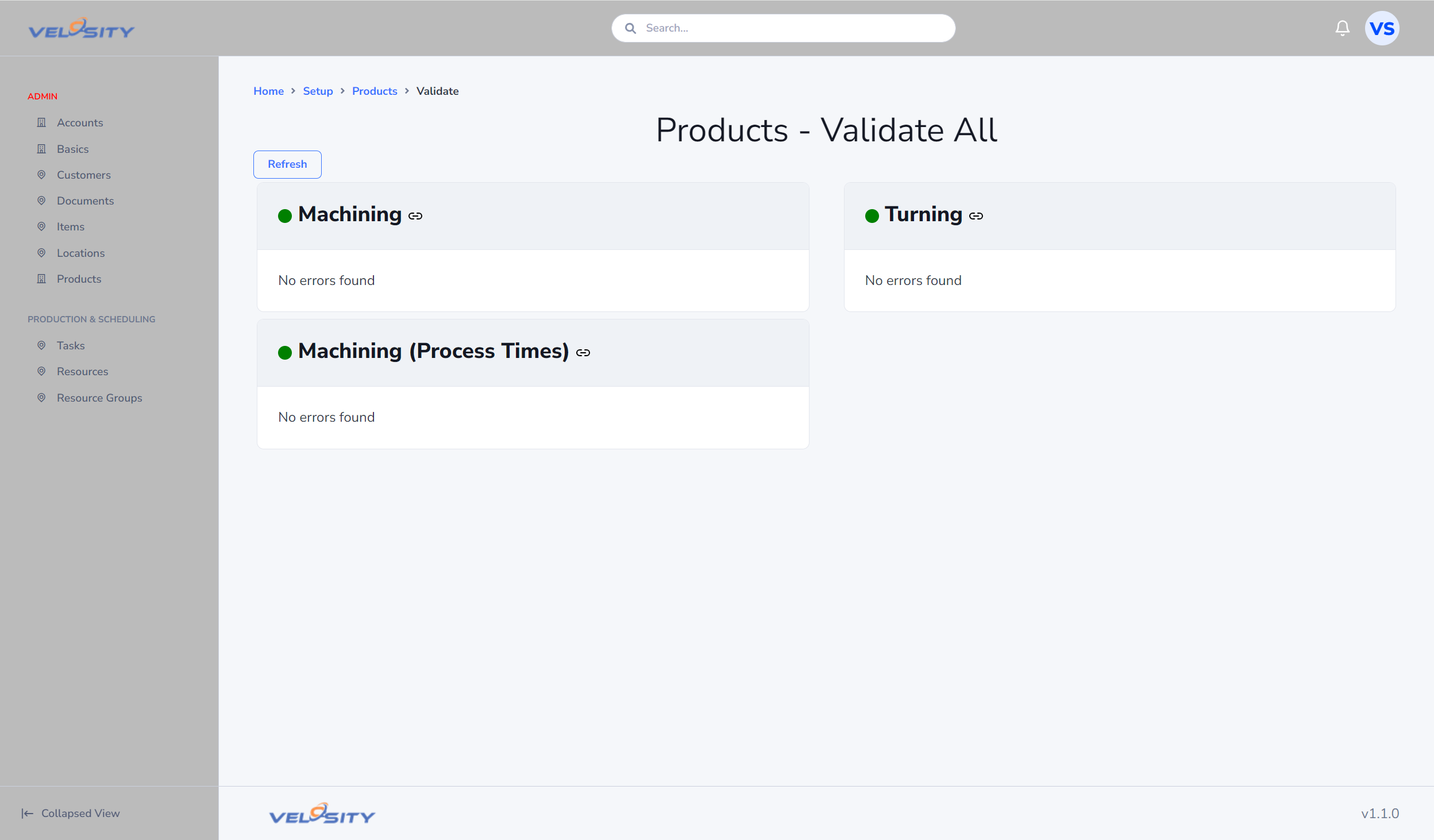
Velosity will generate a comprehensive report. If problems are found, the report provides direct links to the specific rule or attribute causing the issue, allowing for rapid resolution.
Best Practices
- Validate Before Activating: Always run a final validation before moving a product status from DRAFT to ACTIVE.
- Audit Mappings: Regularly validate all products to ensure that background changes to your Items Catalog haven't orphaned any configurator mappings.