A Day in the Life of a Sales Rep
This guide outlines a typical daily workflow for a Sales Representative using Velosity, focusing on maximizing efficiency from lead discovery to order conversion.
Morning: Reviewing the CRM
Start your day by checking the CRM. This visual dashboard provides a high-level view of your current opportunities and their progress.
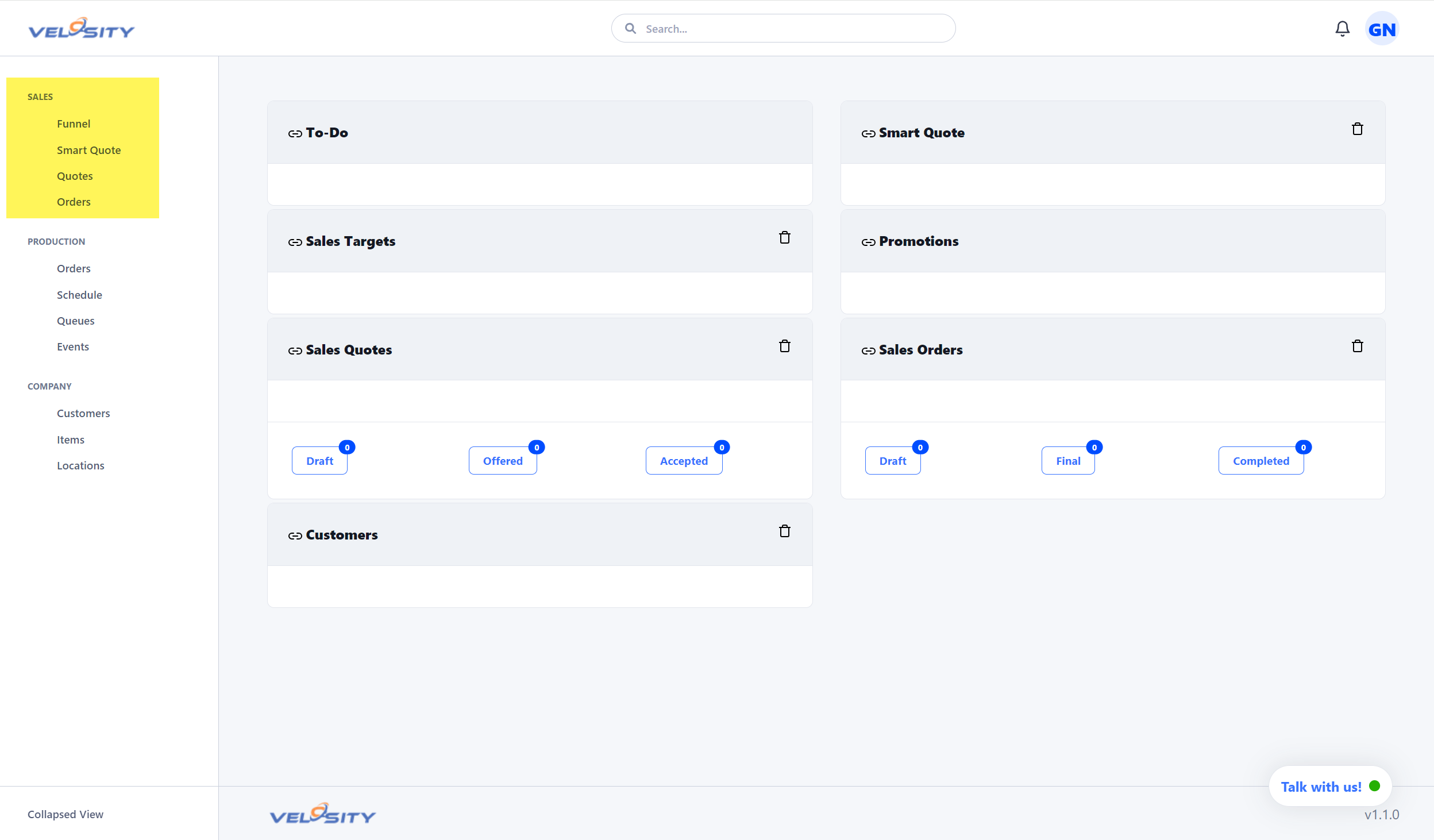
- Identify Expiration Dates: Review quotes that are nearing their expiration. A quick follow-up can often secure a deal before the quote becomes invalid.
- Focus on High-Value Leads: Look for "Hot" leads or those that haven't been touched in the last 48 hours.
- Progress Opportunities: Drag and drop opportunities through the funnel stages as they progress from initial contact to negotiation.
Mid-Day: Creating and Adjusting Quotes
When a customer calls with a request, Velosity's quoting tools allow you to respond rapidly and accurately.
Rapid Configuration
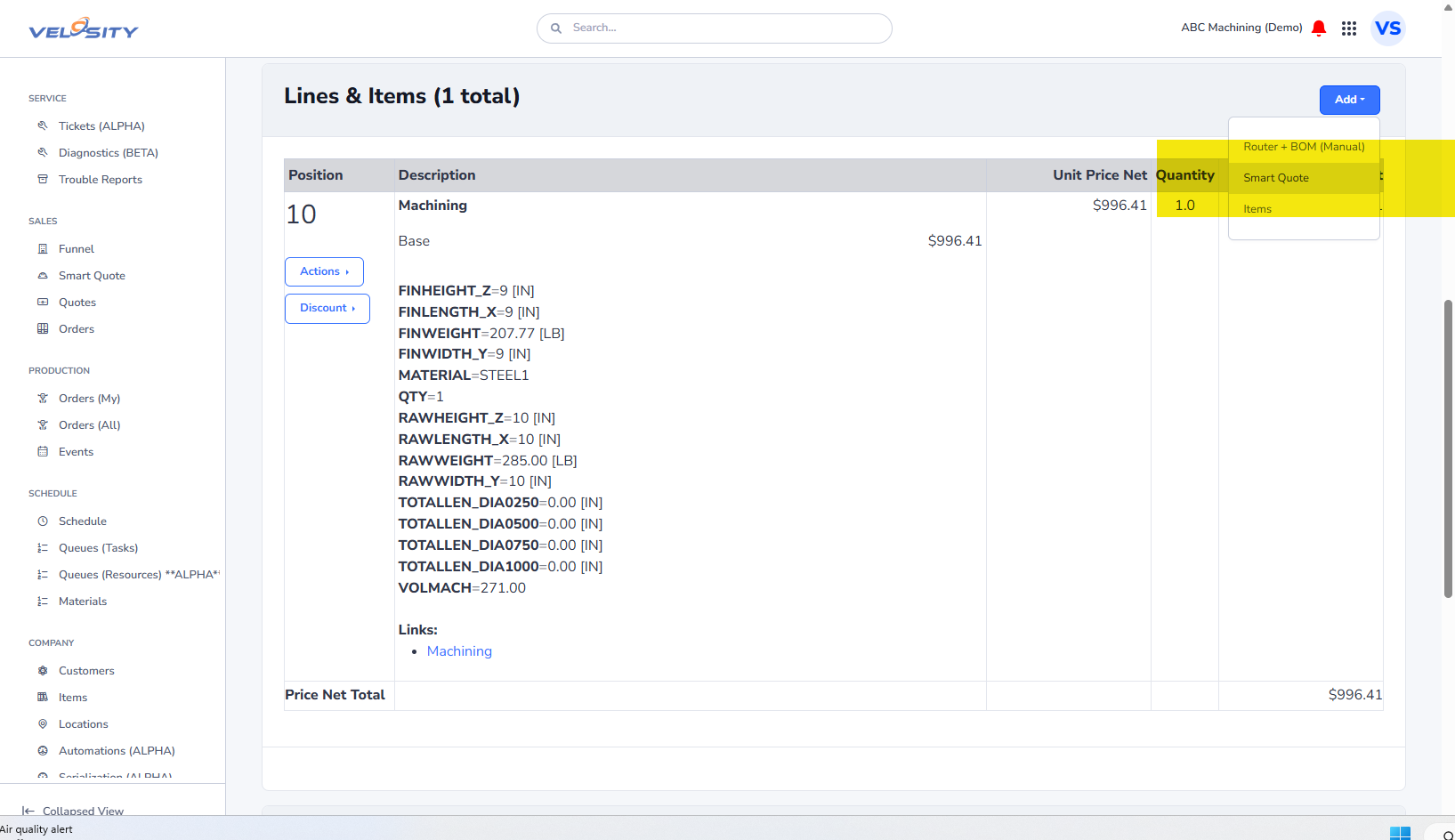
- Use Smart Quote to configure complex products. The system ensures that only valid configurations are selected, reducing engineering errors.
- Pricing Adjustments: If the customer has specific price requirements, check Price Breaks for volume discounts or apply manual adjustments if permitted by your role.
- Iterative Quoting: If a customer wants a change to a previous quote, use the Reconfigure feature. This opens the existing configuration, allowing you to make specific adjustments without starting from scratch.
Collaboration and Approvals
Quoting often requires input from other departments. Velosity keeps these conversations tied to the record.
- Internal Review: Use the Send to User button on the Quote page to ask a technical lead or production manager for a feasibility review.
- Stay Informed: Check your Notifications for @mentions or status changes on quotes you are tracking.
Closing the Loop
Finalizing the deal is a seamless transition in Velosity.
- Acceptance: Once a quote is accepted, convert it to a Sales Order with a single click.
- Data Integrity: Ensure the customer's contact information and shipping details are up to date to ensure smooth production and delivery.
- View Progress: Even after conversion, you can track the Production Order status to keep your customer informed about lead times.