Service: Product Diagnostics
In complex service and repair environments, identifying the root cause of a failure is often the most time-consuming step. Velosity integrates with Yonyx to provide interactive, logic-based diagnostic trees directly within the service workflow.
Strategic Benefits of Guided Diagnostics
1. Reduced Troubleshooting Time
Instead of leafing through static PDF manuals, technicians follow a guided "decision tree." By answering simple yes/no questions about the product's symptoms, the system narrow's down the potential causes and suggests the exact repair needed.
2. Standardized Service Quality
Guided diagnostics ensure that every technician, regardless of experience level, follows the same best-practice troubleshooting process. This reduces the risk of "parts swapping" and improves first-time-fix rates.
3. Direct Shop Floor Access
Diagnostic trees are linked to specific Items. When a technician opens a Production Order for a repair, the relevant diagnostic tree is immediately available, ensuring they have the right information at the moment they need it.
Managing Diagnostics
Diagnostic List
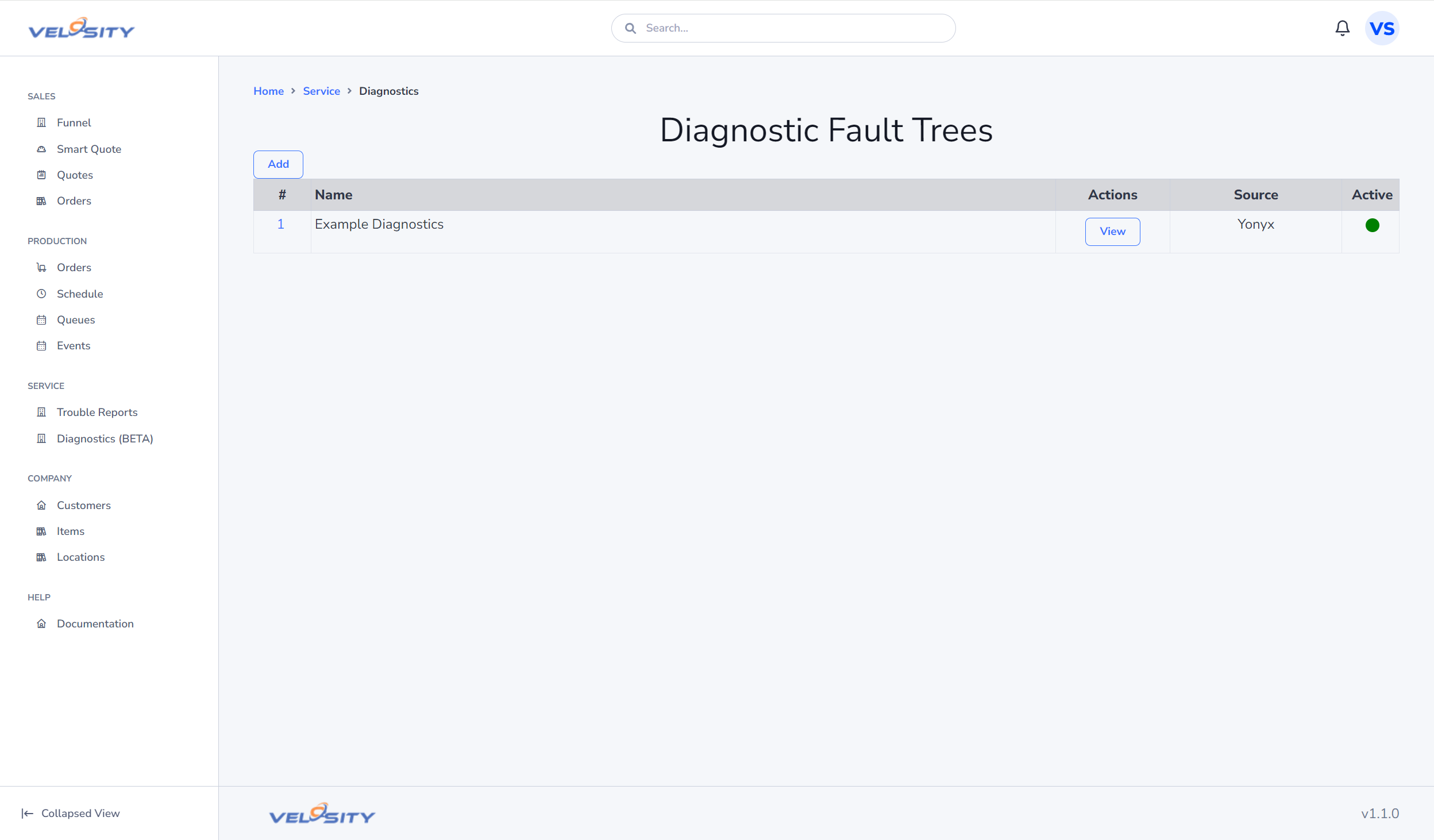
The List view shows all active diagnostic trees and the specific products they are associated with.
Adding a Diagnostic Link
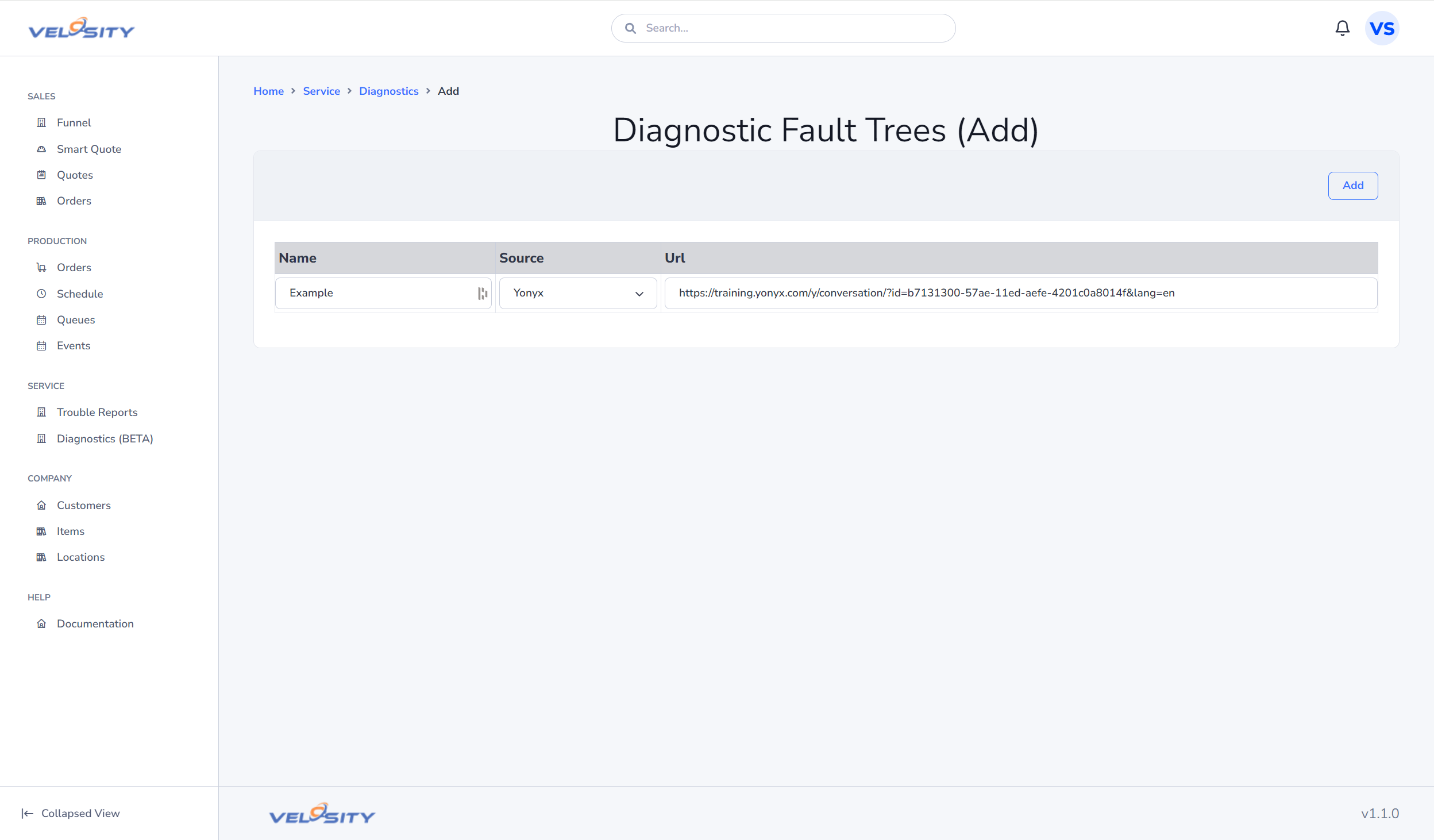
To add a new diagnostic tool, you provide the unique conversation ID or URL from your Yonyx account and link it to the target Item in your Velosity catalog.
The Technician's View
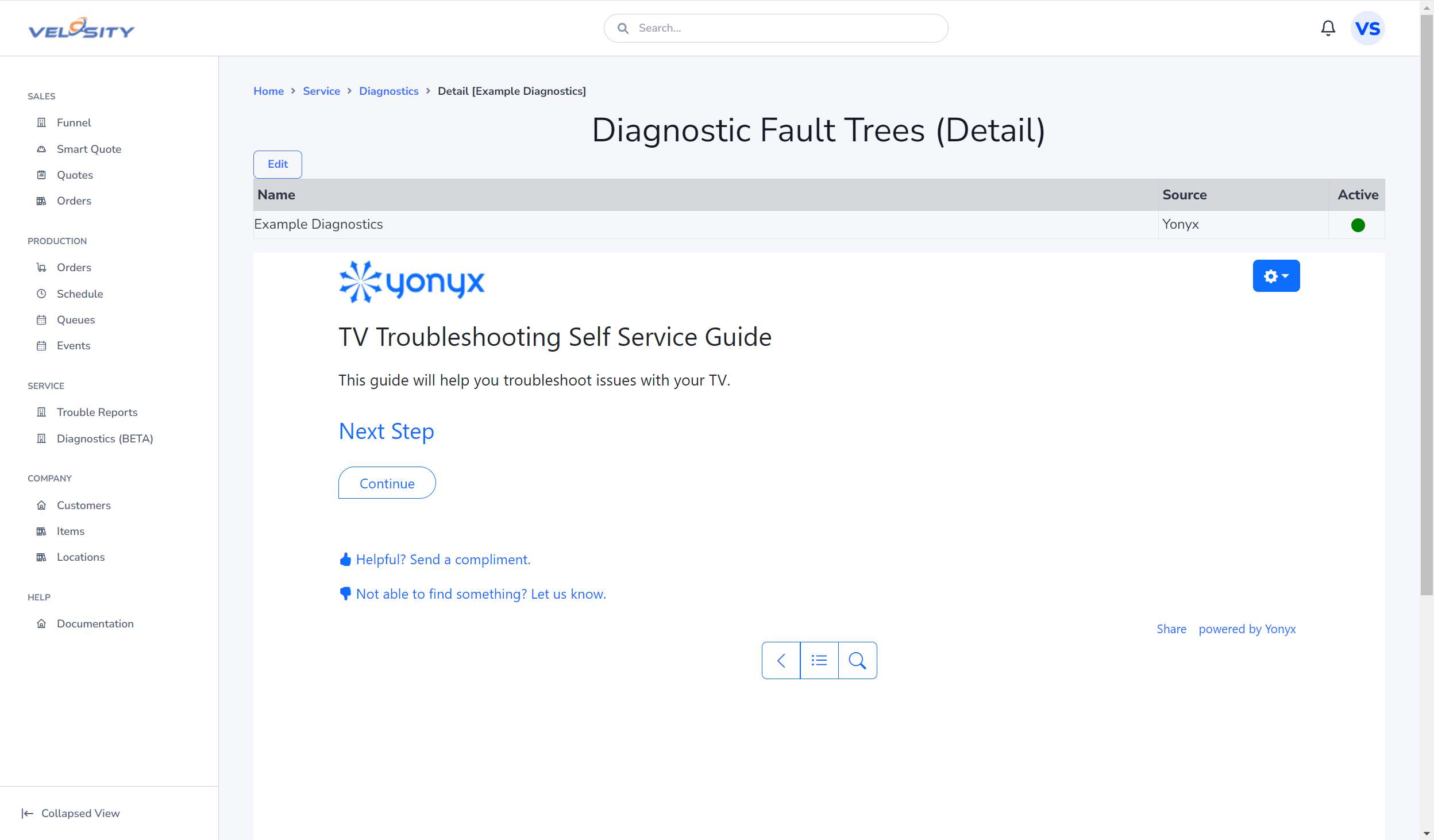
When a technician interacts with the diagnostic tool, it opens in a dedicated workspace. Each step they take can be documented, and the final diagnosis can be saved as a Note or used to trigger a Reconfigure of the repair order to add the necessary parts.
Configuration
Diagnostics is an optional module that is enabled as part of the Service package. An ADMIN must configure the Yonyx API integration in the Customization Panel before trees can be linked to products.