Administration
Users with the ADMIN role can configure and manage all core aspects of Velosity.
When Administration mode is active, the navigation panes change color to clearly distinguish admin activities from standard user workflows.
Some administrative actions are also available outside Admin mode; these appear with red‑outlined buttons to indicate elevated privileges.
Administration Home
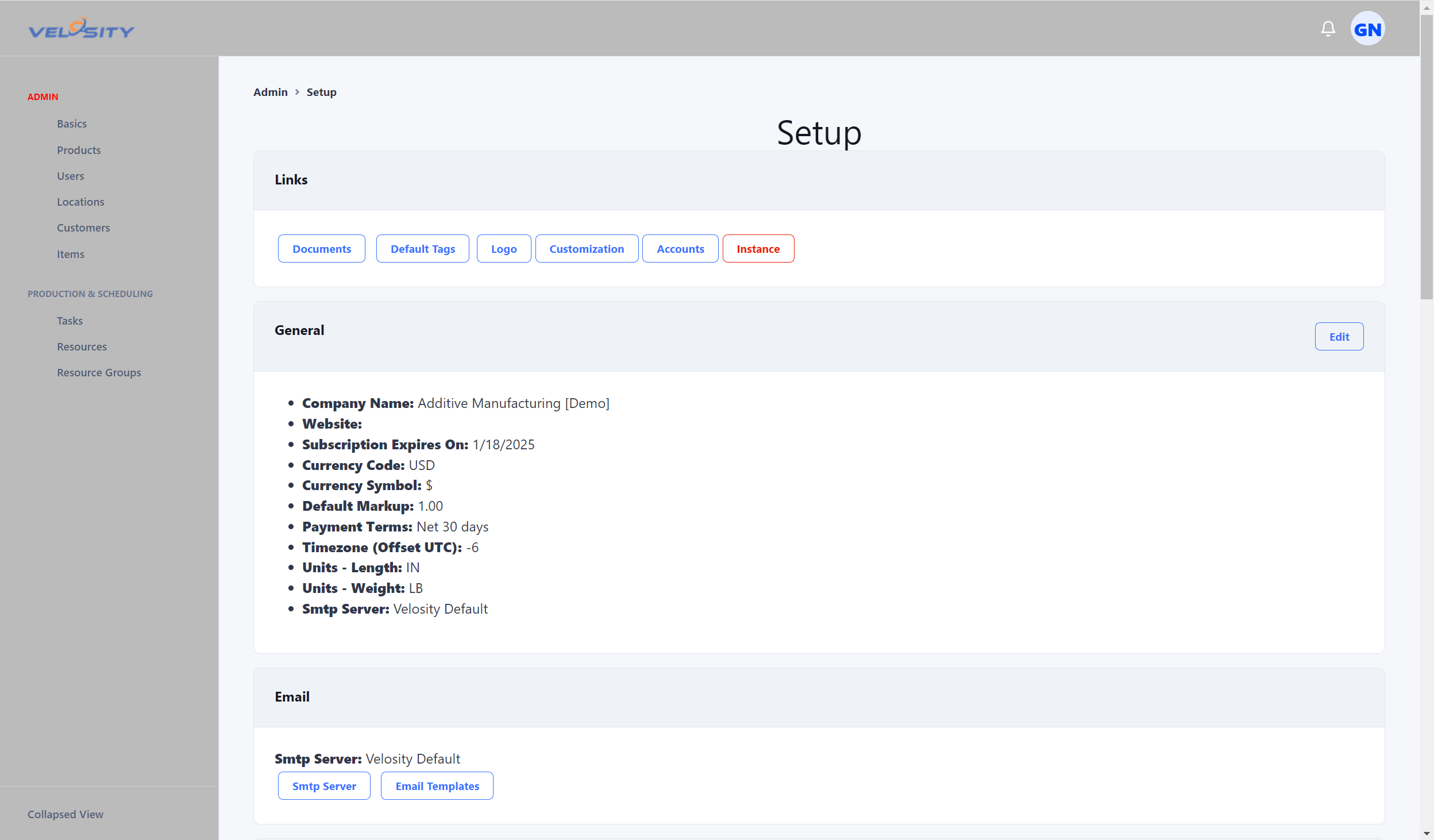
The Administration area is organized into functional categories to make configuration predictable and easy to navigate.
User & Account Management
- Accounts — Manage user profiles, roles, and permissions
- Customization — Configure UI and behavior settings specific to your organization
Data & Master Configuration
- Items — Define and maintain item master data
- Inco Terms — Manage International Commercial Terms for shipping and delivery
- Default Tags — Set default tags used throughout the system
- Locations — Manage physical or logical locations
- Phases — Configure workflow phases used in production and scheduling
Templates & Automation
- Document Templates — Manage templates for quotes, orders, and other documents
- Escalation Templates — Define automated escalation rules for production orders
Resources & Scheduling
- Resource Groups — Organize resources into logical groups
- Resources — Manage machines, work centers, or personnel
- Tasks — Configure task definitions used across production workflows
Smart Quote Configuration
- Smart Quote — Configure pricing logic, rules, and quoting behavior
- Attributes — Manage custom attributes for configuration
- Rules — Define logical rules for pricing and routing
Service & Specialty
- Service Codes — Define codes used in the Service module
- Logo Management — Upload and manage company logos for documents
General System Settings
- General — Global system settings, defaults, and administrative controls
- Integrations — Configure connections to external services like payment processors
- CPQ Settings — Configure Sales Quote notes, Sales Order payment requirements, and active payment processors
- Credit Card Processing — Enable credit card processing in Sales Orders (PCI Compliant)
Tips for Administrators
- Use Admin mode when performing configuration to avoid confusion with standard UI elements
- Review Default Tags, Phases, and Resource Groups early — these foundational settings influence many downstream workflows
- Keep Document Templates and Escalation Templates aligned with your operational processes
- Regularly audit Accounts to ensure users have the correct roles and permissions