Administration - Customization
This section enables you to customize various aspects of the user interface and experience.
Settings
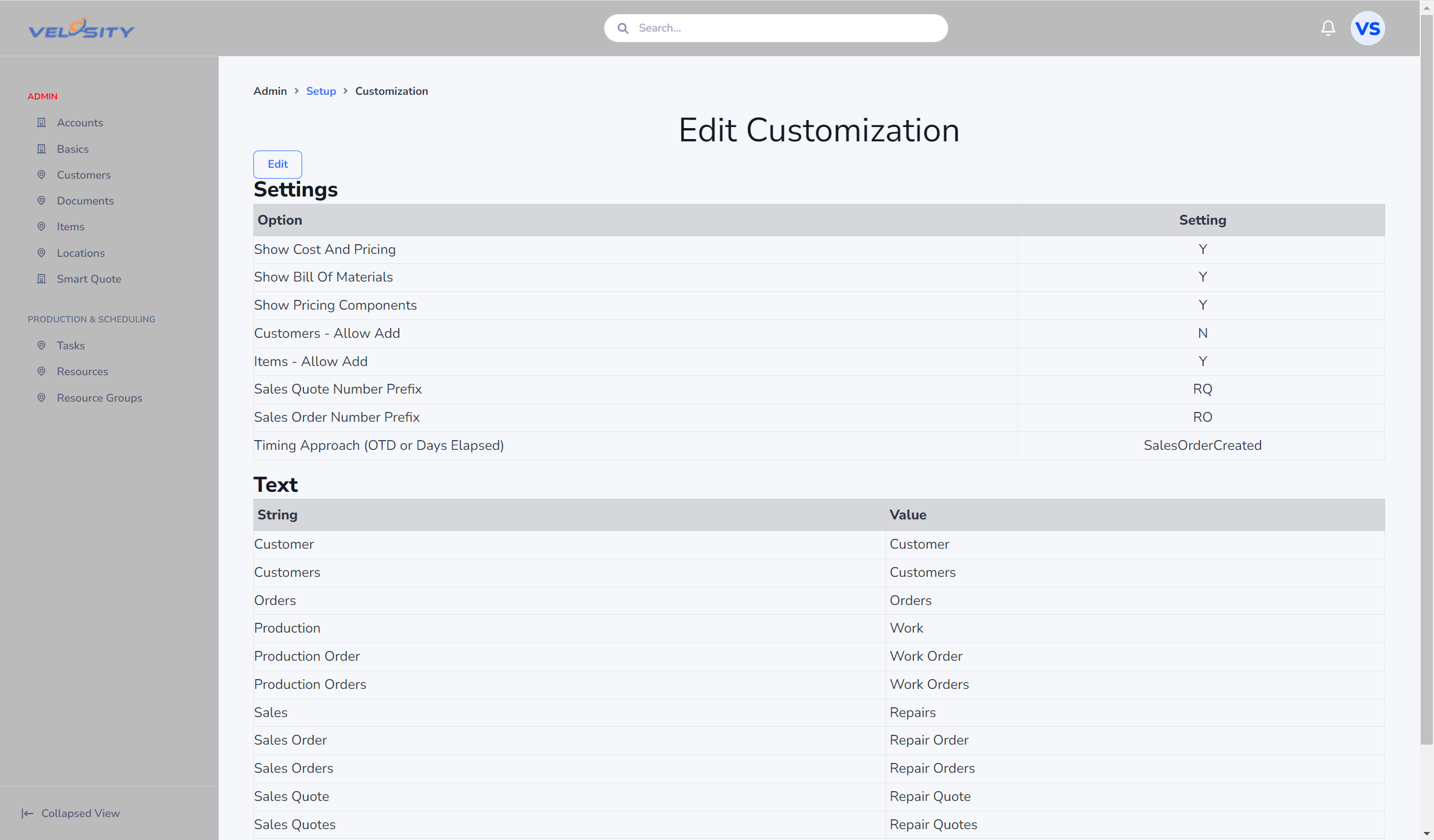
The Settings controls behaviours and UI elements shown to users.
Edit/Add Restrictions
Editing/Adding can be restricted for both Items and Customers. This is useful when the source of this data is another system (such as ERP). Disabling add/edit would prevent these records from being edited/added in Velosity - thus avoiding a mismatch between the data source and Velosity.
Text
Text enables you to rename various elements of the user interface to align with your company conventions.
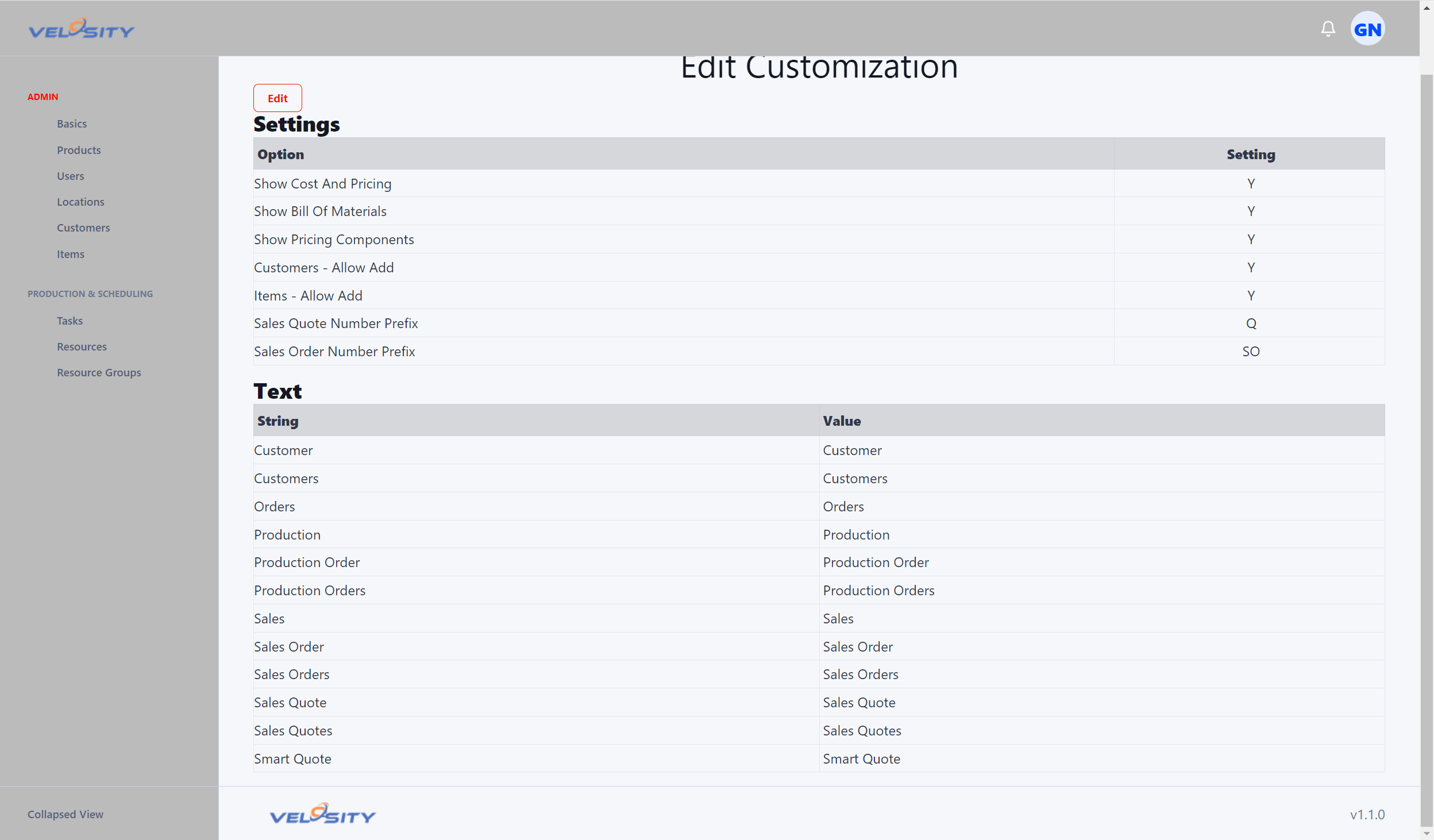
Sales Quote Numbering
YYYY— four‑digit year-
Example:
2026 -
YY— two‑digit year -
Example:
26 -
MM— two‑digit month -
Example:
04 -
DD— two‑digit day of month -
Example:
09 -
#/##/###/####/ … — sequence number, zero‑padded to the number of#characters -
Example:
- Format:
#### - Sequence:
12 - Output:
0012
- Format:
-
Literal characters (letters, numbers, dashes, underscores, etc.)
- Example:
- Format:
Q#### - Output:
Q1002
- Format:
Qis always literal (no quarter logic)
Examples
Q####→Q1002QYYYY-####→Q2026-1002INV-YYMM-###→INV-2604-012QUOTE-YYYY-MM-DD-####→QUOTE-2026-04-01-1002