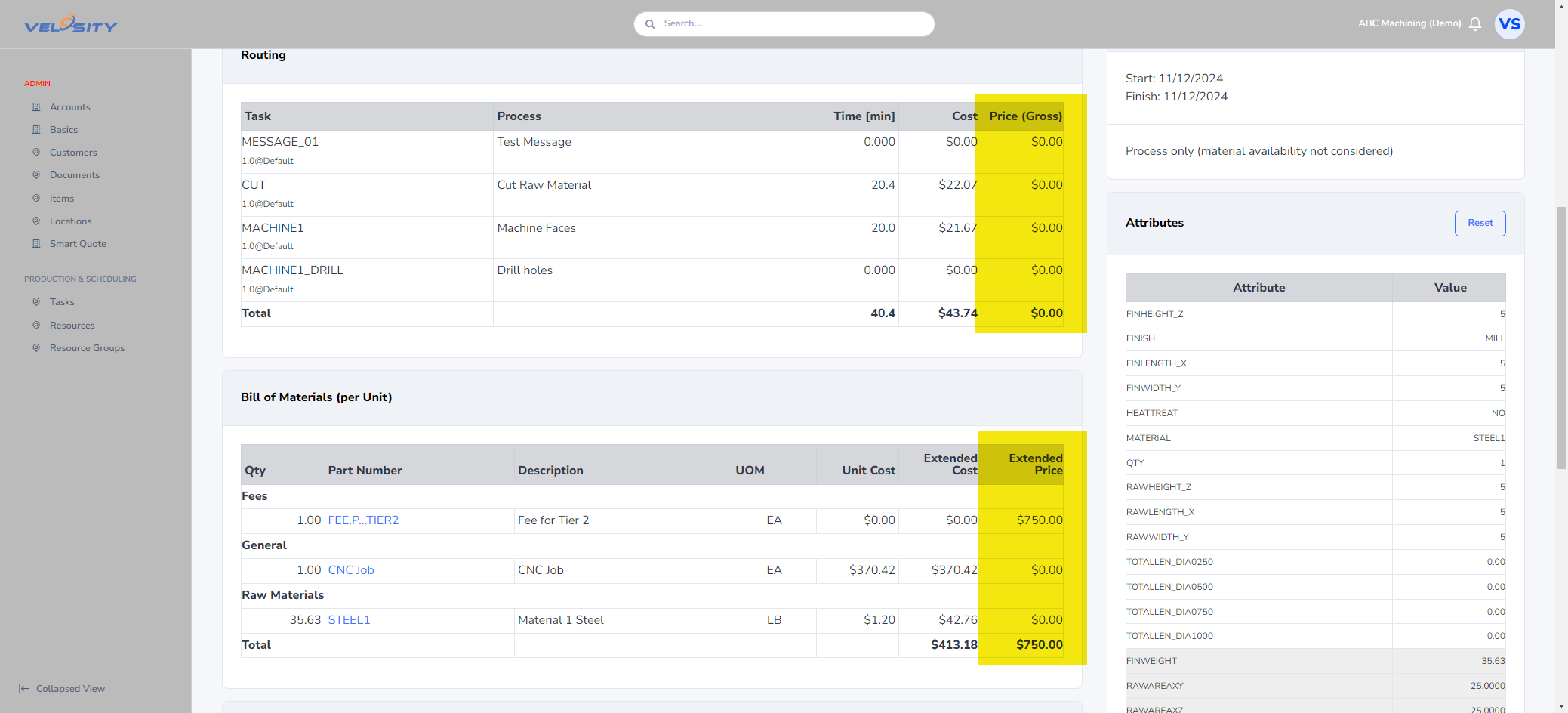
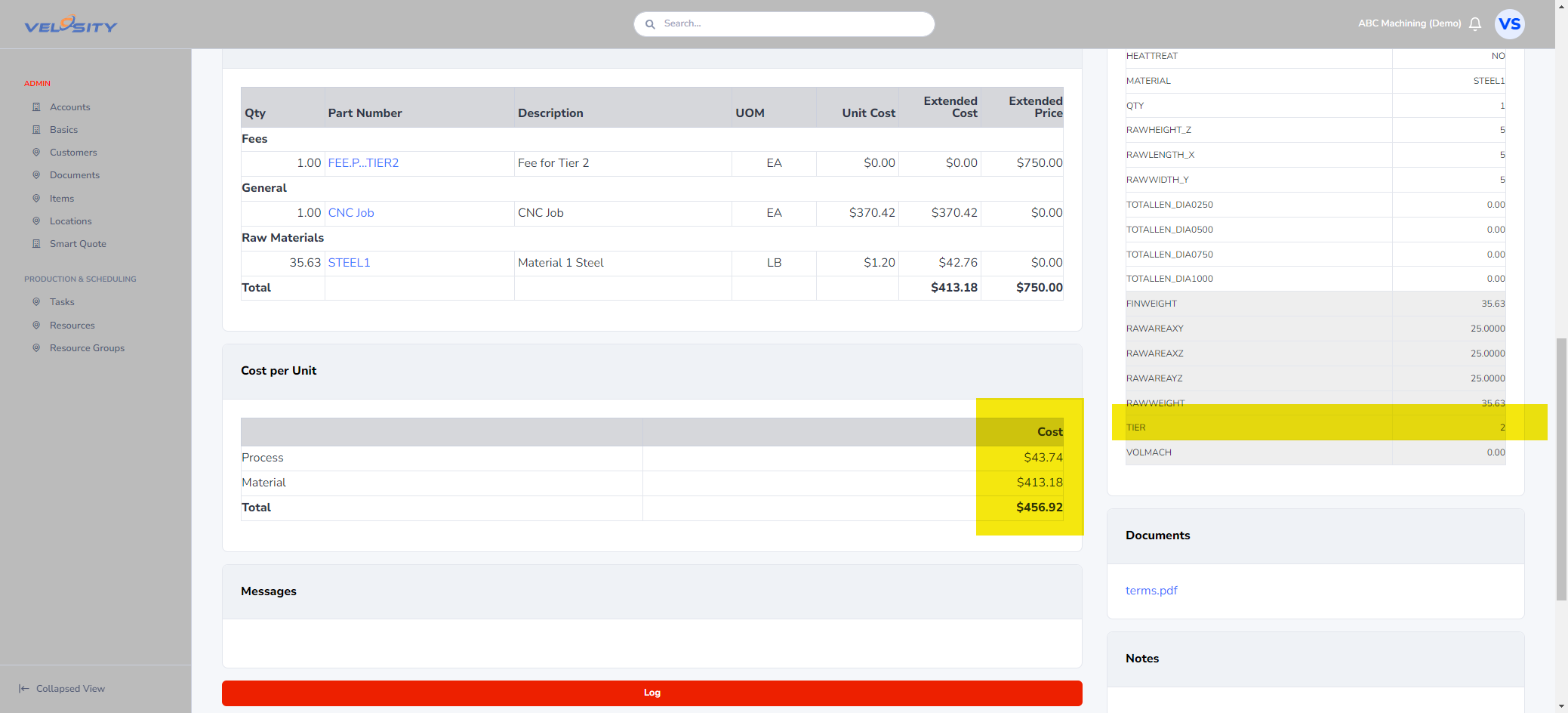
Administration - Smart Quote : Attribute Valid Values (Query) and ItemMapping
When the valid values for Attributes are dependent on the selection of other (earlier) Attributes, the valid values are better defined via Query from the Item catalog - rather than a fixed list as is typically done.
This approach is often combined with Item Mapping to build the BOM - rather then via Rules, which become unreasonbly complex.
This example demontrates how to use the Attribute Query feature and Item Mapping.
Example - Steel Tubing
To illustrate how Item Mapping works we can use the configuration of tubular steel products. Let's assume that the steel tubulars have three primary attributes:
- OD (Outer Diameter)
- WT (Wall Thickness)
- GRD (Steel Grade)
A company that sells these kinds of products would have hundreds or thousands of combinations of these three attributes. Using the static list approach for valid values on the Attribute would clearly not work. The solution is for the valid value list to be the result of a query on the Item catalog - filtered by the Attributes on the Items.
Attributes
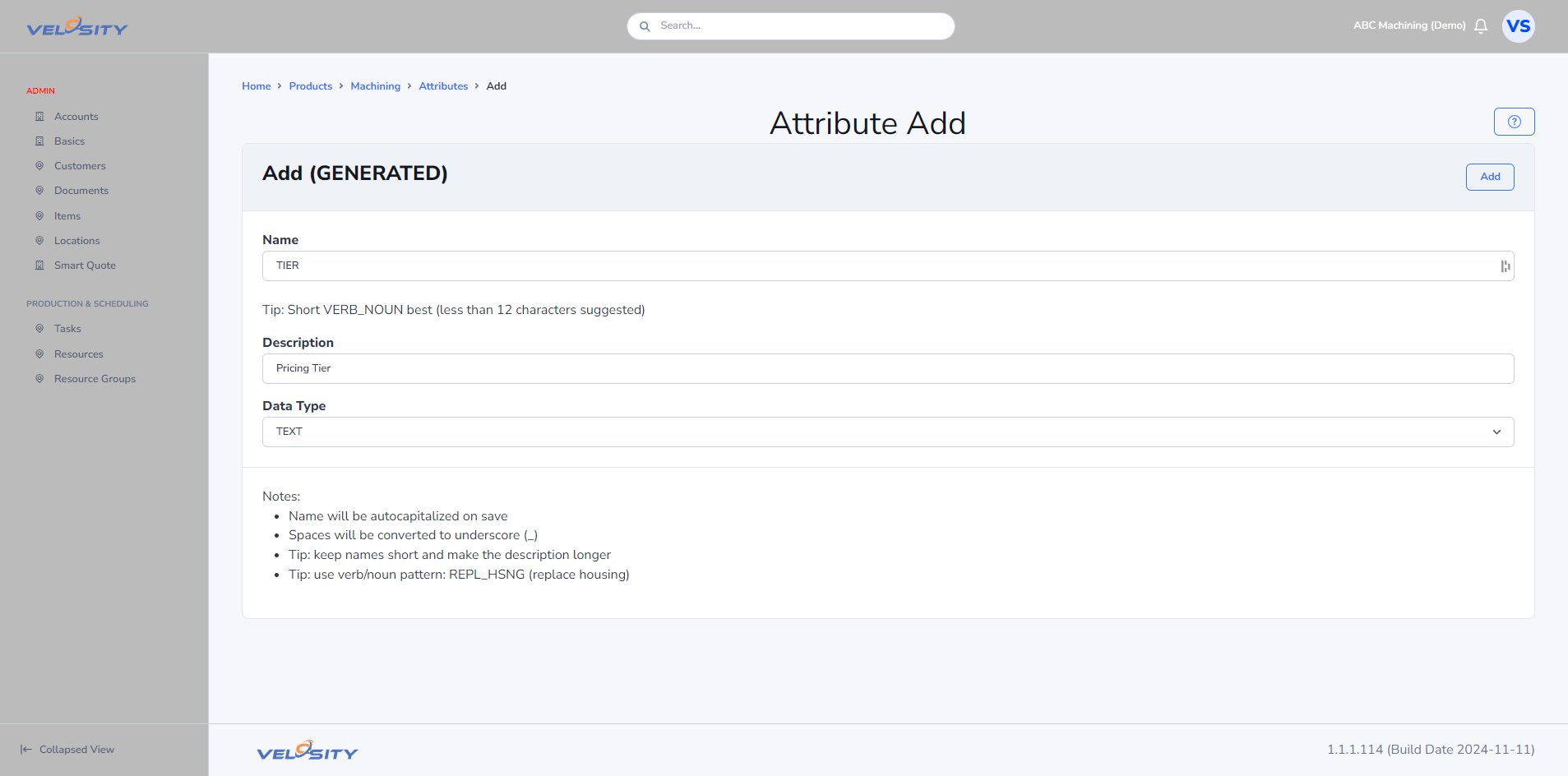
We will need to create three Attributes: OD, WT, GRD
- Create an Attribute of type DIM called OD (Outer Diameter) with units IN (inches)
- Create an Attribute of type DIM called WT (Wall Thickness) with units IN (inches)
- Create an Attribute of type TXT called GRD (Grade)
Items
The Item data will be many records and is best imported rather than being created one-by-one. Export the current Item catalog to download the import format.

You can use Excel formulas to convert indivdual attribute columns into the importable Attribute string required by Velosity of this format:
ATTR1=123;ATTR2=ABC
If the data is in these columns (ATTR1 in column A and ATTR2 in column B), and row 1 is the headers - the below formula should be in the Attributes column:
=$A&1&"="&A2&";"&$B&1&"="&B2&
We will use just 10 rows for now to test against
Attribute Queries
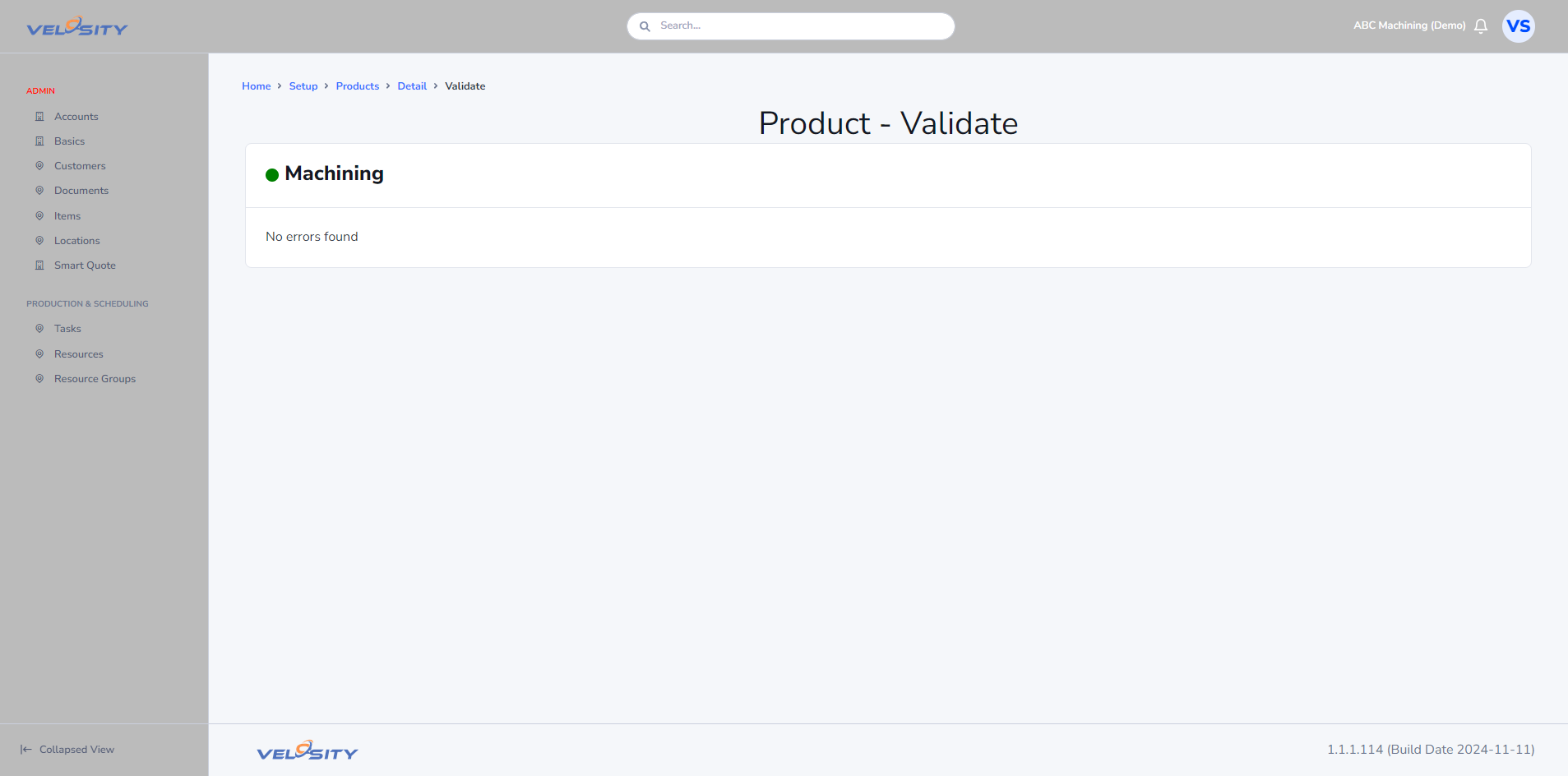
Validate
Validate the Smart Quote setup
Test
Test it by adjusting the Attributes to get the costs to the levels you have set in the Rules added earlier.