Production Worker Dashboard
The Production module is designed to give you a clear view of your tasks, priorities, and the documentation needed to complete your work efficiently.
Using Queues: Identifying What to Work On
The Queues view is your primary tool for seeing work-in-progress and upcoming tasks across different work centers.
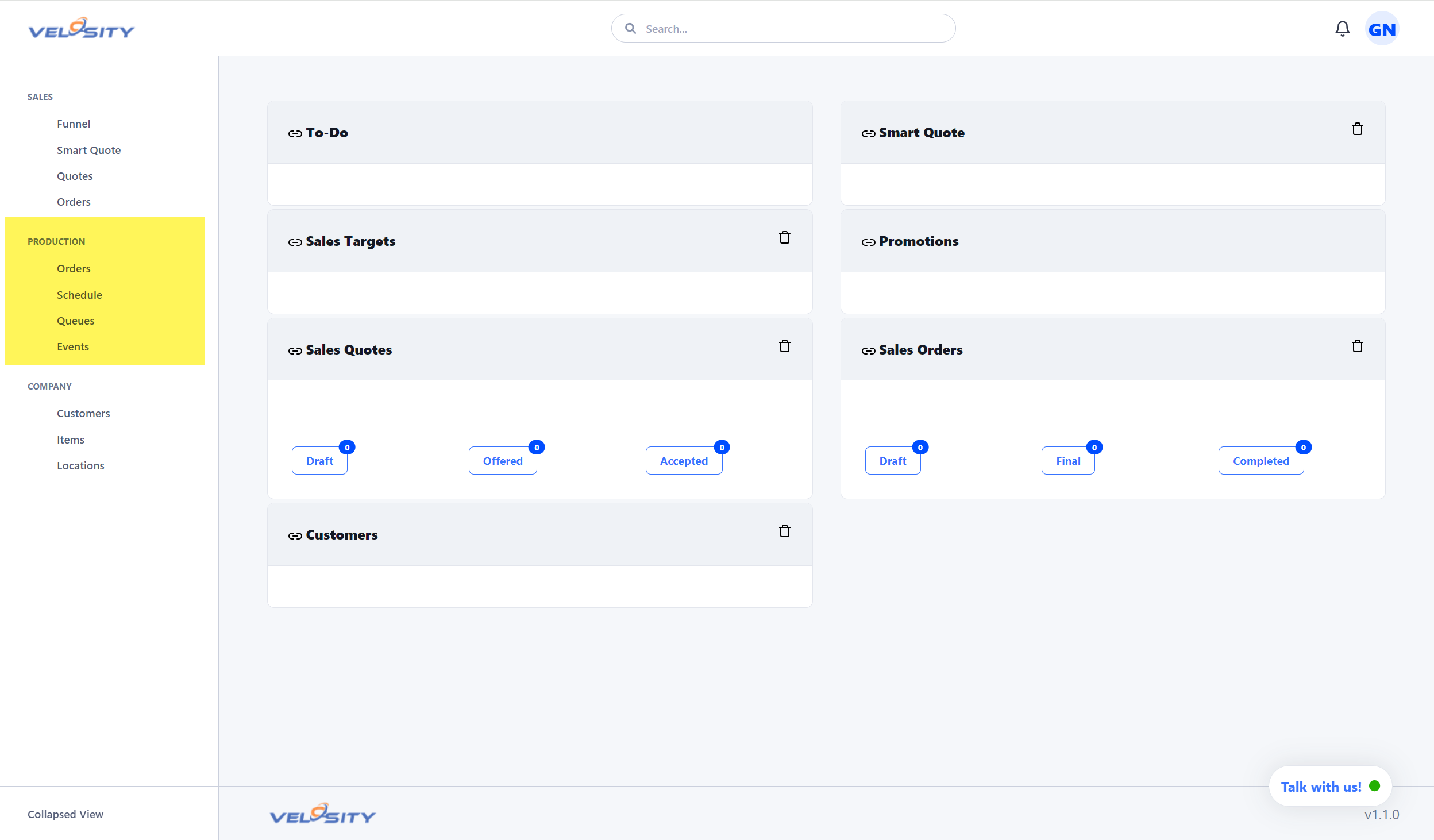
- Station-Specific Filtering: Filter by Resource Group (e.g., CNC, Assembly, Finishing) to focus only on tasks relevant to your station.
- Priority Management: Pay attention to the Priority and Due Date columns. Velosity calculates priority based on the production schedule to ensure on-time delivery.
- Visual Status: Tasks are color-coded to help you quickly identify those that are late or at risk.
Managing Individual Tasks
Each Production Order Task serves as your digital work instruction sheet.
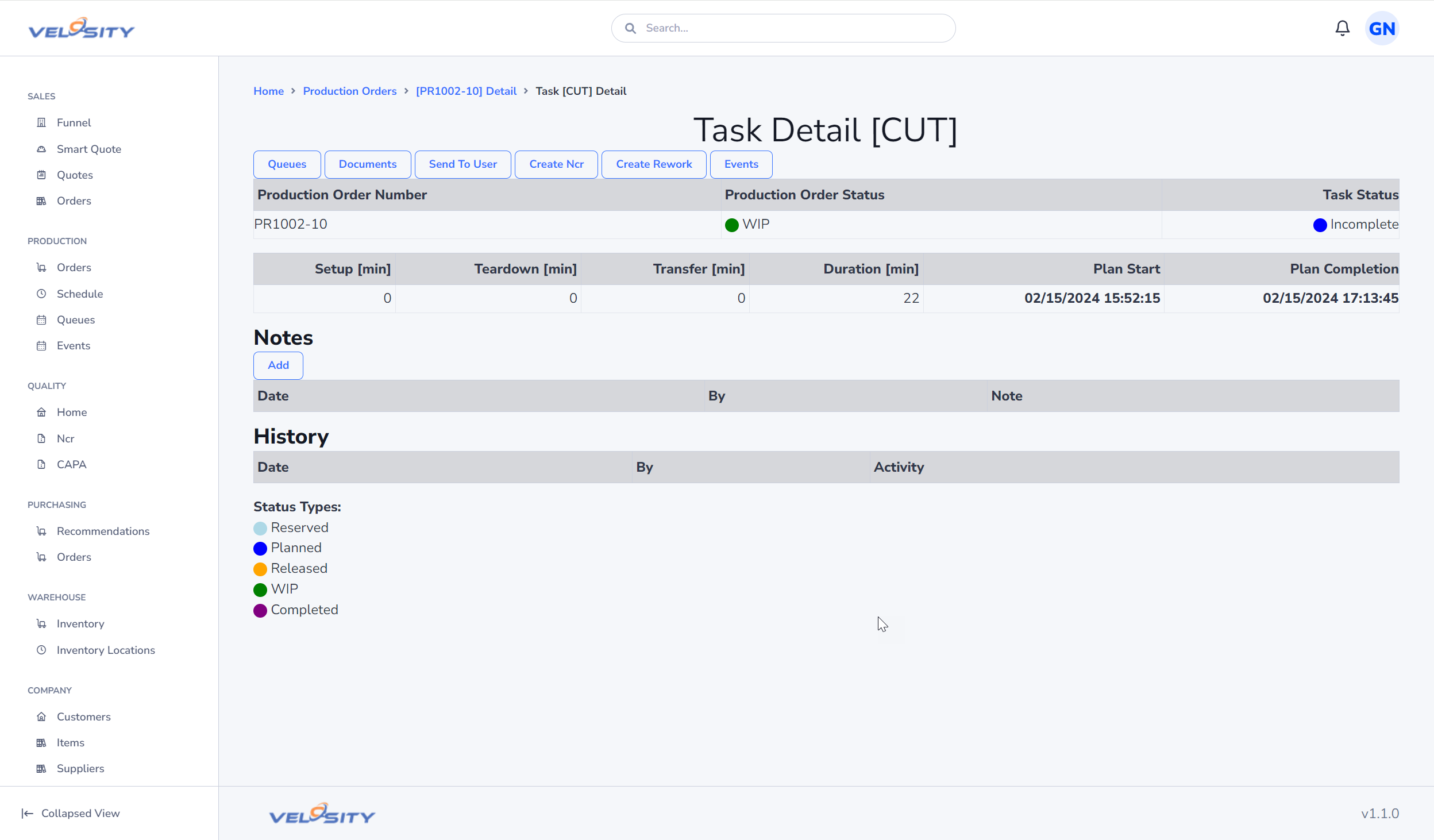
- Operation Details: Read specific instructions for the operation at the top of the task card.
- Documents: Access blueprints, CAD drawings, work instructions, or quality specifications directly from the Documents tab.
- Collaborative Notes: Read notes left by other shifts or leave your own "Events" if you encounter a delay (e.g., "Machine Jam" or "Missing Material").
Updating Progress
Keeping the system updated in real-time is critical for accurate scheduling.
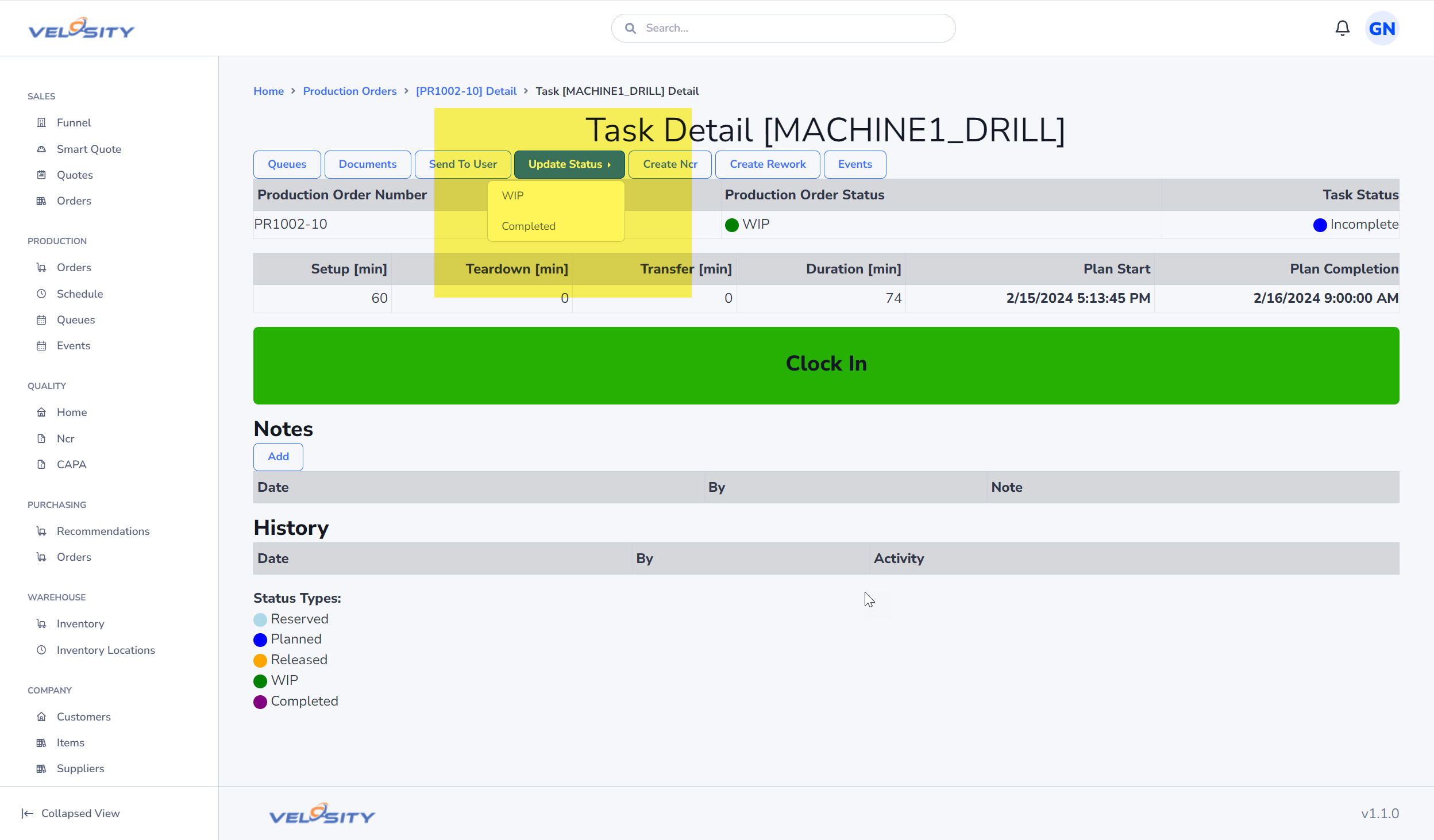
- WIP (Work in Process): Move a task to WIP as soon as you begin. This notifies the planner that the work has started.
- Clocking: Many actions (like viewing a document or adding a note) automatically clock you into the task.
- Completion: When the operation is finished, update the status to COMPLETED. This automatically notifies the next person in the router and updates the master schedule.
The Digital Traveler
Always keep the Traveler accessible, either on your tablet or as a printed sheet.
- Quick Links: Use the QR codes on the traveler to jump directly to the Production Order or specific Tasks.
- Serialization: If the order requires serial numbers or batch/lot tracking, use the traveler as a reference when entering data into Velosity.
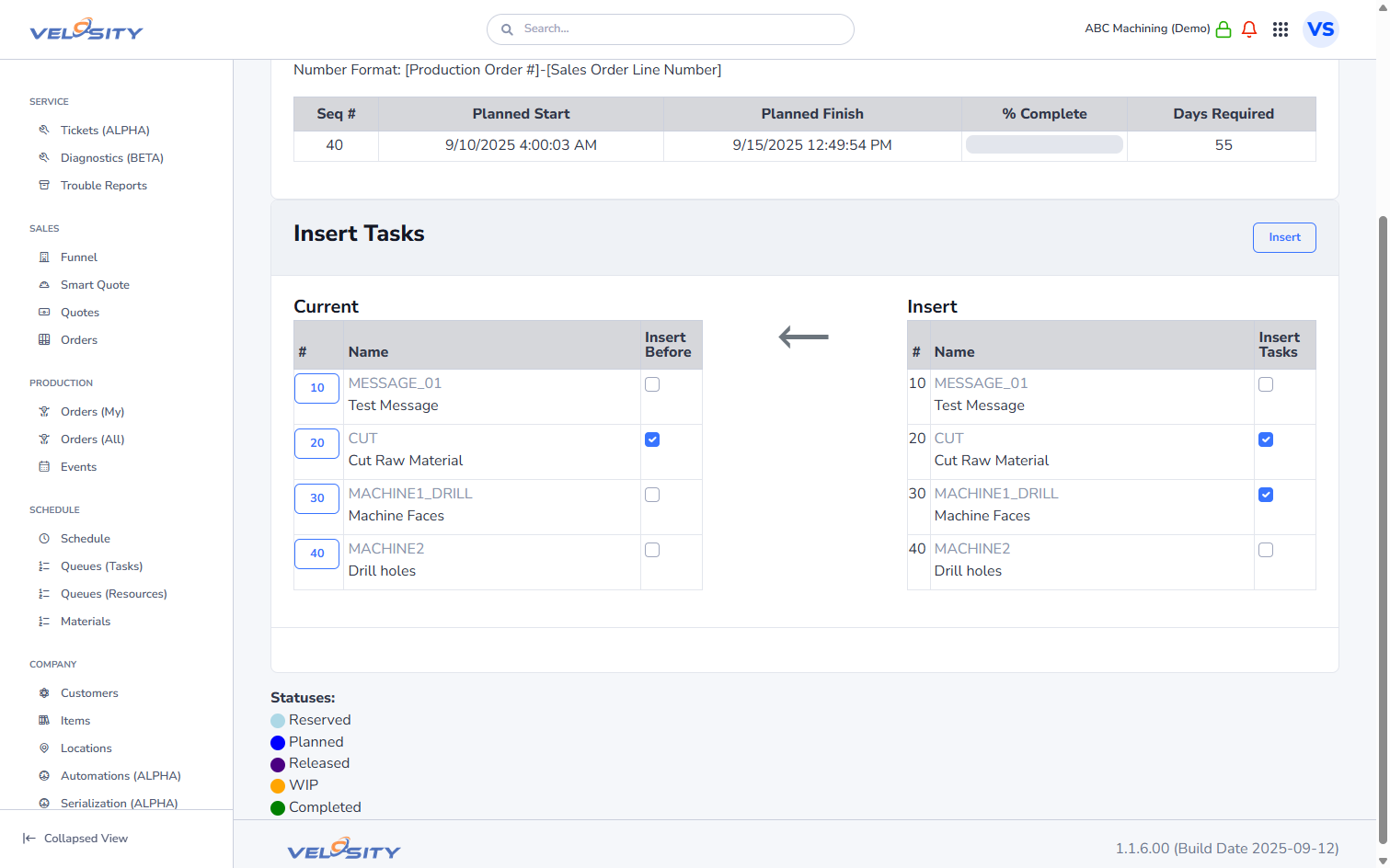 (Example of a task list within a Production Order)