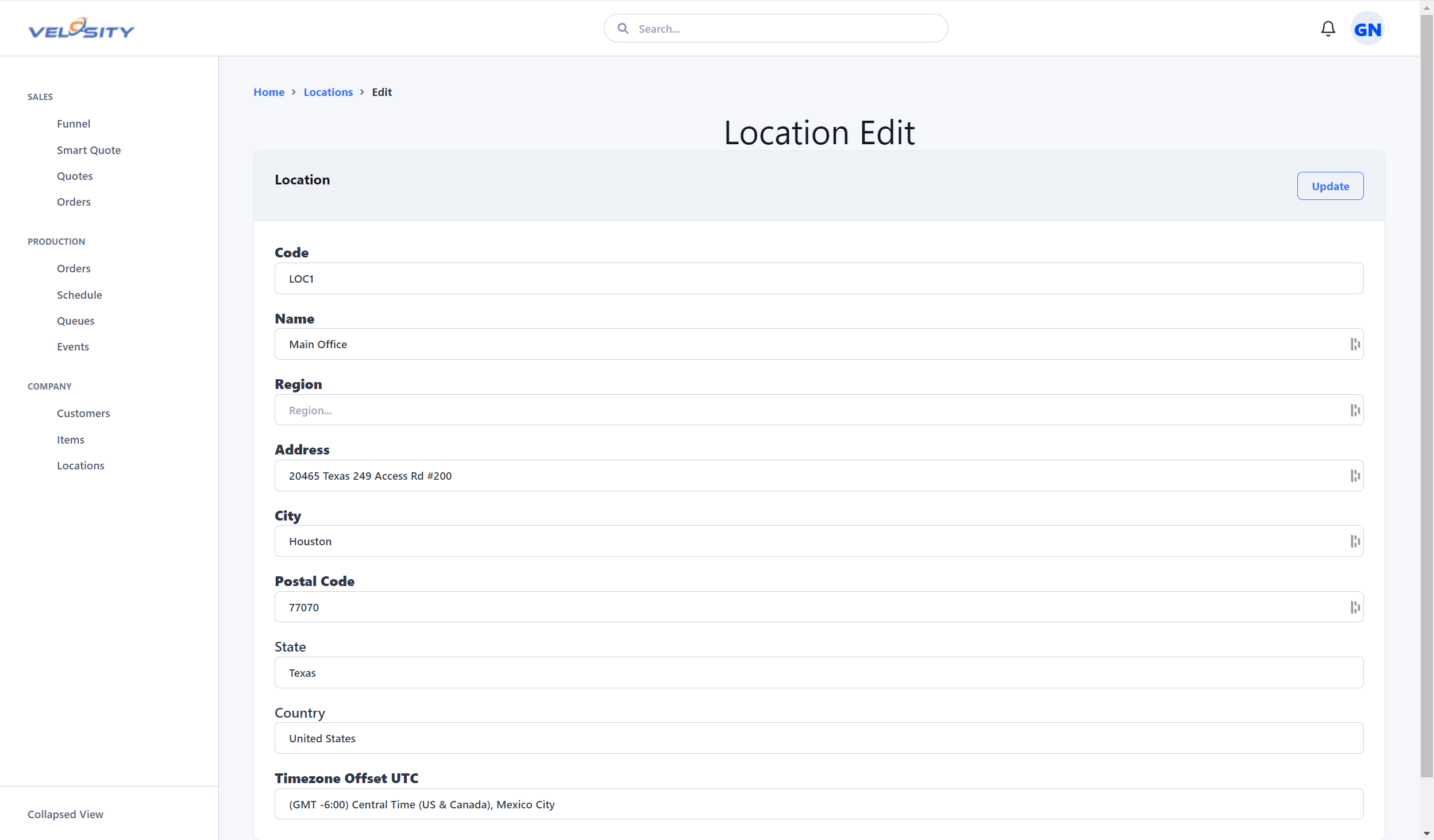
Locations
Locations in Velosity represent physical or logical sites where work is performed or items are stored. As a multi-location solution, Velosity allows you to manage operations across different facilities, warehouses, or even specific zones within a single plant.
Understanding Locations
Locations serve as a foundational data point for several modules:
- Tasks: Every production task is assigned to a location, defining where the labor occurs.
- Inventory: Inventory Locations are nested within these top-level Locations to provide precise stock tracking.
- Quality Management: Assets, Audits, Non-Conformance Reports (NCR), and Corrective and Preventive Actions (CAPA) are all tied to a location for reporting and compliance.
User Permissions
- ADMIN: Can create, edit, and delete locations.
- Standard Users: Have view-only access to location data to understand where their work or materials are situated.
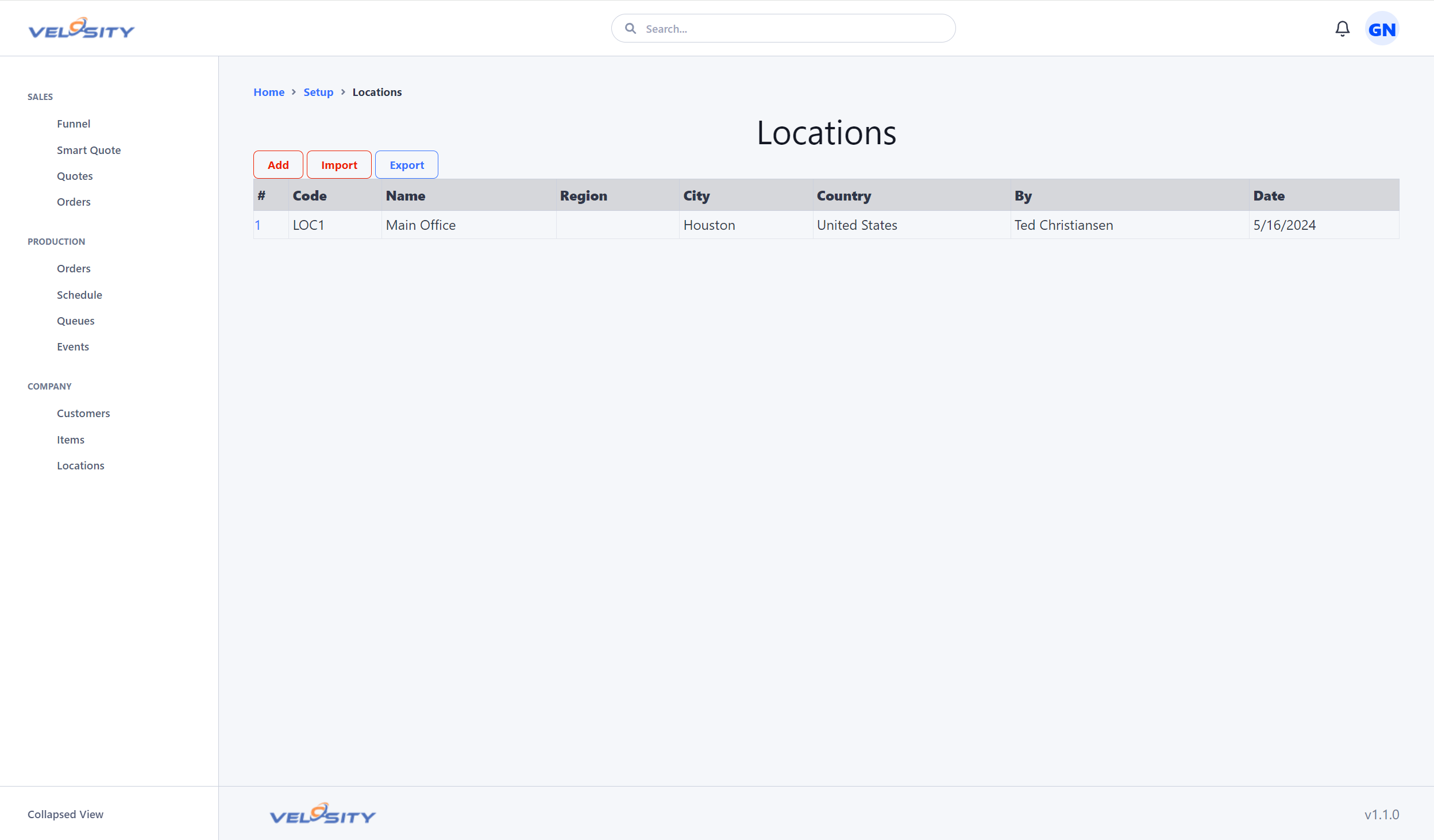
List View
The List view provides a high-level summary of all configured locations within your organization. Use the search and filter tools to quickly find specific sites.
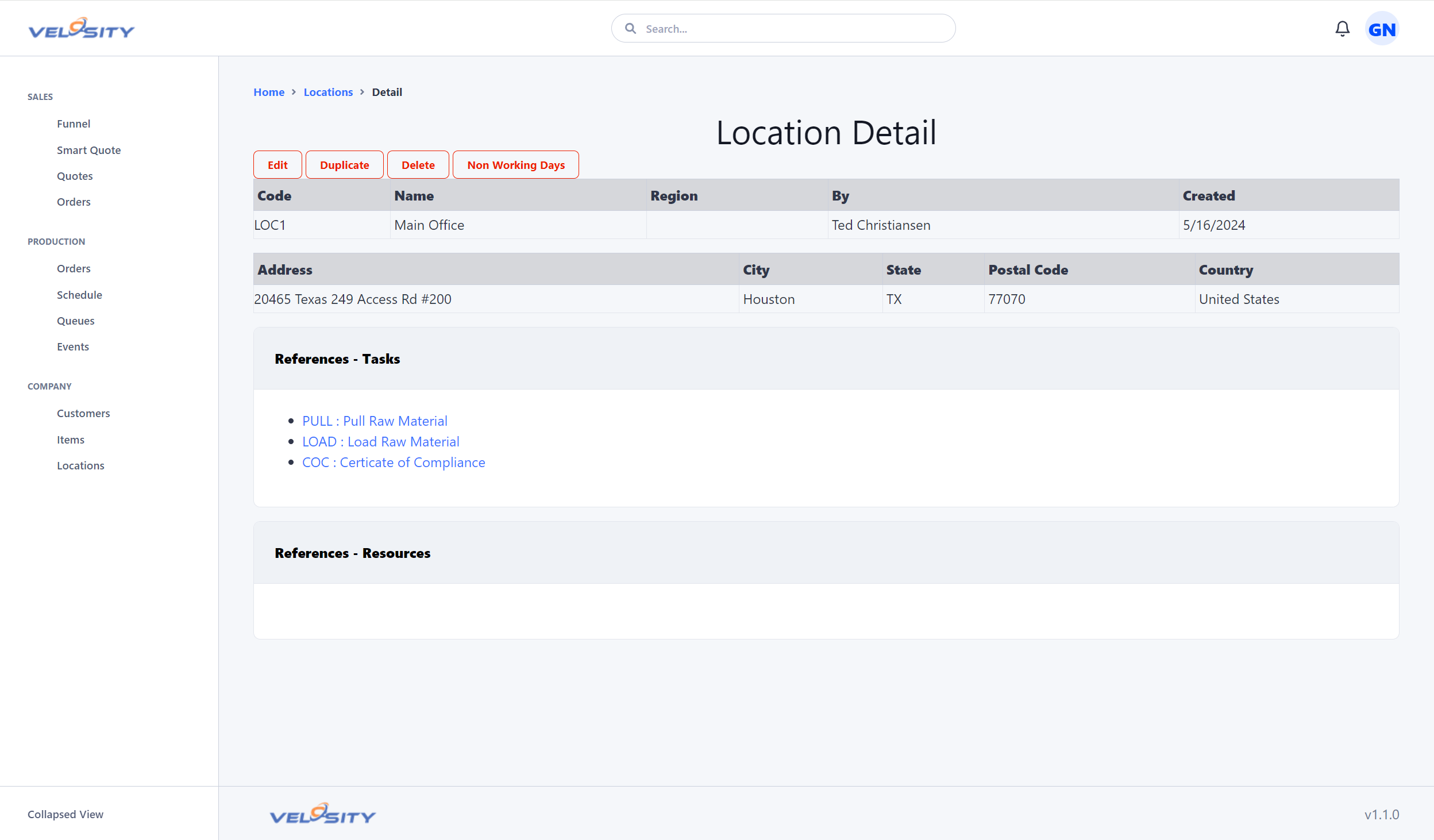
Detail View
The Detail view provides a deep dive into a specific location, including its contact information, associated departments, and a history of activities linked to that site.
Managing Locations
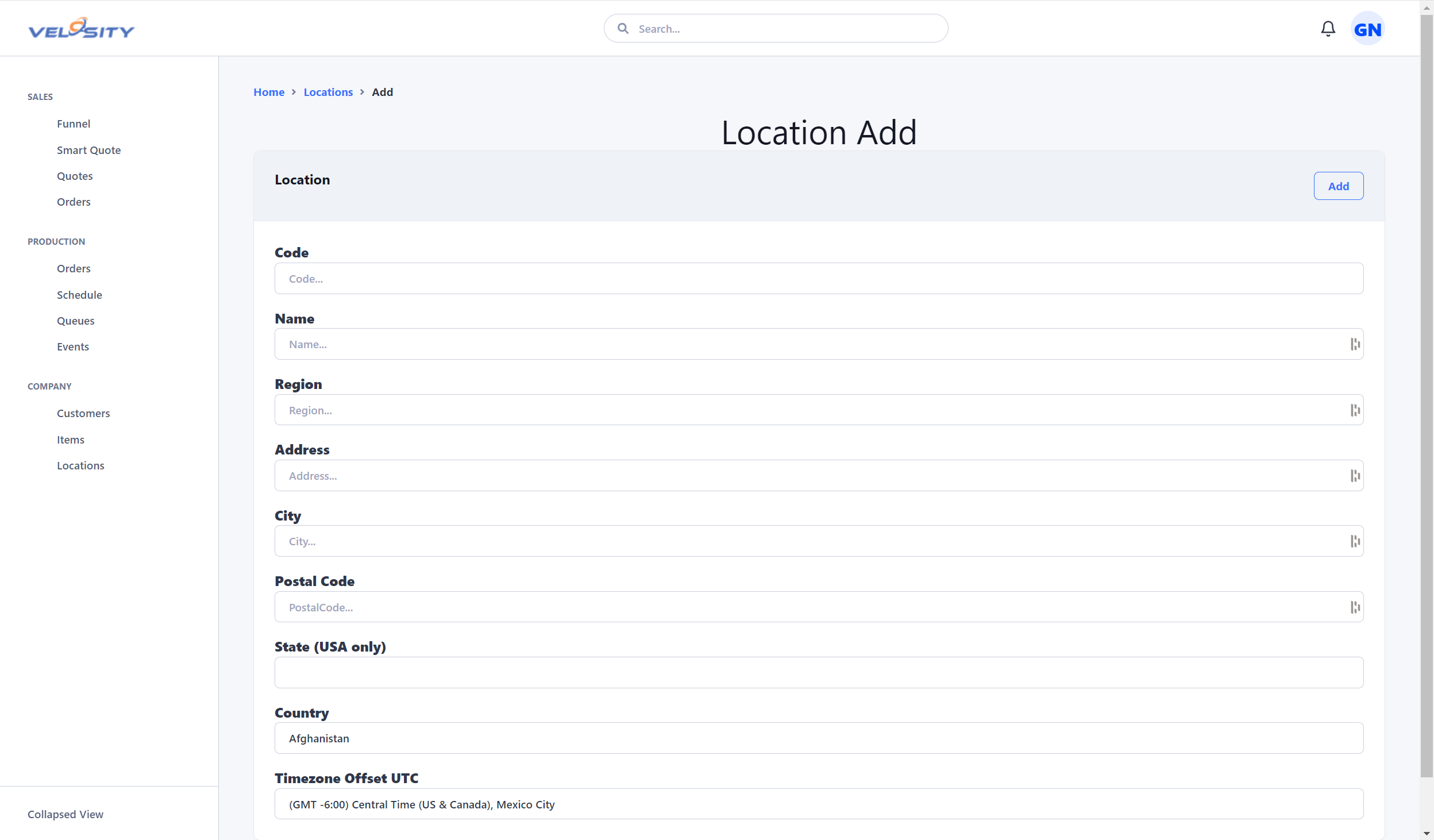
Adding a Location
When adding a new location, ensure you provide a clear and unique name. This name will be used in dropdowns throughout the system (e.g., when assigning a task to a specific facility).
Editing a Location
Administrators can update location details, such as address changes or contact updates, at any time.