Inventory Locations
Inventory Locations are specific bins, shelves, or zones where materials are physically stored. While Top-Level Locations represent a facility or building, Inventory Locations provide the granular detail needed for accurate material picking and cycle counting.
Inventory vs. Production Locations
It is important to understand the distinction between these two concepts in Velosity: - Production Locations: Represent where a Task is performed (e.g., "Milling Department" or "Site B"). - Inventory Locations: Represent where a part sits when it is not being worked on (e.g., "Bin A-12" or "Cold Storage").
Using Inventory Locations
1. Granular Stock Tracking
By assigning items to specific locations, your warehouse team can find materials faster. The system tracks the quantity of each Item at every unique location.
2. Multi-Bin Support
A single item can be stored across multiple locations. Velosity provides a consolidated view of total stock while still showing exactly how much is in each bin.
Navigating the Interface
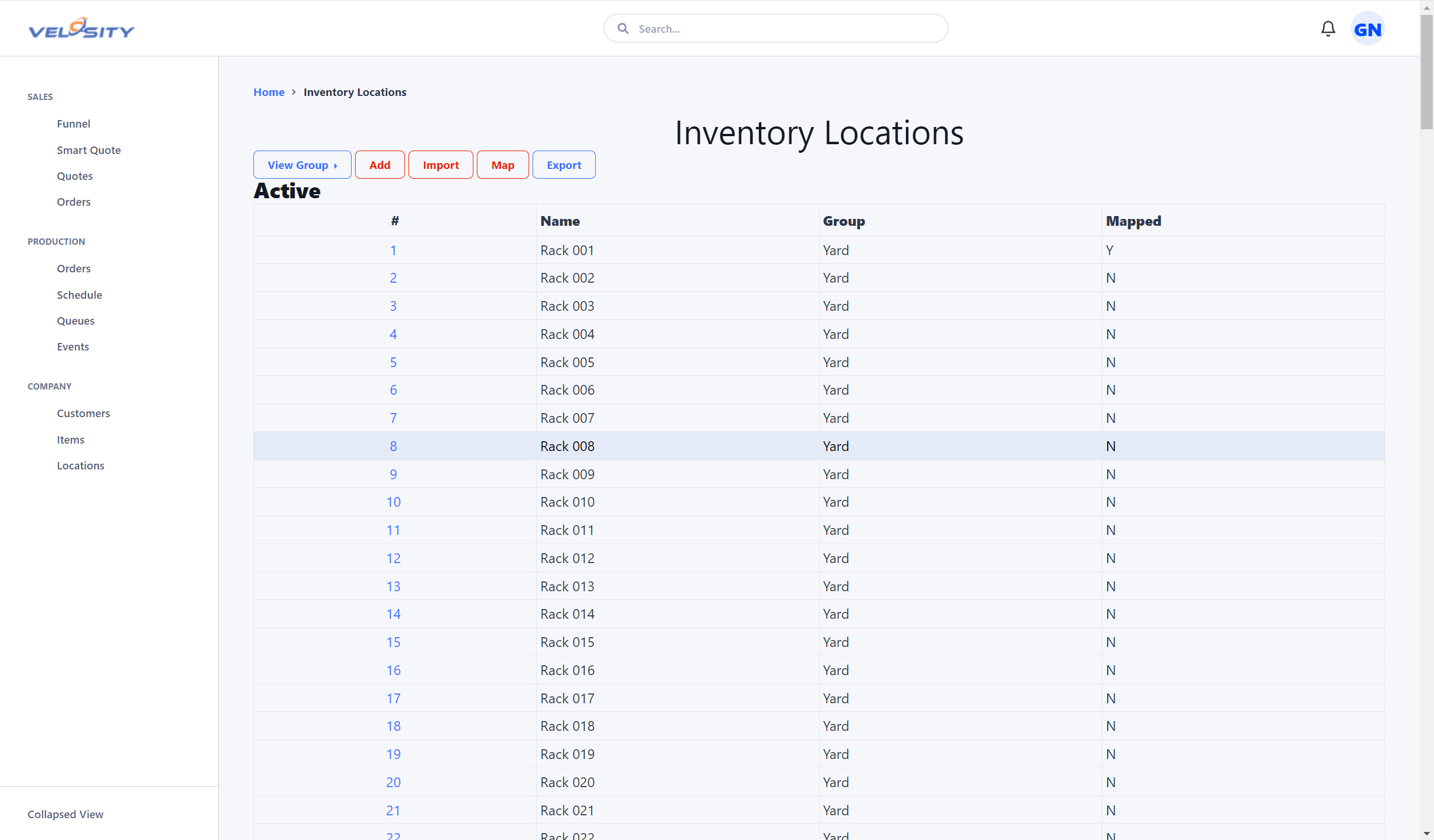
List View
The List view shows all configured inventory locations. You can quickly see which zones are nearing capacity or which bins are currently empty.
Detail View
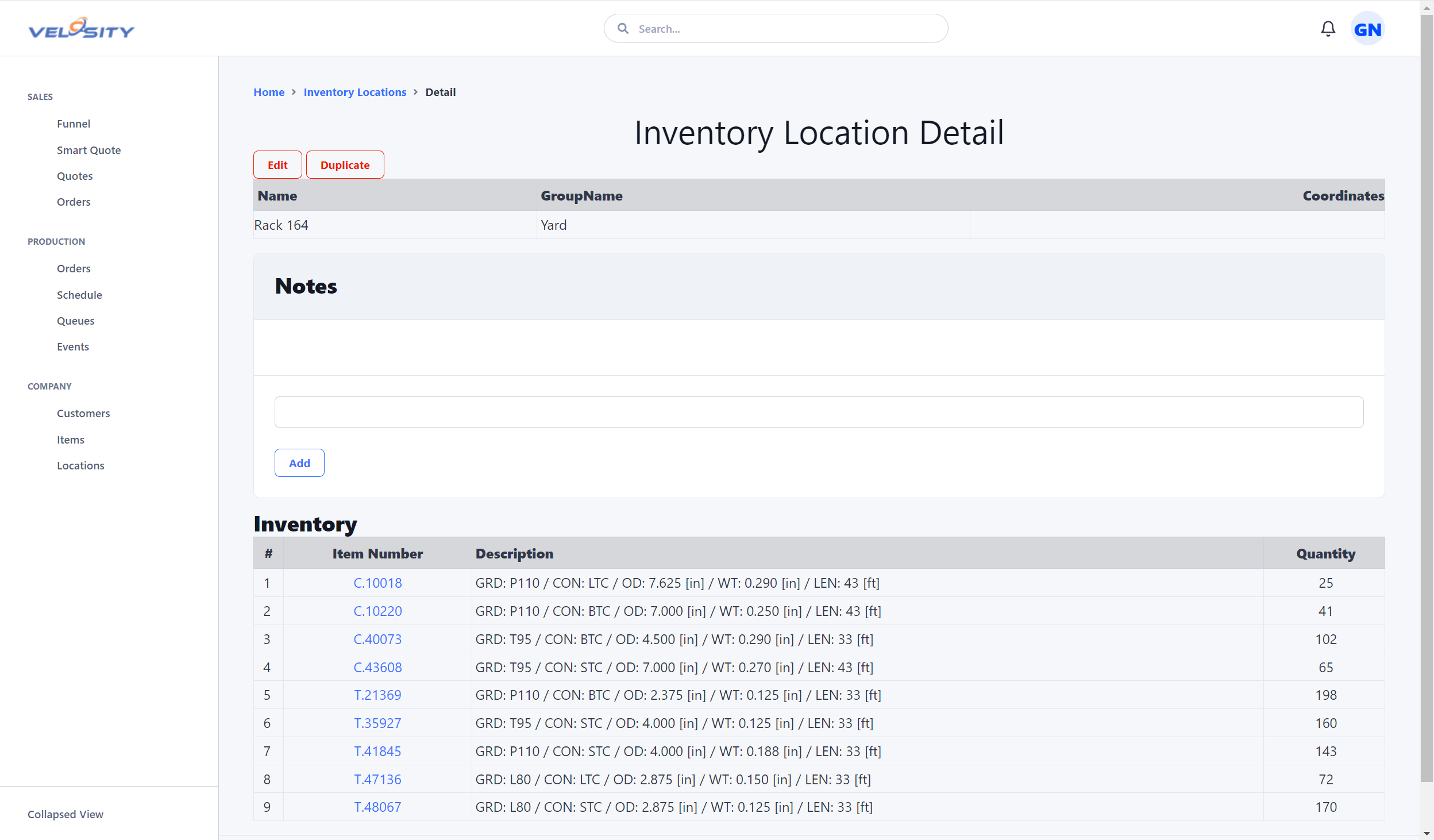
The Detail view provides a deep dive into a specific bin or shelf, including: - Current Inventory: A list of every item and quantity currently stored at this location. - Transaction History: A log of every move-in, move-out, or adjustment that has occurred at this site.
Configuration
Inventory Locations is an optional module that must be enabled by an ADMIN in the Customization Panel. Once enabled, locations can be added manually or imported via CSV for rapid setup of a new warehouse.