Customer Management: Ship-To Addresses
Managing multiple shipping locations for a single customer is essential for organizations that serve large corporate clients with multiple facilities, warehouses, or job sites. Velosity allows you to store an unlimited number of Ship-To addresses for each Customer.
Role in the Sales Workflow
When creating a Sales Quote or Sales Order, you can select from the customer's predefined Ship-To list. This ensures that: - Tax Accuracy: Regional taxes are calculated based on the final destination. - Logistics Clarity: The Shipping Module uses this data to generate accurate packing slips and carrier labels. - Inco Terms: Specific shipping terms can be defined per Ship-To address (selected from the Organization catalog), overriding the customer-level default when this location is selected on a quote. - Production Alignment: For large orders, planners can group production orders based on their destination to optimize fulfillment.
Managing Ship-To Addresses
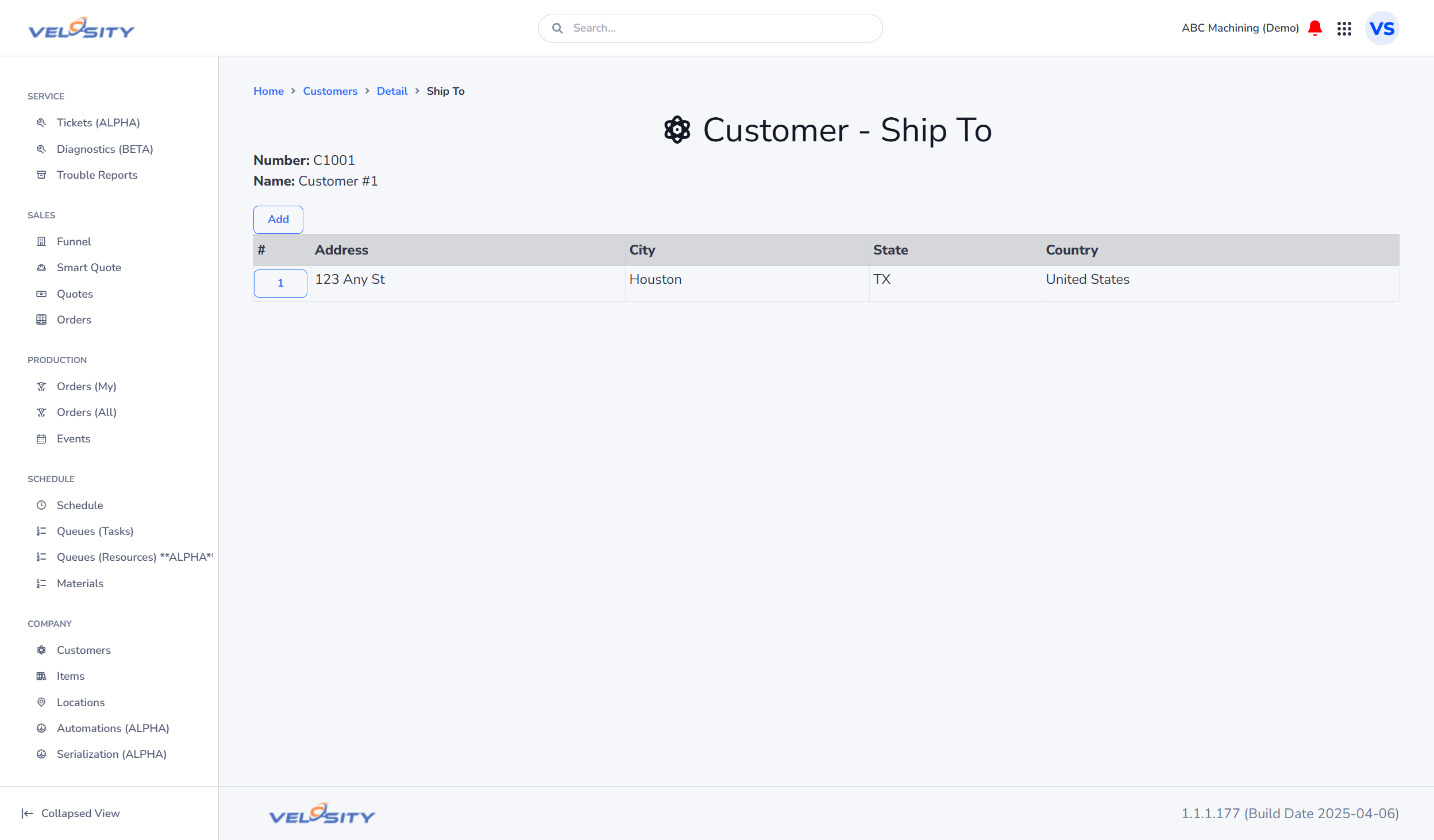
Ship-To List
The List view shows all shipping addresses associated with the selected customer. You can identify the "Default" address, which is automatically selected for new quotes.
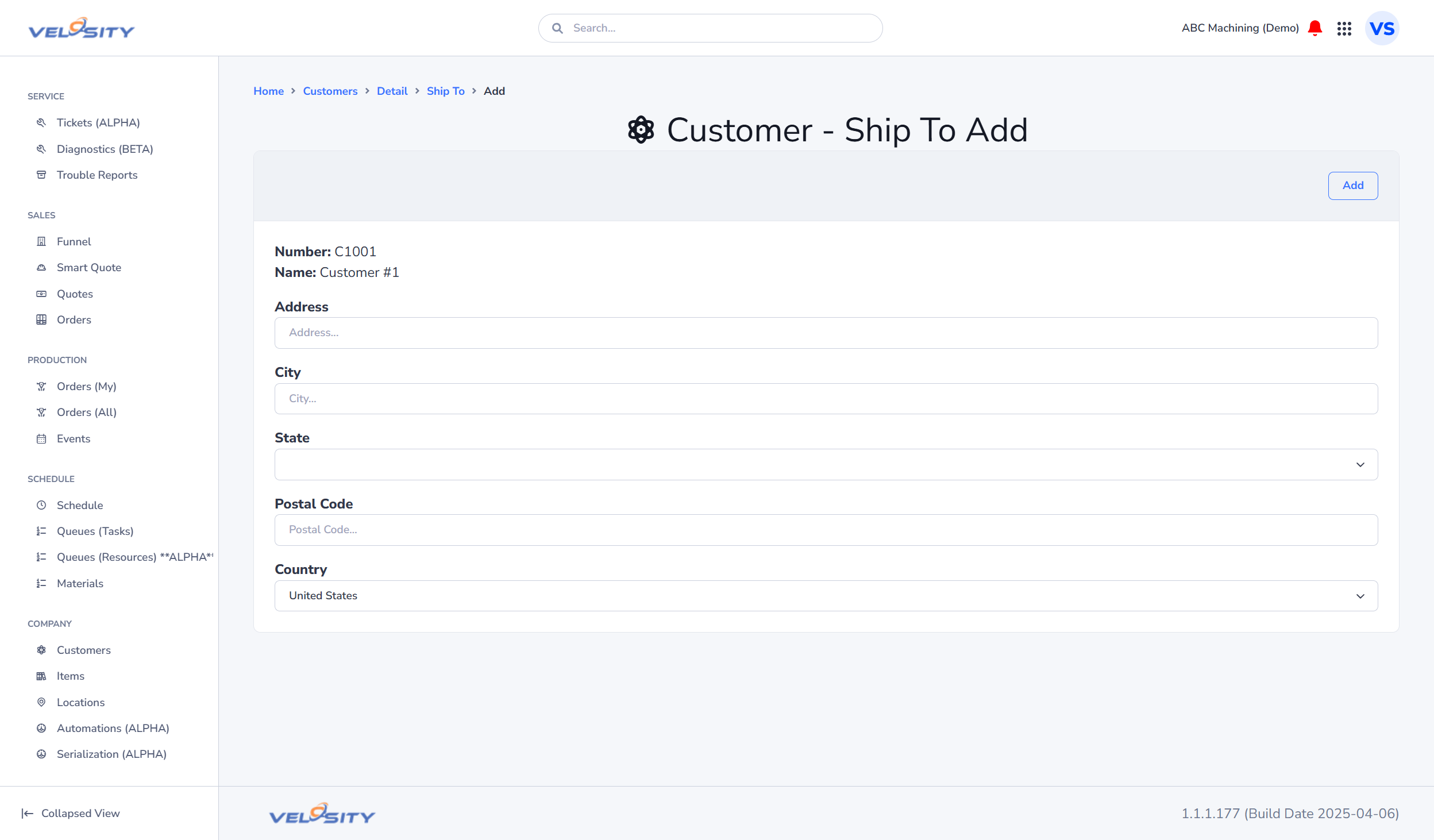
Adding and Editing Addresses
When adding a new address, ensure you provide a unique "Ship-To ID." This ID is often used when syncing data with external ERP or accounting systems.
Data Synchronization (Admin Only)
In many organizations, customer address data is managed in an external ERP. An ADMIN can configure Velosity to disable manual editing of Ship-To addresses in the Customization Settings. When disabled, all address updates must flow through the Velosity API or CSV import to ensure a single source of truth.