Maintenance and Asset Reliability
The Maintenance module in Velosity ensures that your shop floor equipment remains in peak operating condition. By centralizing maintenance schedules and history, you can transition from reactive "break-fix" repairs to proactive preventive maintenance.
Strategic Benefits
1. Unified Maintenance Records
Document all scheduled and completed maintenance in one place. This creates a full audit trail for every Resource (machine or work center) in your facility, which is often required for ISO or quality certifications.
2. Schedule-Aware Downtime
The most powerful feature of the Maintenance module is its integration with the Production Scheduler. When a maintenance plan is active, Velosity automatically "blocks out" that time on the resource. The Scheduler will then move production tasks to other available resources or shift the estimated completion dates to account for the downtime.
Managing Maintenance Plans
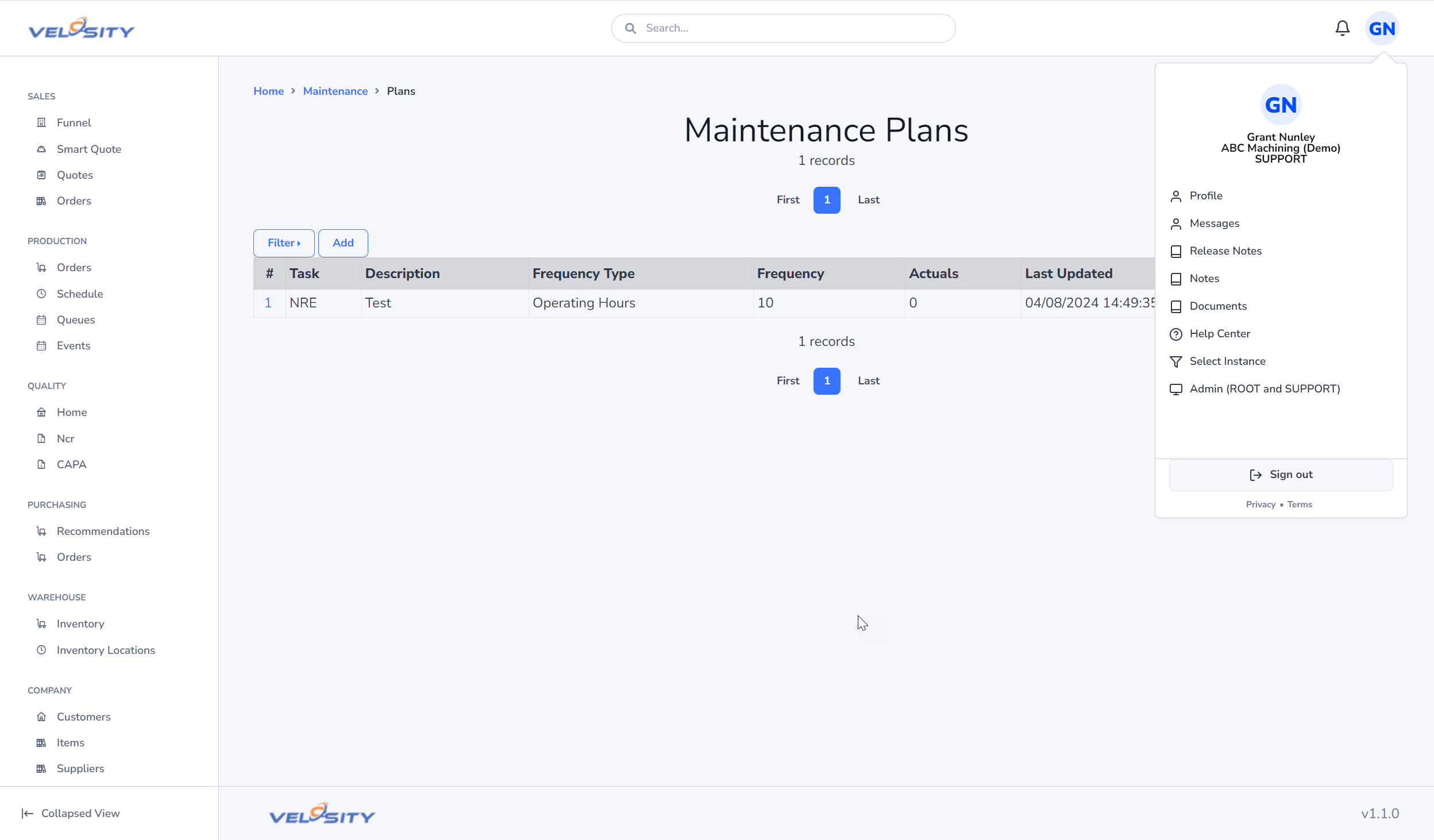
Maintenance List
The List view shows all active and upcoming maintenance plans across the organization.
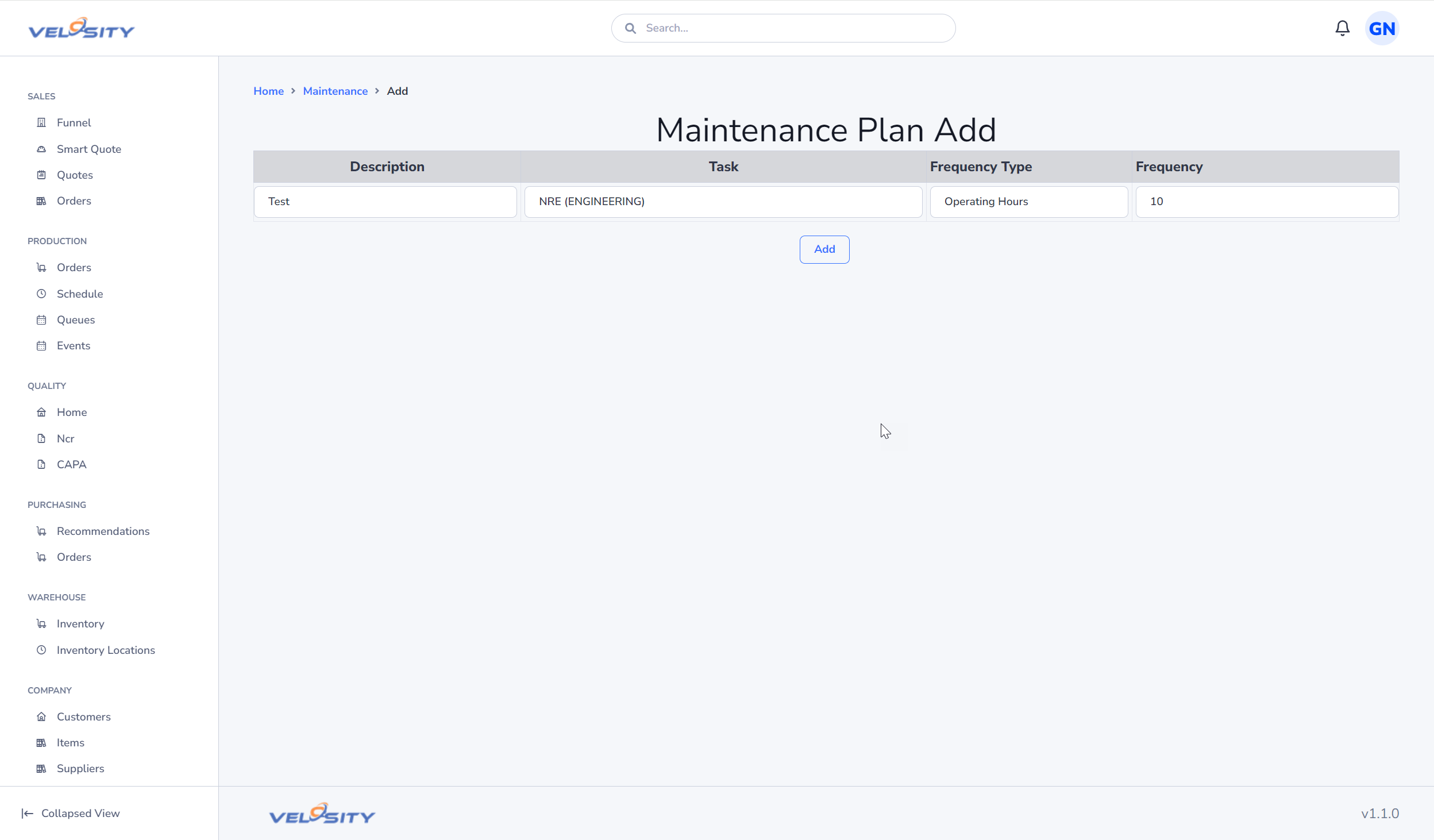
Creating a Plan
When adding a maintenance plan, you define: - Target Resource: The specific machine or work center being serviced. - Duration: How long the resource will be unavailable. - Frequency: Whether this is a one-time repair or a repeating preventive task (e.g., "Monthly Oil Change").
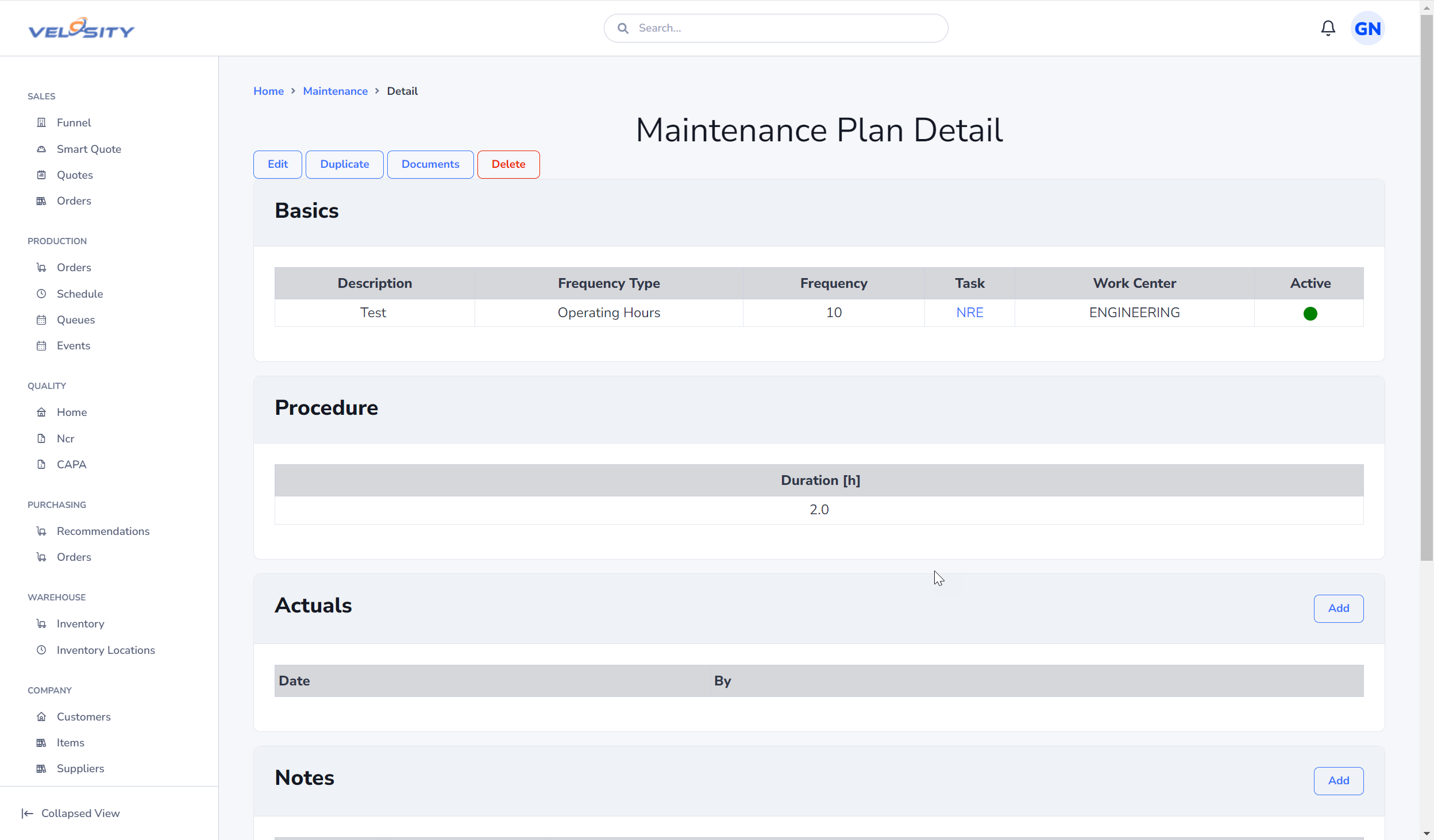
Plan Detail and Completion
The Detail view provides a workspace for the maintenance team to document their work. You can upload photos of worn parts, link to internal Documentation (manuals), and mark the task as complete to release the resource back to production.
Handling Unscheduled Downtime
While Maintenance Plans are for scheduled events, unscheduled downtime (e.g., a sudden machine failure) is best handled via Task Non-Working Time in the Administration Settings. This allows planners to immediately take a machine offline and trigger a reschedule of the affected production orders.
Configuration
Maintenance is an optional module that is disabled by default. An ADMIN can enable it in the Customization Panel.